Status LEDs and System Buttons
3-16
Stratus ftServer 2600, 4500, and 6300 Systems: Operation and Maintenance Guide
(R639)
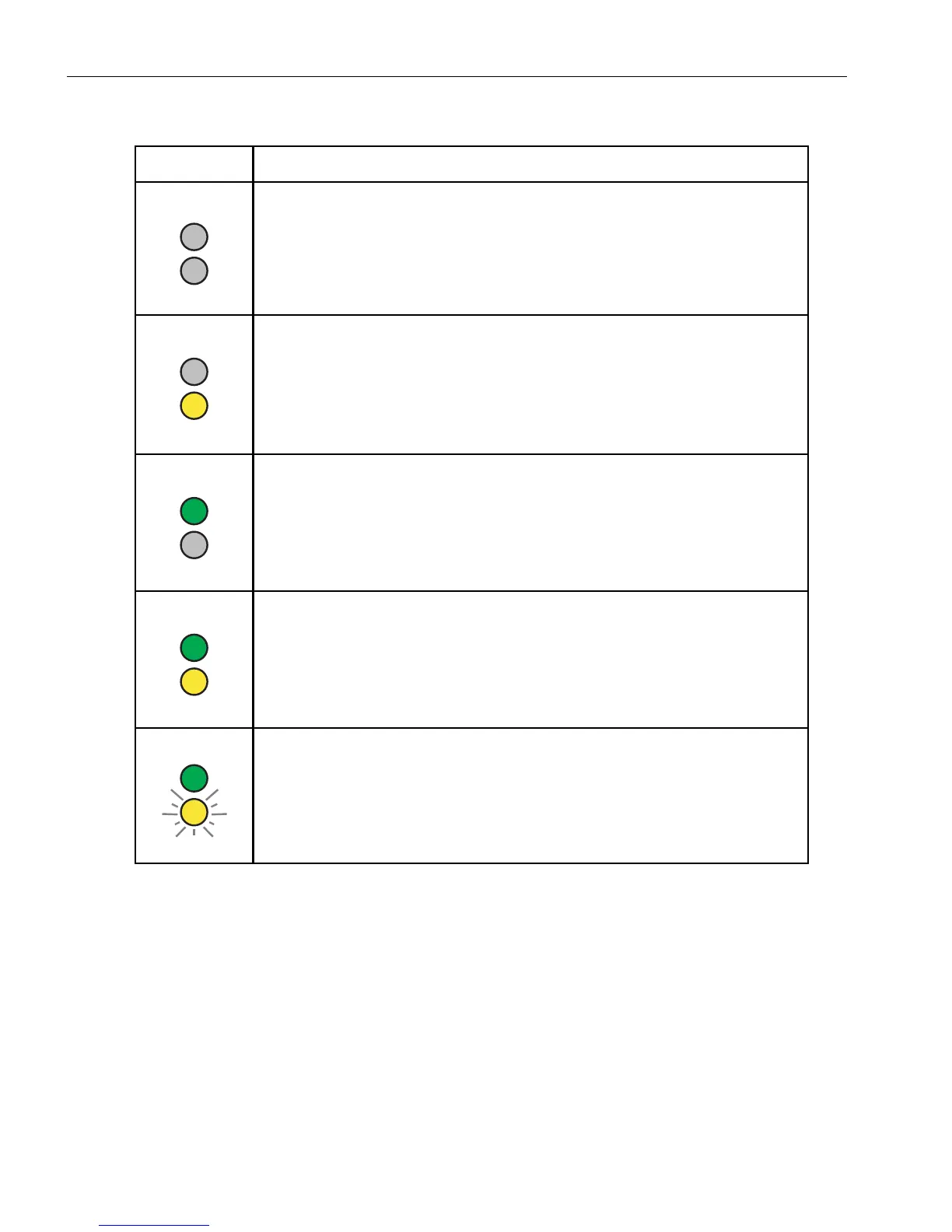
Table 3-7. Modem Assembly: LED States
LED States Description and Meaning
Green power LED and yellow attention LED are off.
Modem is powered off and safe to remove.
Green power LED is off and yellow attention LED is on.
A fault was detected. The modem is powered off and safe to remove.
For information about removing and replacing a modem assembly, see
“Replacing or Installing a Modem Assembly” on page 5-48.
Green power LED is on and yellow attention LED is off.
Modem is powered on and operating normally. However, a powered-on
modem is unsafe to remove.
Green power and yellow attention LEDs are on.
Modem is powered on but has a fault. However, a powered-on modem
is unsafe to remove.
Green power LED is on and yellow attention LED is blinking.
Modem is being identified. See your system administration
documentation for the procedure to identify a modem.
Modem is unsafe to remove.



 To Next Page