PART 1
z
English
15
Future installation steps are depend from satellite where your dish is aimed.
1. Your dish is aimed to Astra 1C, 1E, 1F or Hotbird satellite.
Press UP/DOWN to select the ASTRA or Hotbird satellite and press OK button on your remote control.
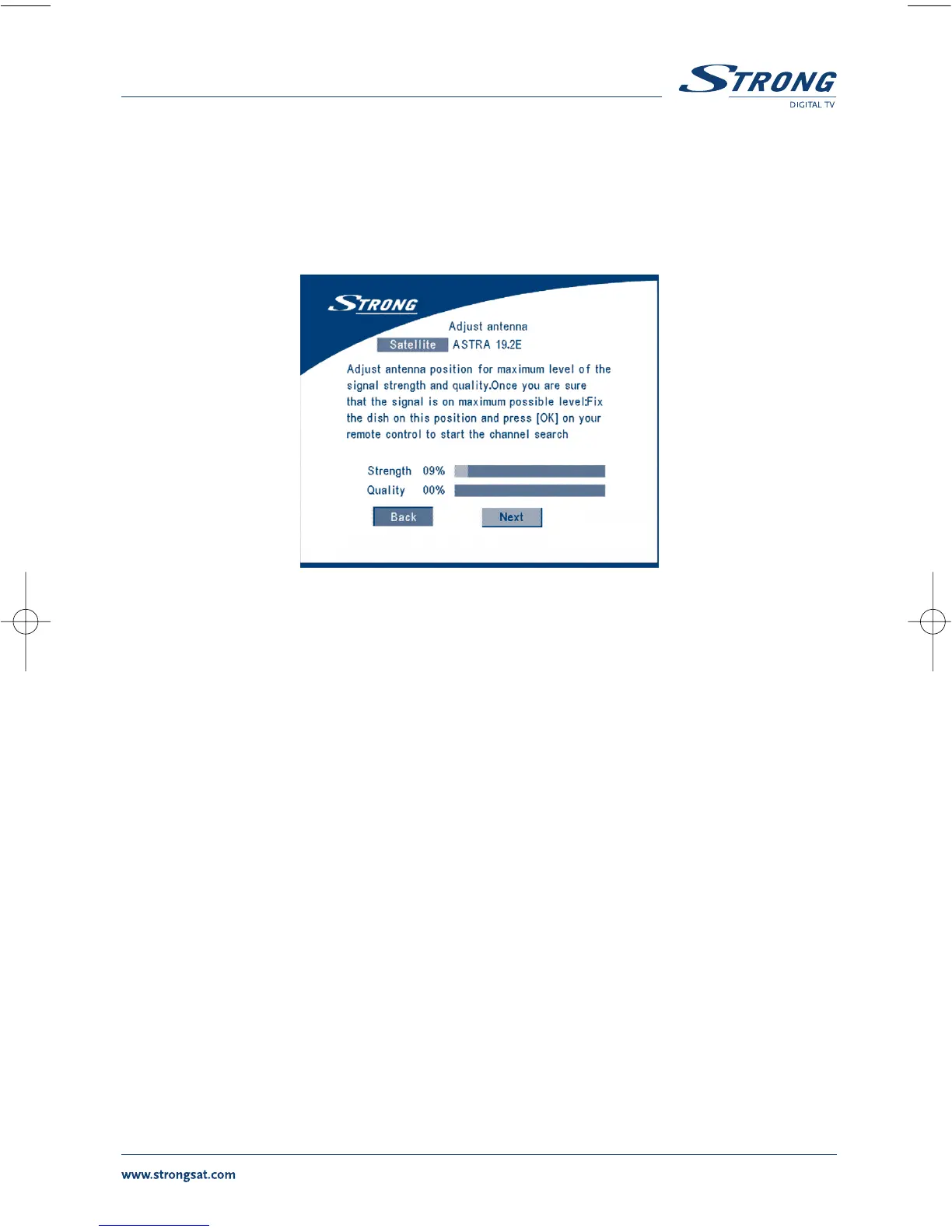
Below screen will appear.
SCREEN 3
Follow instruction written on screen. When you have fixed your dish at correct direction choose NEXT
and press the OK button. The channel Setup menu will appear as shown on screen 8.
2. Your dish is aimed at another satellite, select “Other” in “Select satellite” menu and press
OK, more satellite will appear in the satellite list, you can select the satellite you want.



 To Next Page