PART 1
z
English
6
1.5 Equipment Set-up
We recommend you consult a professional installer to set up your equipment. Otherwise, please follow
the instructions below:
Refer to the user manual of your TV and your antenna.
Make sure that the SCART cable is in a good condition.
Make sure that the SCART cable connections are well shielded
Make sure that the outdoor components of the antenna are in good condition.
2.0 Your Receiver
2.1 Front Panel
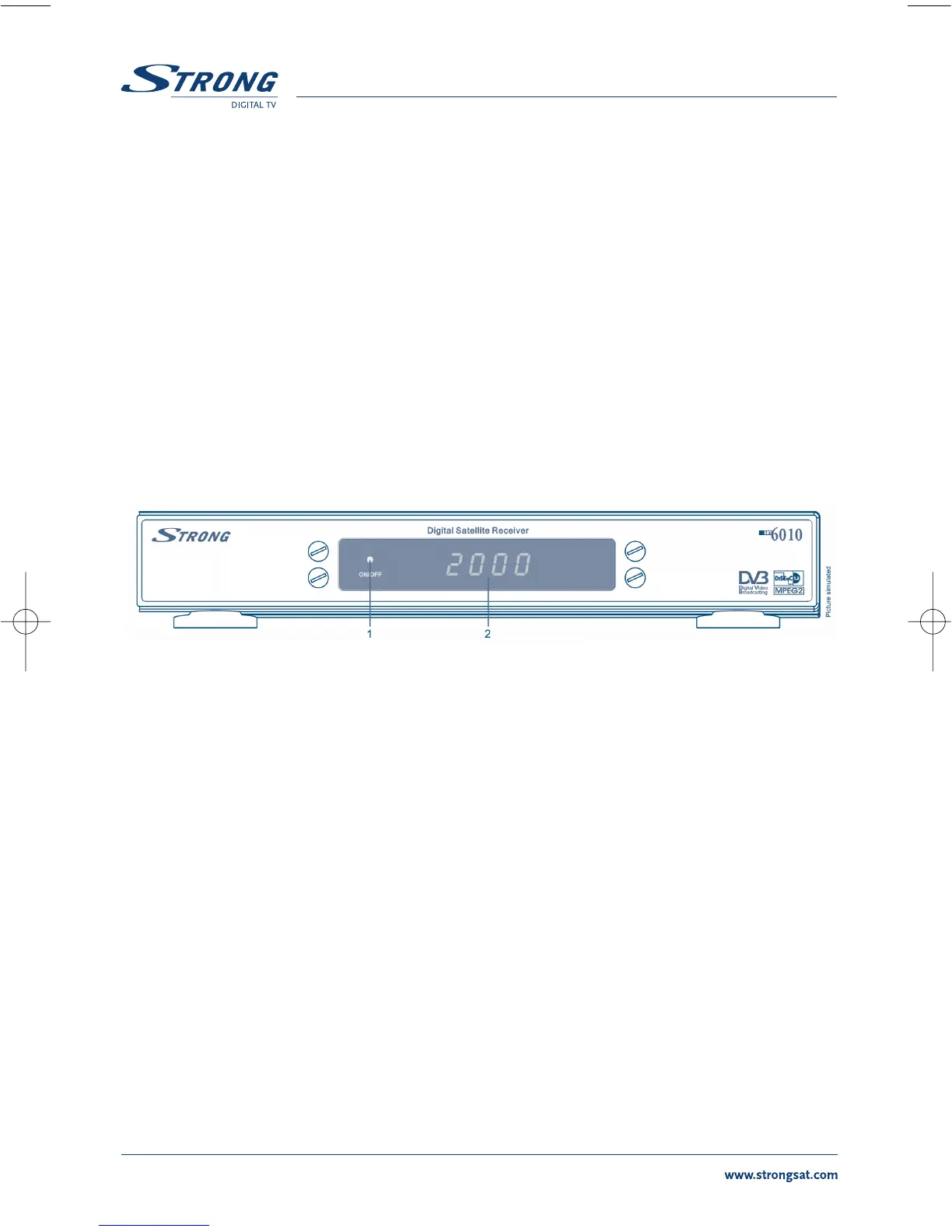
FIGURE 1. Front Panel
1. Mode indicator
The RED light indicates that the receiver is in STAND-BY mode.
The GREEN light indicates that the receiver is in AWAKE mode.
2. 4 digits display
1
In STAND-BY mode this indicates current time
In AWAKE mode this indicates current channel number
1
Only for model SRT 6010



 To Next Page