PART 1
z
English
27
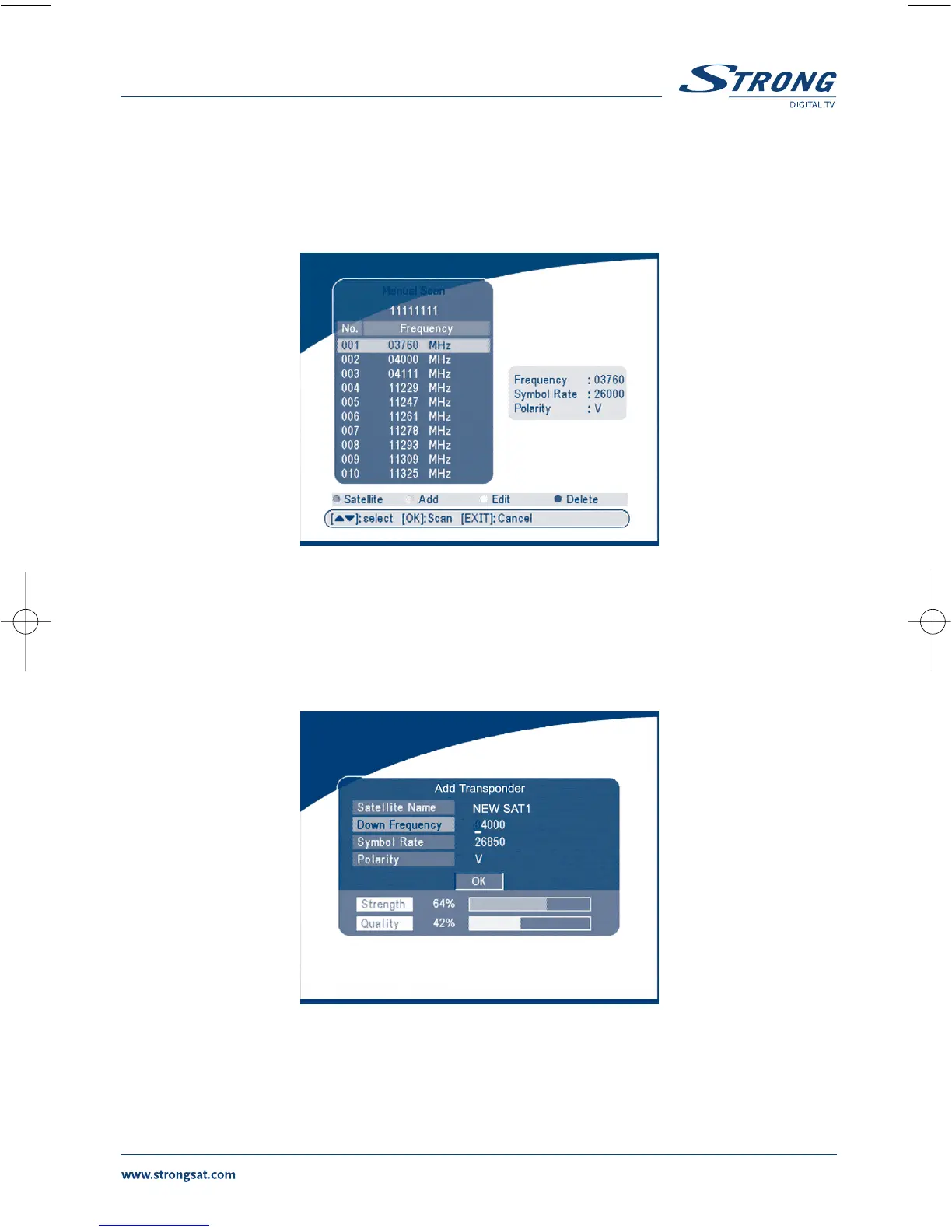
5.2.3 Manual Scan
In this menu, you can add a new transponder, edit the transponder or delete the transponder. And you
can scan transponder. User can switch satellites with the RED button.
SCREEN 25
Add Transponder:
In this menu, you can add a new transponder to the system. Press the GREEN button, the Add
Transponder sub-menu will appear on screen.
SCREEN 26
Down Frequency: Input the frequency of the new transponder.
Symbol Rate: Input the symbol rate of the new transponder.
Polarity: Select the Polarity of the new transponder.



 To Next Page