PART 1
z
English
37
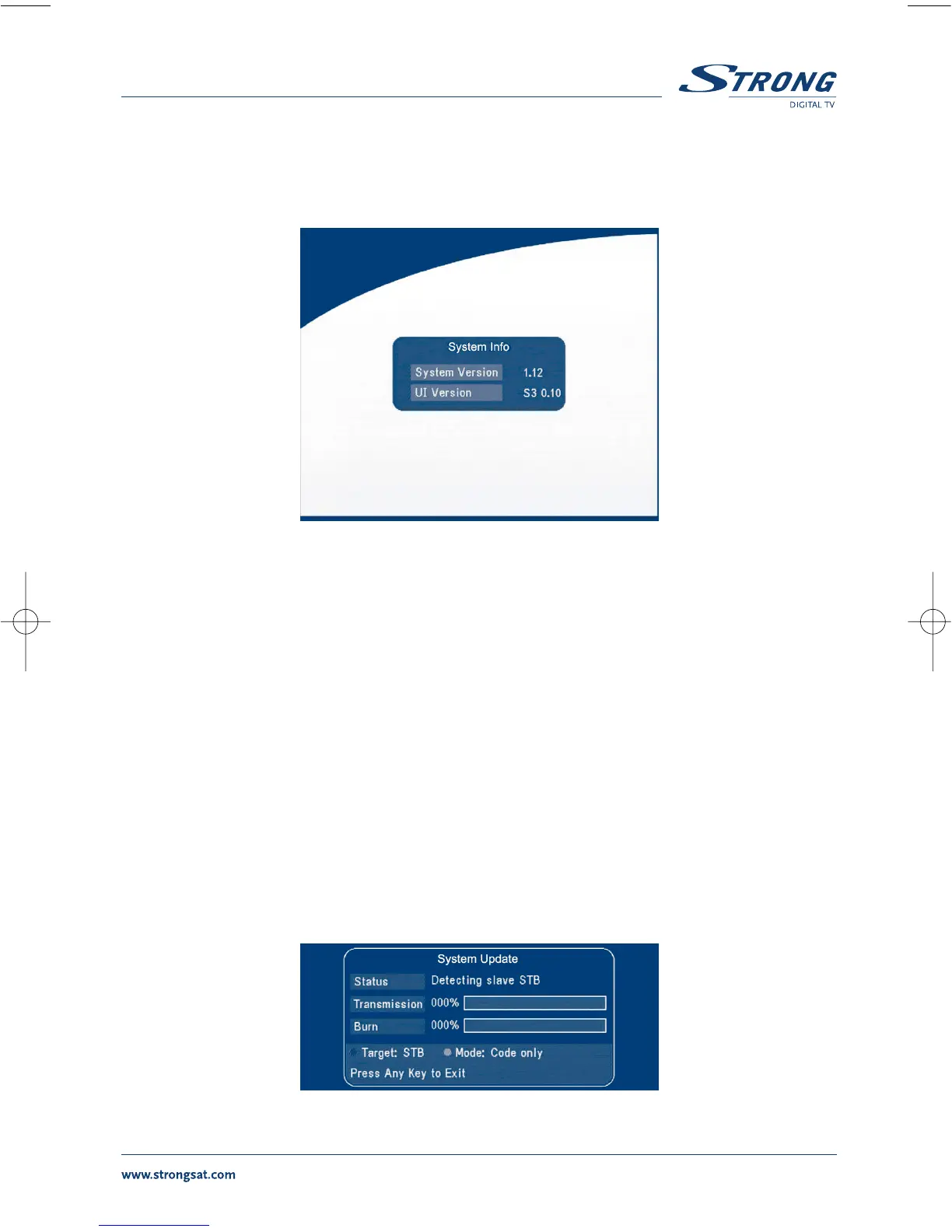
5.3.4 System info
The system information displays information about your receiver such as software and UI version.
SCREEN 43
5.3.5 System Update
In this menu, you can select between “STB to STB” and “OAD”
STB to STB software transfer.
a) First power off both STBs, connect them with cross RS 232.
b) Then power on master STB (master is STB from which you will copy software) and keep slave
STB off. Navigate in the menu of master STB and select “System Update - STB to STB”.
c) When the status displays “Detecting slave STB”, power on slave STB, after the master STB
detects the slave, the master starts transmission and burns.
d) While transmitting and burning, it is very important to avoid other operations such as
power off because this may cause destruction of the data in the FLASH memory and the
receiver will need to be repaired.
e) When update is complete, first power off both STBs, then disconnect the RS 232 line.
SCREEN 44



 To Next Page