PART 1
z
English
24
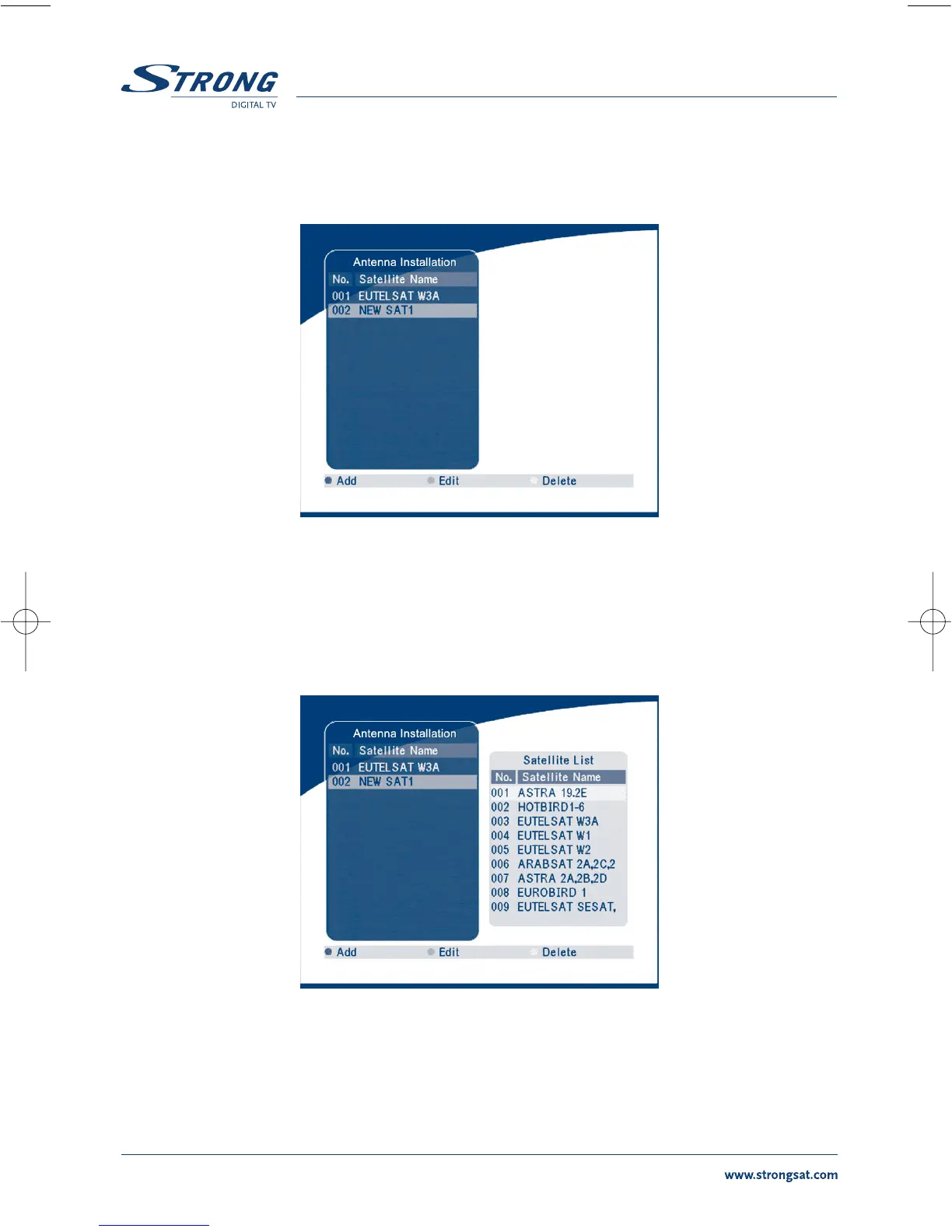
5.2.1 Antenna Installation
You can add a satellite, edit a satellite and delete a satellite in this menu.
SCREEN 19
Add satellite
If you want add a new satellite, press the RED key in this menu, a satellite list will appear on the screen.
Press RIGHT/LEFT to select the satellite.
If the satellite does not exist in the satellite list, please select “NEW SAT1”.
SCREEN 20



 To Next Page