PART 1
z
English
18
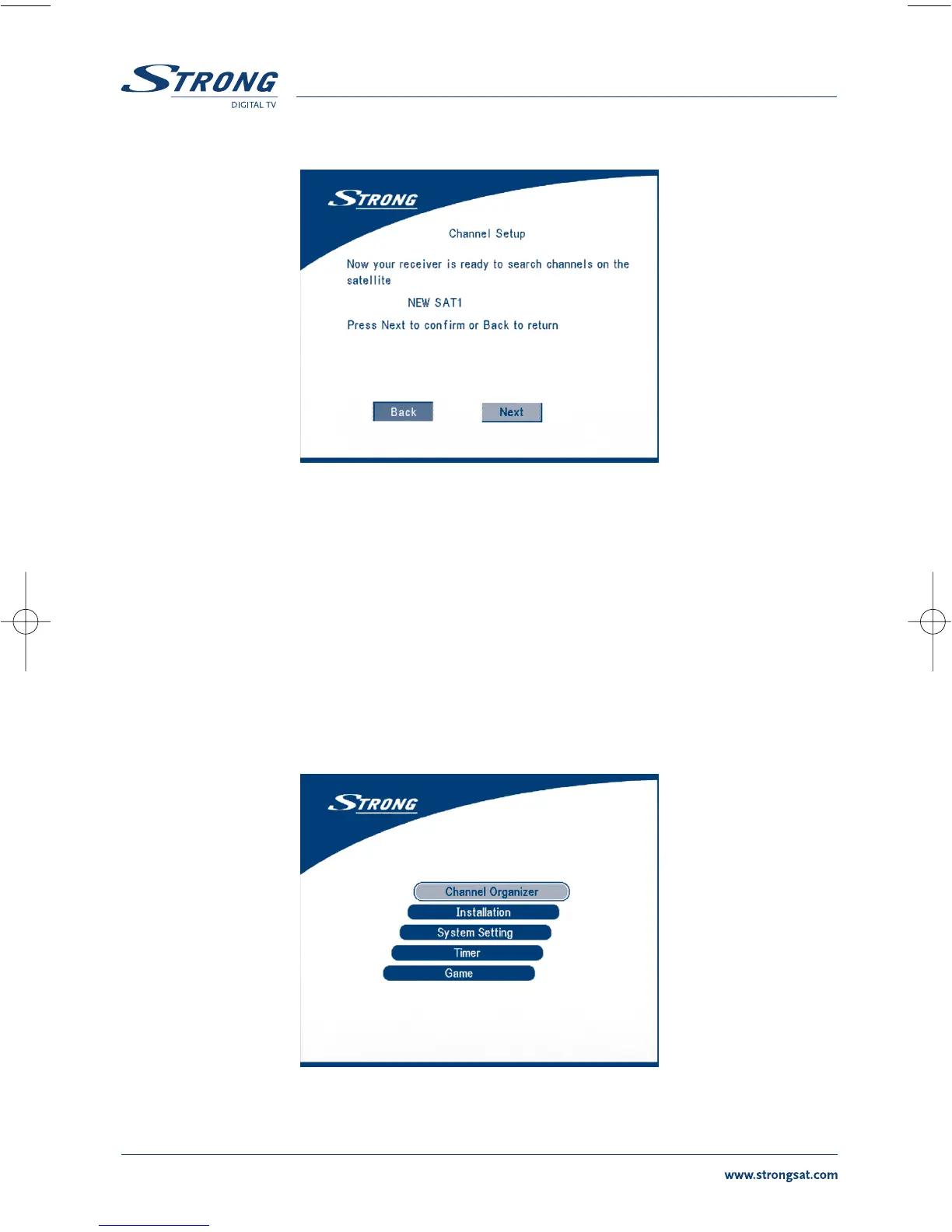
SCREEN 8
Choose NEXT and press the OK button to start the scan.
When the scan is completed, the receiver will save the services information automatically and exit to
the normal play state.
5.0 Main Menu
All the important settings and features of your receiver can be operated in Main Menu. The Main Menu
consists of five sub-menus which are "Channel Organizer", "Installation", “System setting” , "Timer" and
"Game".
Press the MENU key when the menu is off, The MAIN MENU screen will appear (SCREEN 9).
SCREEN 9



 To Next Page