PART 1
z
English
13
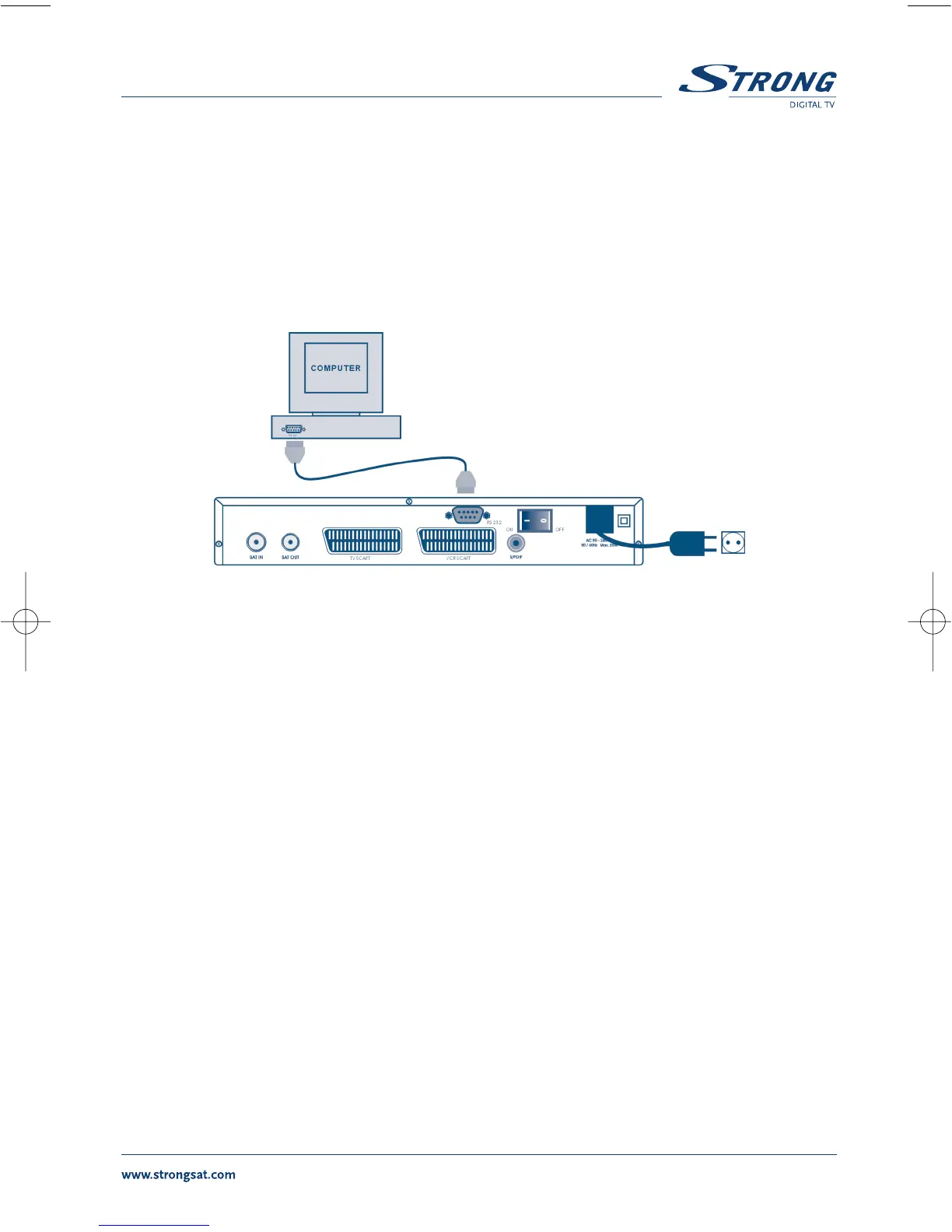
3.4 Connecting to serial cable for downloading software
1. Connect the RS 232 connector on the back of your receiver to the Serial port of your computer
using a serial cable.
2. Instructions how to download software can be found on our website www.strongsat.com
(support > download). However, this receiver can download new system software
automatically by satellite.
FIGURE 10. Connecting the RS 232 connector on the back of your receiver to the Serial port



 To Next Page