PART 1
z
English
45
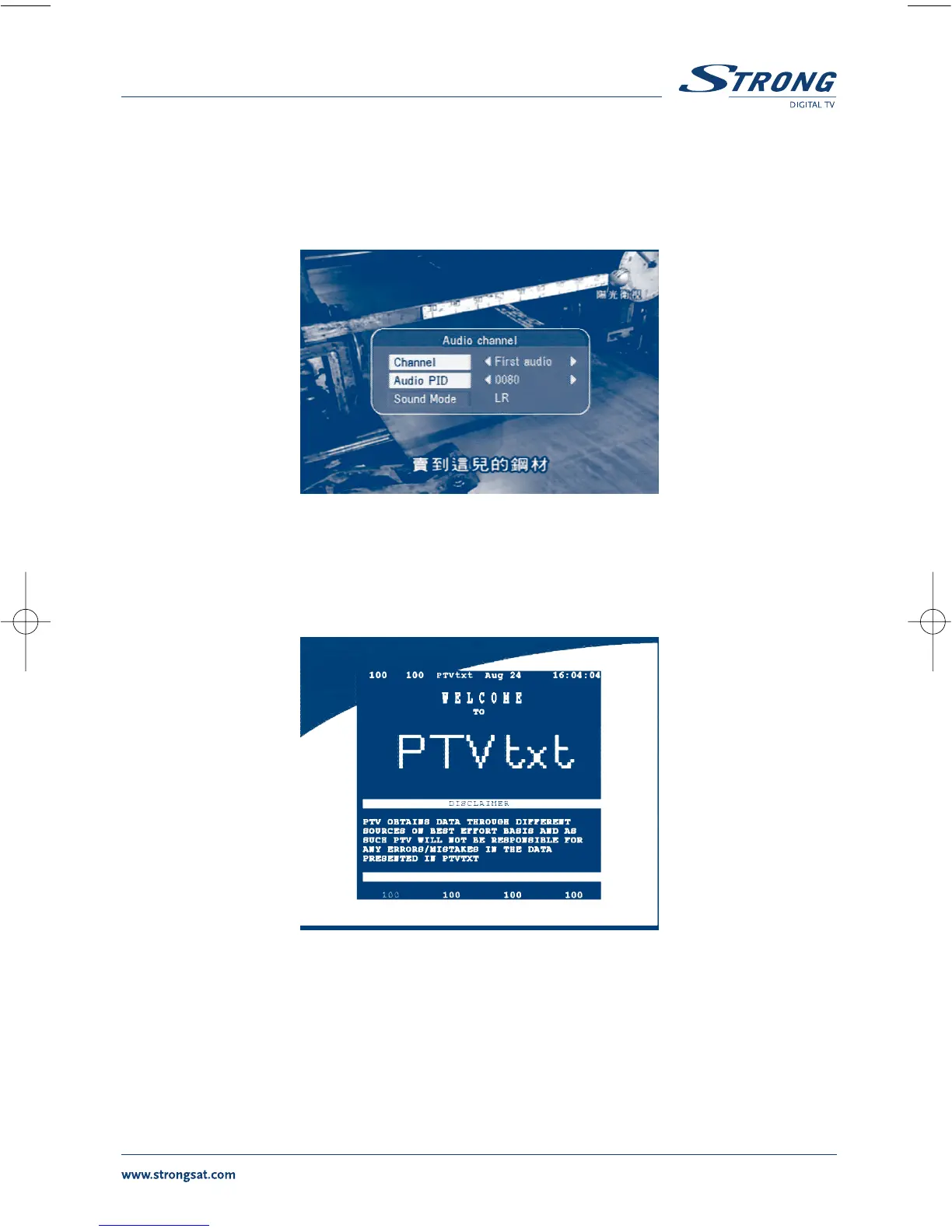
6.4 Selection Audio Language
Press the AUDIO button on the remote control to select the audio language as show in <Screen 58>.
Select the LEFT,RIGHT,MIX or STEREO. press OK to make one selection.
SCREEN 55
6.5 Teletext function
With menu off, press TEXT.
SCREEN 56
In TEXT on OSD:
Press UP/DOWN to add/ subtract displayed page number
Press the Numeric keys to input the page directly and



 To Next Page