PART 1
z
English
35
5.3.3 Parental Control
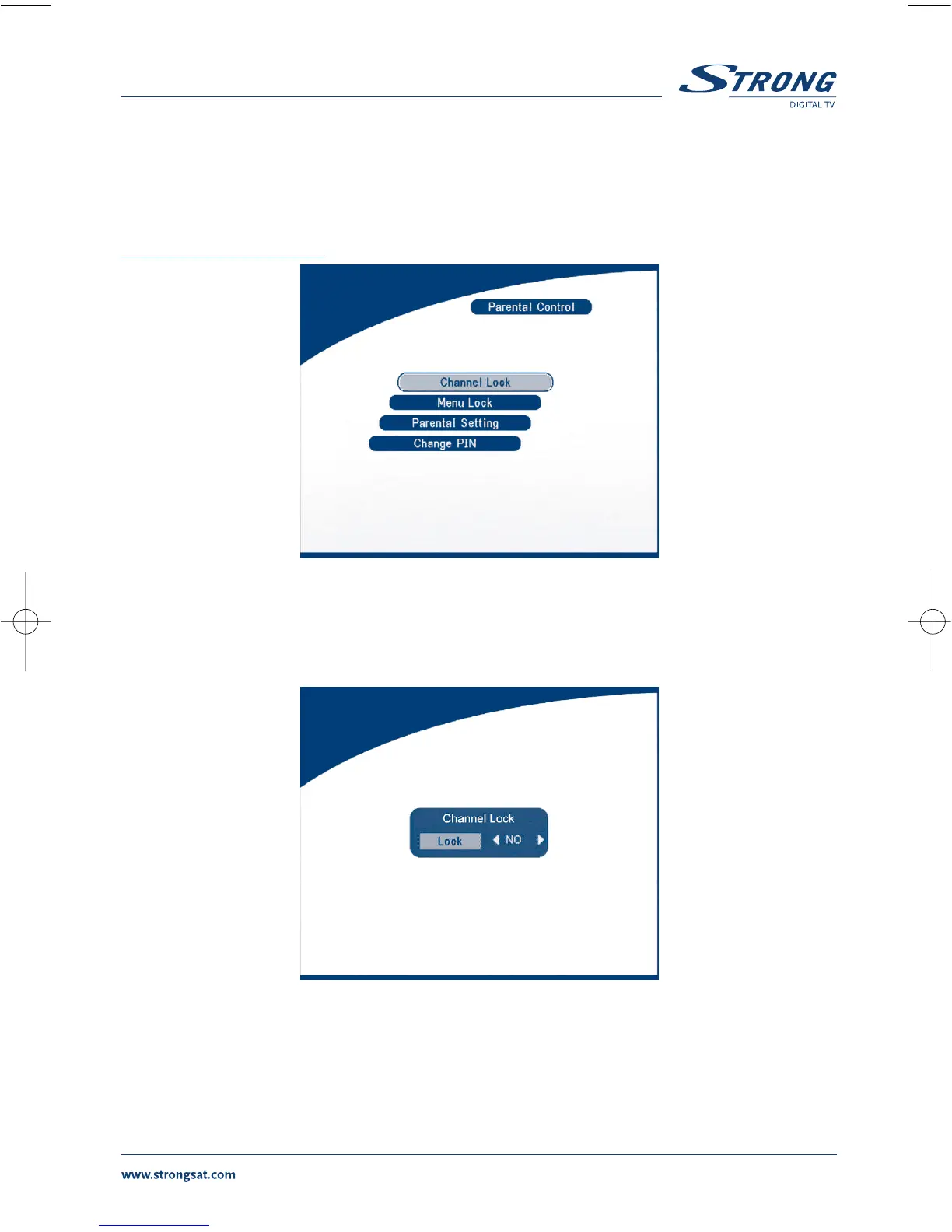
In this menu, you can set channel lock status (ON or OFF), the menu lock status, parental setting and
change the PIN code (shown as SCREEN 39).
The default PIN code is 0000.
SCREEN 39
Channel Lock
Set the system channel lock to ON or OFF. If the channel lock is on, the user has to enter the parental
PIN code correctly before watching the locked channel.
SCREEN 40
Menu Lock
Press OK to select whether you need the lock or not for the Menu, YES or NO, press OK to confirm. If
the menu lock is on, then for some operations such as search program and set factory default, you
need to enter your PIN.



 To Next Page