PART 1
z
English
36
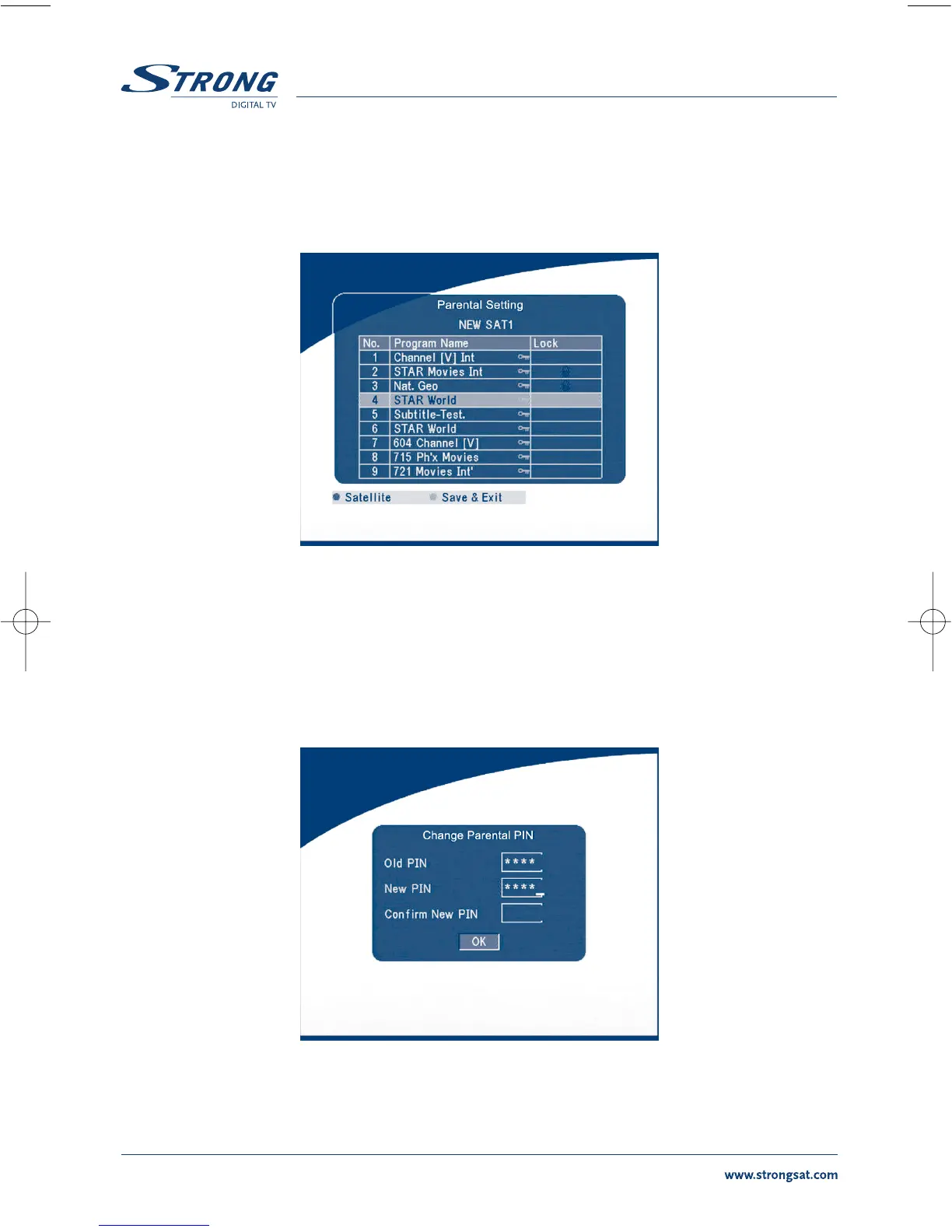
Parental Setting
Set some channels to lock status. If a channel is locked, the user has to enter the parental PIN code
correctly before watching the locked channel.
SCREEN 41
Use the UP/DOWN keys to select the channel you want to lock.
Press the OK button to lock the channel.
Change PIN
Modifying the PIN. You must enter the 4 digits PIN and confirm it again; the system PIN will be
changed into the new PIN as show on SCREEN 42.
SCREEN 42



 To Next Page