PART 1
z
English
44
SCREEN 53
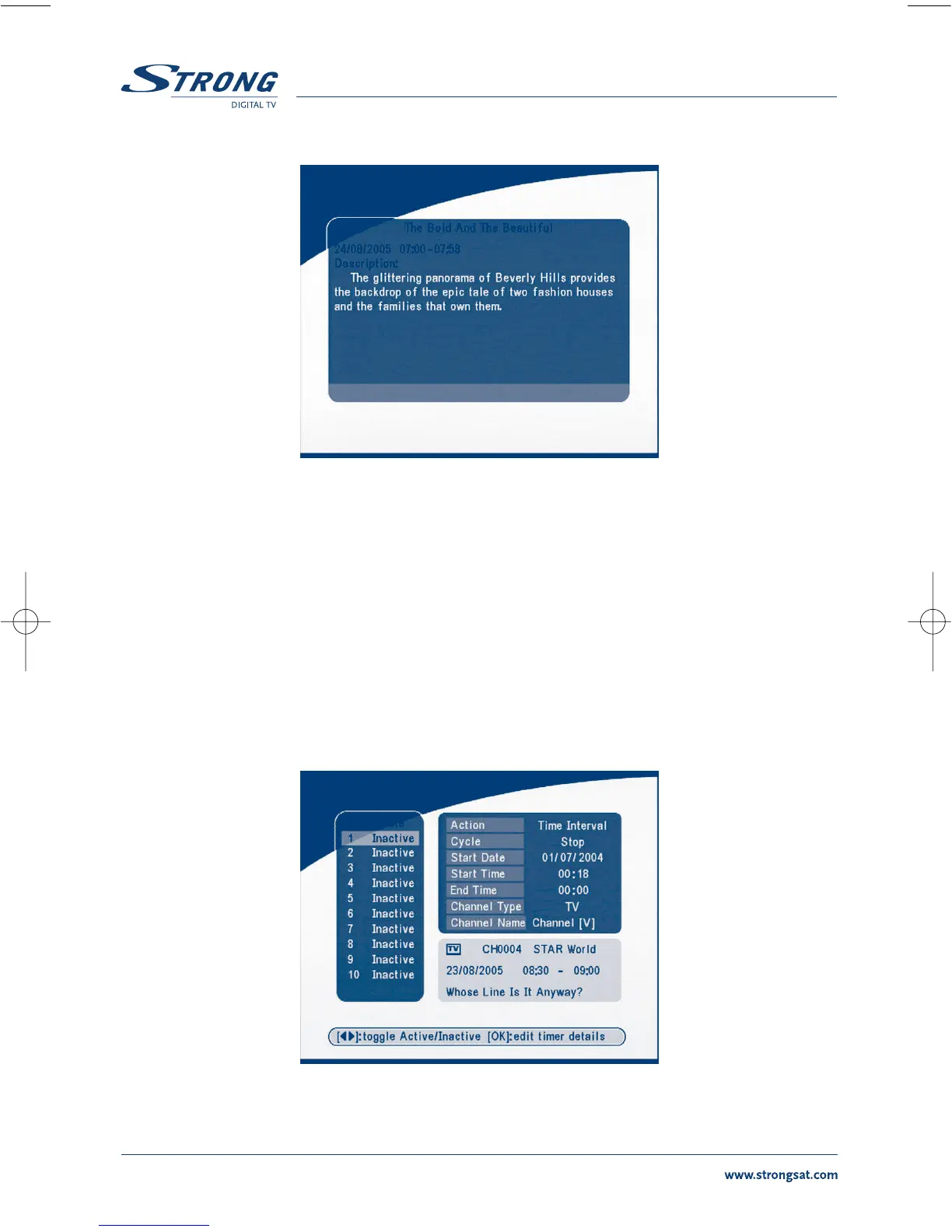
In EPG schedule details:
Press P+ / P- into next/ previous page.
Press LEFT/EXIT to return to the EPG schedule Menu.
You can set up the event timer by pressing OK in the EPG schedule screen.
To set up an timer event:
1.Press UP/DOWN to move the cursor to the event for which you want to add a timer.
2.Press OK to add a timer.
SCREEN 58 shows you current event timer information based on the event you have chosen. You can
also use this screen to modify each value. To save the settings, press OK. To quit event timer setup,
press EXIT.
SCREEN 54



 To Next Page