PART 1
z
English
31
TV mode
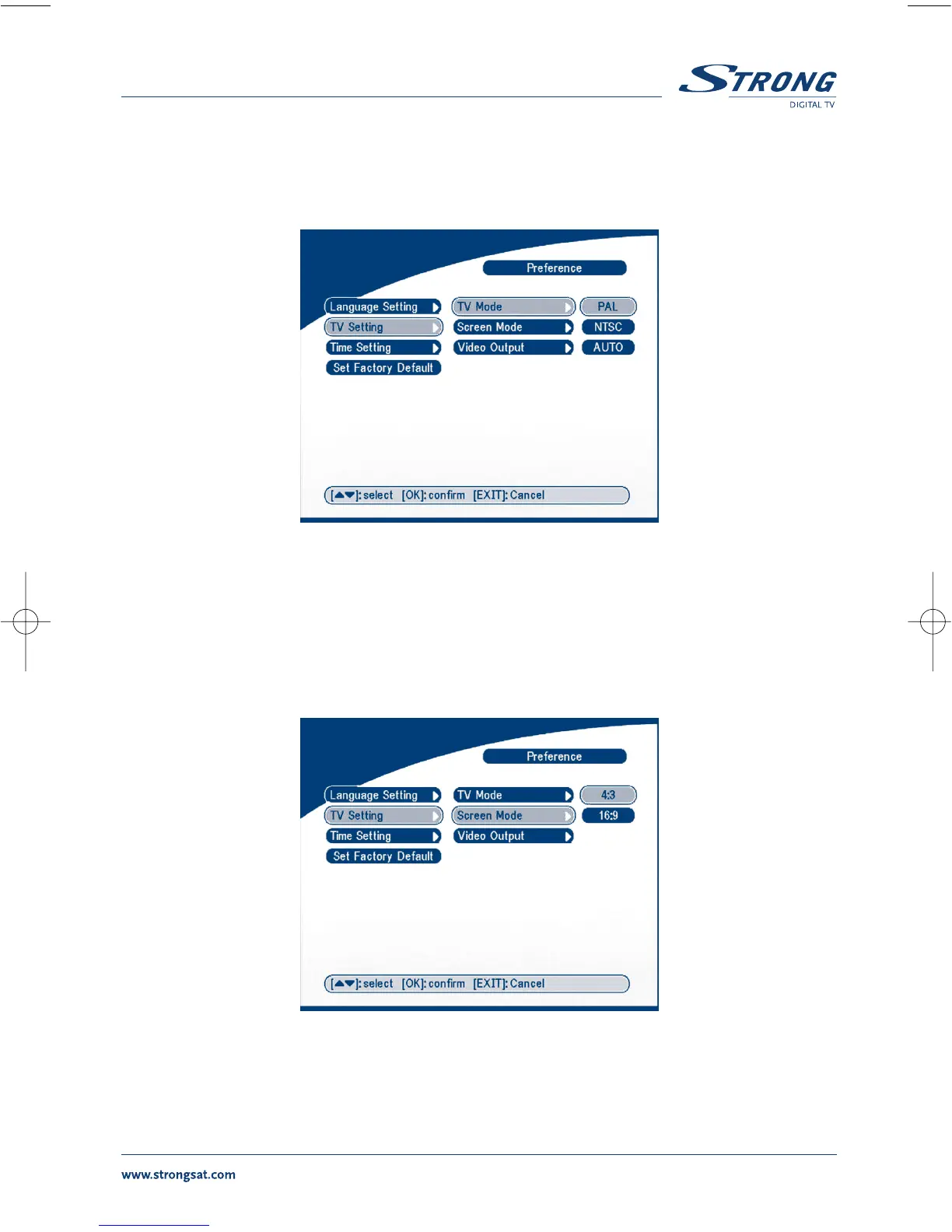
The TV mode Screen will appear as follows:
SCREEN 33
Press OK/RIGHT to select PAL or NTSC, press OK to confirm. If you don't know which standard your
TV has, please select AUTO.
Screen mode
The TV format Screen will appear as follows:
SCREEN 34
Press OK/RIGHT to select 4:3 or 16:9, press OK to confirm



 To Next Page