TimeLine - User Manual
®
pg 29
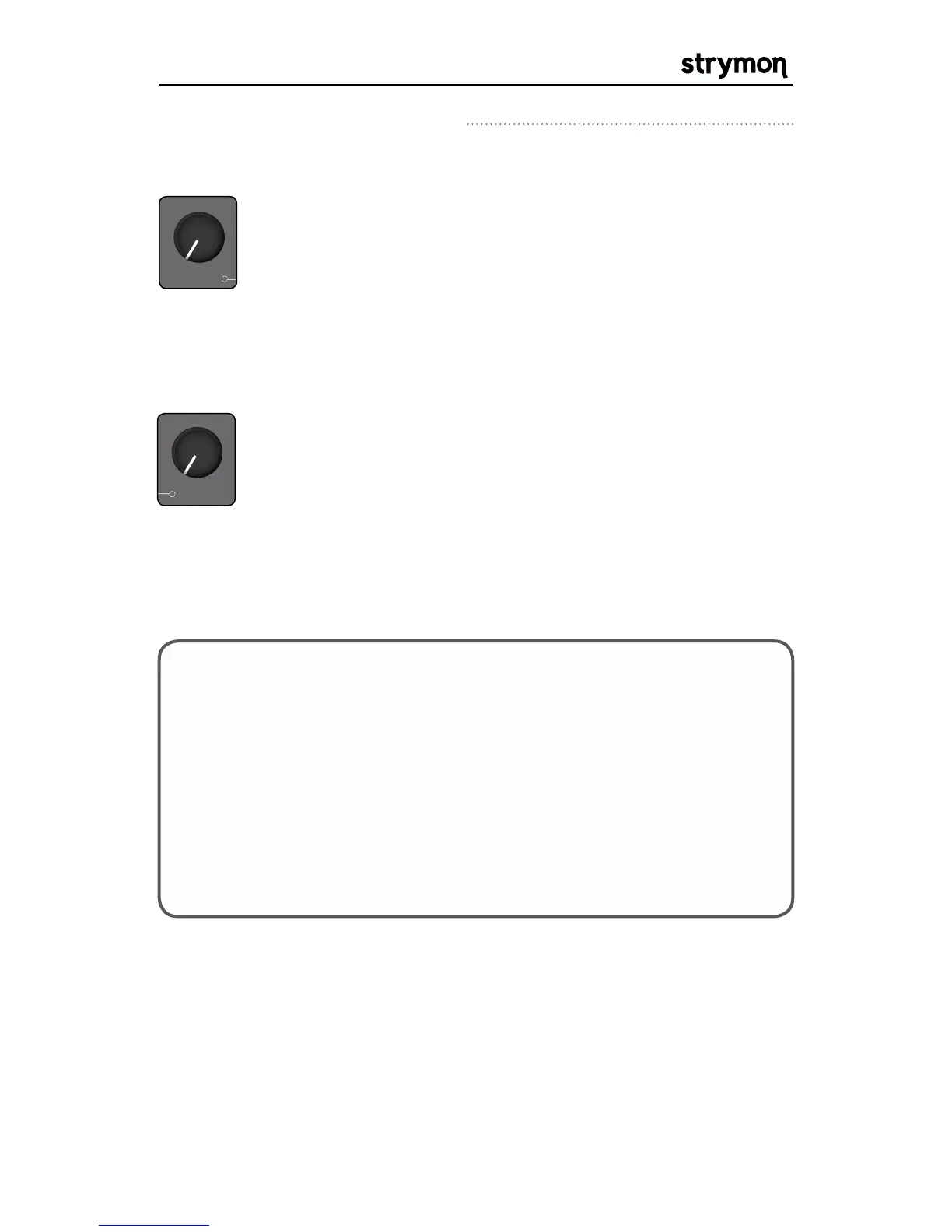
TAPE CRINKLE: In dTape, the SPEED knob takes on
the function of TAPE CRINKLE. This control adjusts the
amount and severity of tape irregularities, including
friction, creases, splices and contaminants. Tape Crinkle
characteristics track accordingly to tape speed. Set to
minimum for a fresh, clean tape. Set to maximum for a
tape that has been mangled and chewed for years.
REC / DUB PLAY
STOP
TYPE
REVERSE
FILTER
DUAL
DIGITAL
dBUCKET
PATTERN
dTAPE
push (bank / time)
hold (looper)
hold (save)
push (param)
ICE
TREM
DUCK
SWELL
®
LO-FI
VALUE
FILTER
GRIT SPEED DEPTH
B TAPA
TIME
REPEATS MIX
MOD
BANK DOWN BANK UP
hold (global)
WOW & FLUTTER: In dTape, the DEPTH knob takes
on the function of WOW & FLUTTER. This control
varies the amount of mechanically related tape speed
fluctuations. This also results in natural tape machine
style modulation. Turn the knob fully counter clockwise
for a perfectly tuned, cleaned and serviced tape machine.
Turn the knob fully clockwise to hear the sound of a
tape machine in need of service. In between the extreme
settings, a natural tape modulation is achieved.
REC / DUB PLAY
STOP
TYPE
REVERSE
FILTER
DUAL
DIGITAL
dBUCKET
PATTERN
dTAPE
push (bank / time)
hold (looper)
hold (save)
push (param)
ICE
TREM
DUCK
SWELL
®
LO-FI
VALUE
FILTER
GRIT SPEED DEPTH
B TAPA
TIME
REPEATS MIX
MOD
BANK DOWN BANK UP
hold (global)
TIPS & TRICKS: 1) The mechanical effects of wow/flutter and tape
crinkle will track to the Tape Speed parameter. Select FAST for
higher fidelity, including wider playback head frequency response.
Select NORMAL for a warmer tape sound. High SPEED and DEPTH
knob settings (tape crinkle and wow/flutter) with NORMAL Tape
Speed will produce the characteristics of an old un-serviced tape
machine.
2) Reduce the Repeats knob if necessary when using minimum bias
to tame the regenerative high frequencies.
Delay Machines: dTape Continued



 To Next Page