TimeLine - User Manual
®
pg 8
TimeLine has 100 banks with A & B presets in each bank. Banks are
numbered 0 to 99 on the display. The factory presets in banks 0-49 are
duplicated in banks 50-99.
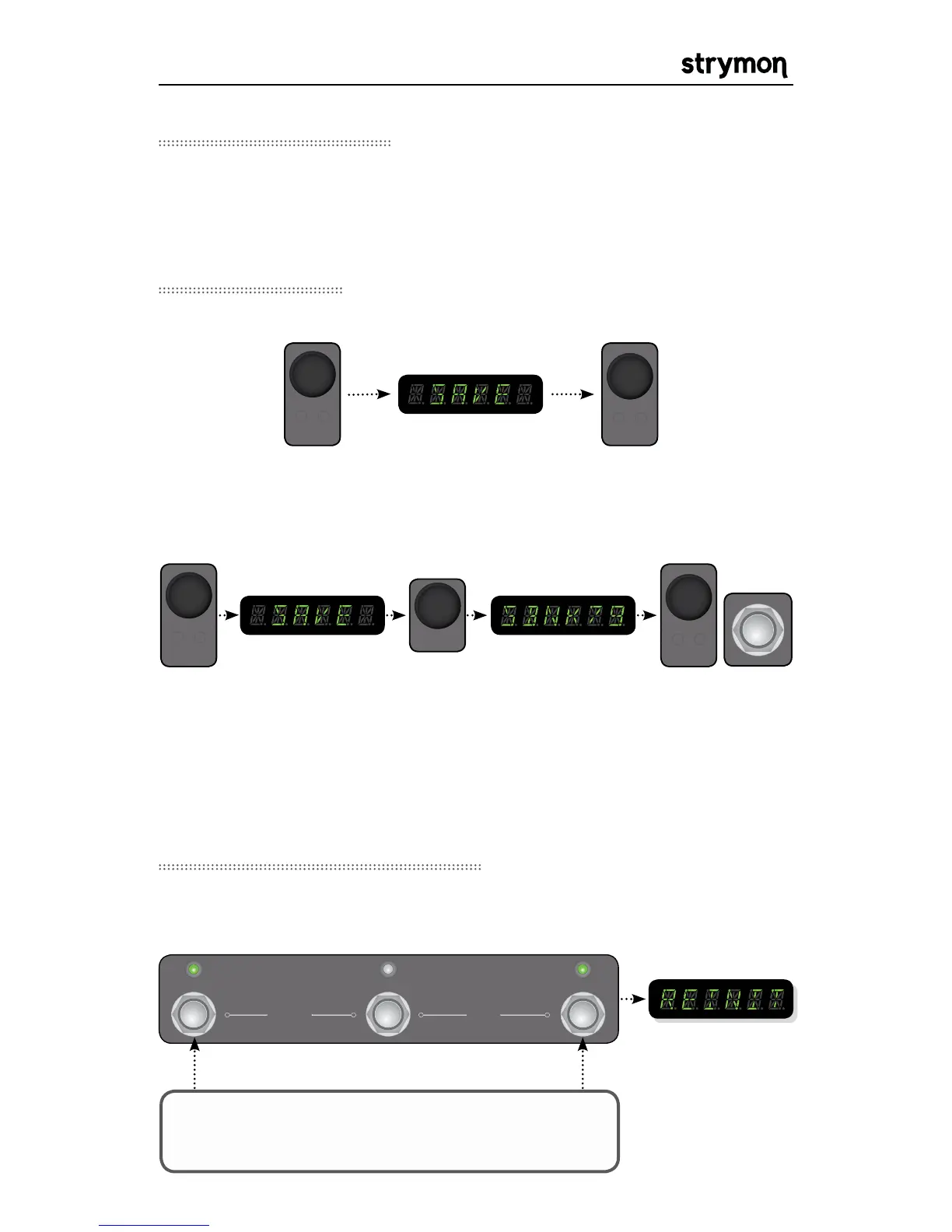
Save a preset to the current location:
Save a preset to a new location:
To cancel an in-progress save press the TAP footswitch.
POWER UP TimeLine while holding A & TAP. Keep
holding for 5 seconds after TimeLine has powered up.
REINIT will be
displayed and all
factory presets will
automatically be
restored
CAUTION: This procedure will erase any custom presets saved in the
TimeLine and restore them to factory
Banks and Presets
Saving Presets



 To Next Page