TimeLine - User Manual
®
pg 3
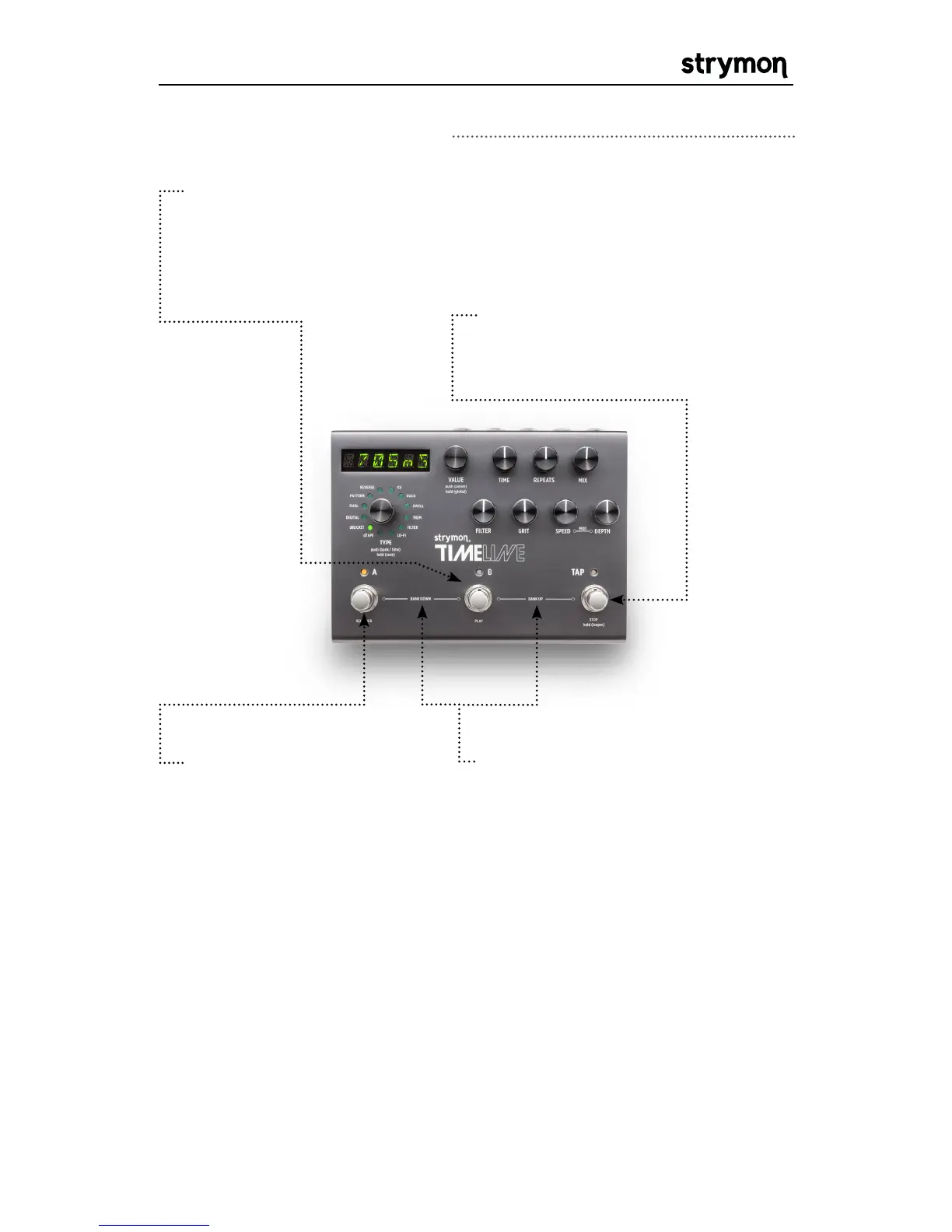
BANK SELECT: Press A & B
to select a lower bank. Press
B & TAP to select a higher
bank. While the selected bank
is pending it is displayed as
“B.A.N.K.” After the desired
bank is selected, press A or B to
activate a preset from that bank.
FOOTSWITCH A:
Press to
engage or bypass preset
A of the current bank.
Hold to activate infinite
repeats.
Looper Active: Activates
record if there is no loop
recorded or clears the
loop and starts recording
if the looper is stopped.
Overdubs if loop is
playing.
FOOTSWITCH B:
Press to engage or bypass preset B of the current
bank. Hold to activate infinite repeats.
Looper Active: Starts playing loop. Restarts loop from beginning if
pressed while playing.
TAP: Tap to set the delay time.
Looper Active: Stops loop. Hold to
enter and exit looper.
Front Panel Controls Continued



 To Next Page