TimeLine - User Manual
®
pg 5
The Filter knob works in conjunction with the Grit knob to shape
the fidelity of the repeats. The brightest and cleanest repeats occur
when they are both set at the minimum position. NOTE: The below
descriptions are for the Digital, Dual, Pattern, Reverse, Ice, Duck,
Swell, Trem & Lo-Fi delay machines. To see how the Filter & Grit
knobs work for dBucket and dTape delay machines see their respective
sections.
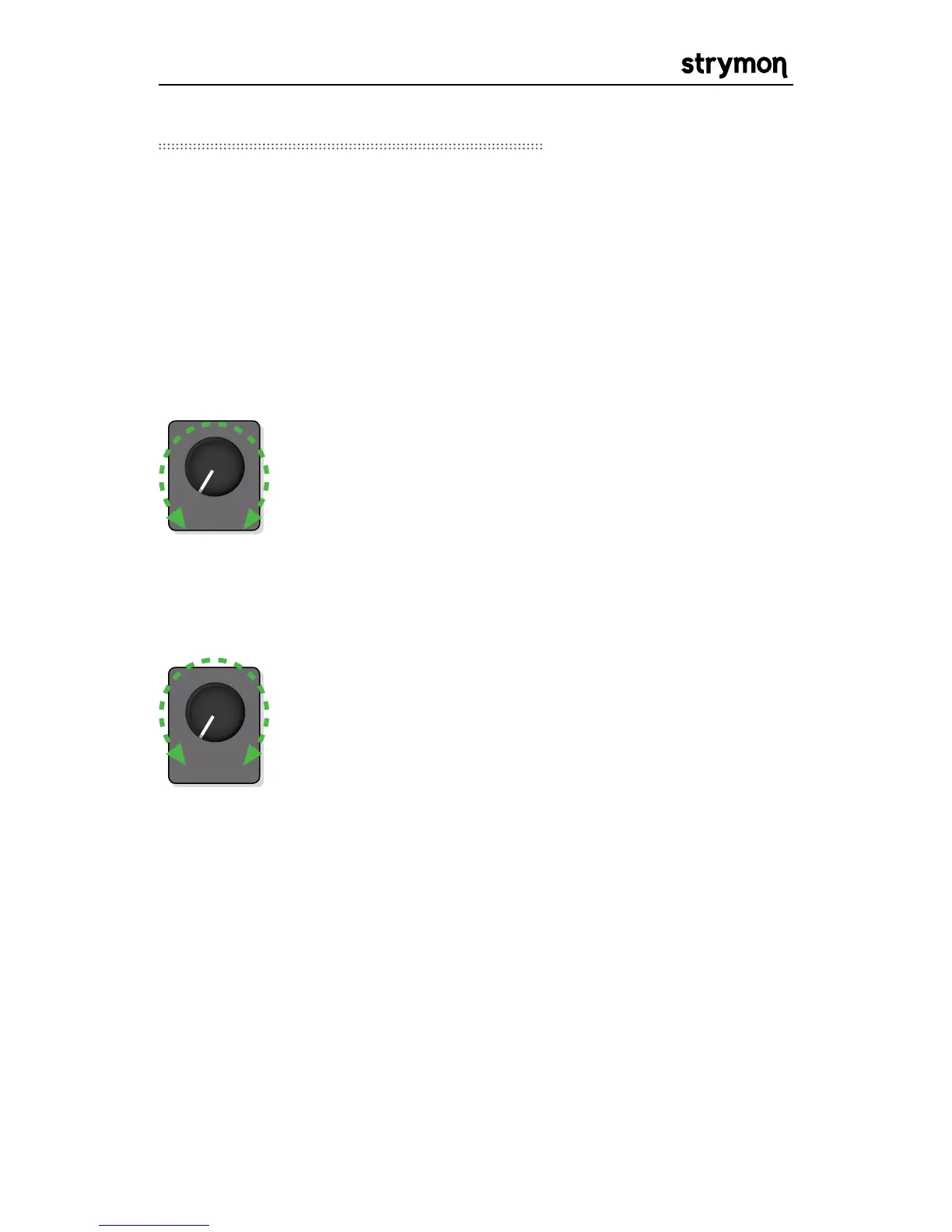
GRIT: The intensity of the Grit control will depend
on the strength of the input signal. Hotter inputs will
intensify the effect of the Grit knob in all modes. The
volume of the wet signal may change as you increase
the Grit control (getting louder or softer depending
on the input signal strength). Use the MIX knob to
compensate accordingly.
FILTER: At minimum setting, the Filter Function
provides a flat full-bandwidth response. As you turn
the knob up, the repeats get progressively darker.
Around 12:00, the filter is voiced to give an analog
delay EQ curve. The darkest repeats occur with the
Filter knob between 12:00 and 2:00 in these machine
types. As you continue to turn the Filter Knob, the
low end is progressively reduced, and some highs are
added back in to create an EQ curve similar to that of
a Tape delay when the knob is at maximum position.



 To Next Page