Zelzah - Multidimentional Phaser
pg 10
Live Edit Functions – Barber Polarity (4-Stage)
Sets the direction of the continuously rising or falling filter frequency
of the 4-Stage barber phaser.
SWEEP
phase time
RESONANCE
SPEED
DEPTH DEPTH
VOICEMIX
SPEED
multidimensional phaser
classic
barber
env
o
mild
strong
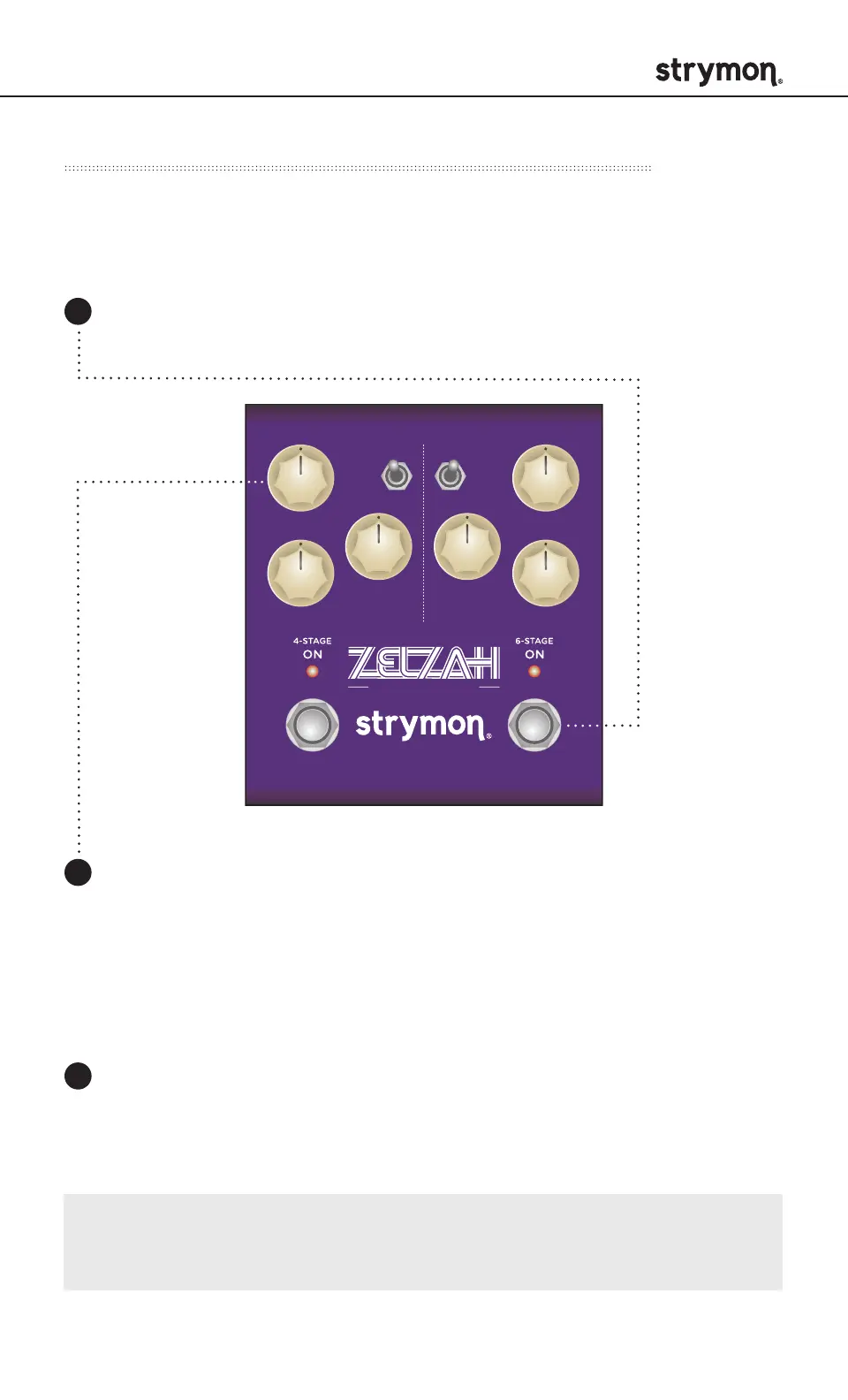
Press and hold the ON (6-STAGE) footswitch. Once both LEDs
flash, release the footswitch.
1
Turn the SPEED (4STAGE) knob to adjust the polarity of the
4-Stage phaser. The ON (4STAGE) LED will change color to
indicate the current status as the knob is turned.
Negative: RED - Continuously falling LFO.
Positive: BLUE (default) - Continuously rising LFO.
2
Press either footswitch to exit and store the Barber Polarity.
3
NOTE: The Barber Polarity setting is saved per Favorite setting
or preset.



 To Next Page