Zelzah - Multidimentional Phaser
pg 13
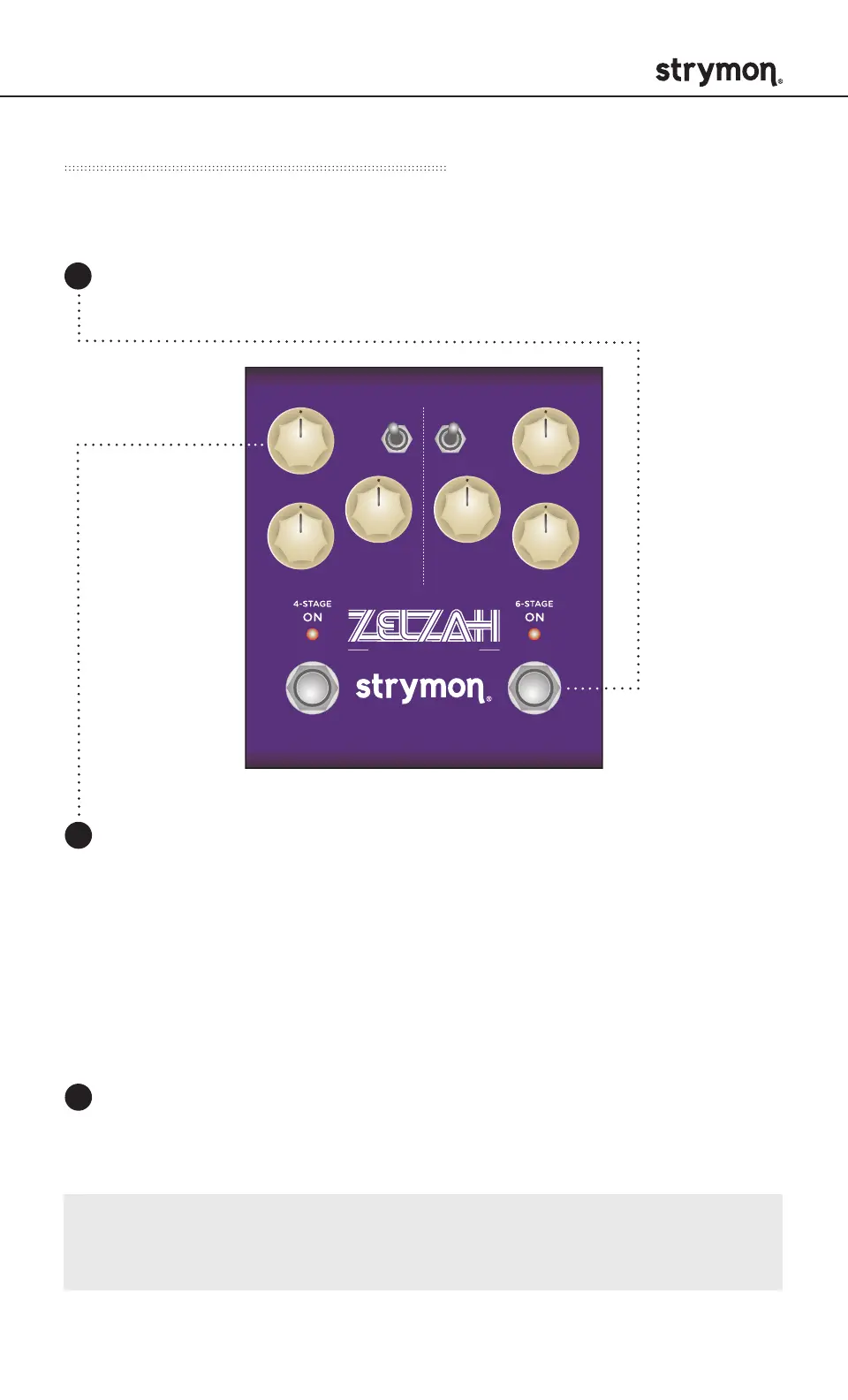
Power Up Modes – Input Level
Select the input level to the effect processing.
Press and hold the ON (6-STAGE) footswitch while connecting
power to the pedal. Once both LEDs flash, release the footswitch.
Turn the SPEED (4STAGE) knob to select the Input Level mode.
The ON (4STAGE) LED will change color to indicate the current
status as the knob is turned.
Instrument: GREEN (default) - Input headroom set for guitar
level source.
Line: RED - Use with line level source, such as a keyboard or
synthesizer. Adds 10dB of headroom.
Press either footswitch to store the Input Level mode and begin
using Zelzah.
1
2
3
SWEEP
phase time
RESONANCE
SPEED
DEPTH DEPTH
VOICEMIX
SPEED
multidimensional phaser
classic
barber
env
o
mild
strong
NOTE: Input Level is persistent across power cycles and is not
saved per preset.



 To Next Page