Zelzah - Multidimentional Phaser
pg 8
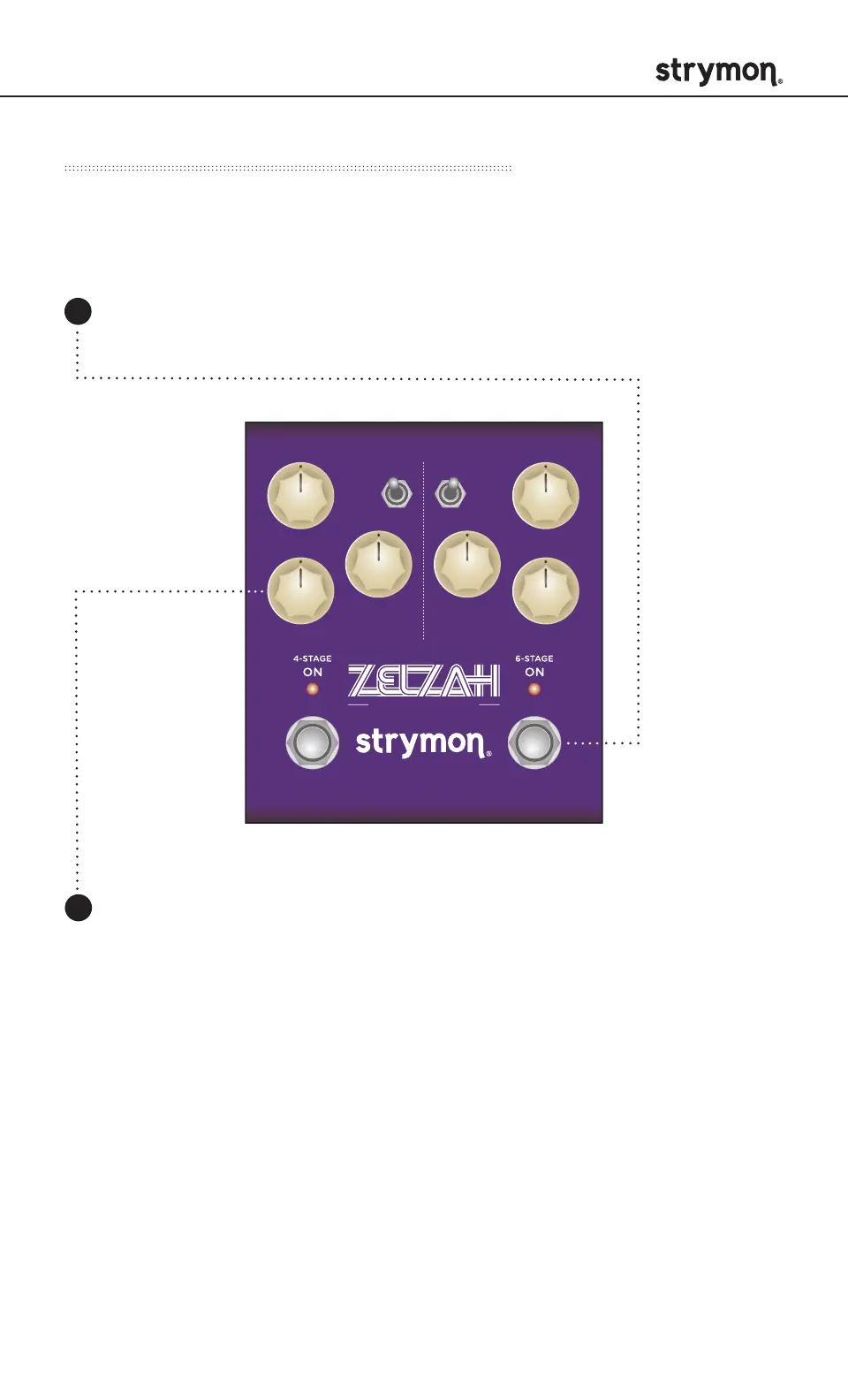
Live Edit Functions – Stereo Spread
Widens the stereo image for each of the phasers when using
stereo output.
SWEEP
phase time
RESONANCE
SPEED
DEPTH DEPTH
VOICEMIX
SPEED
multidimensional phaser
classic
barber
env
o
mild
strong
Press and hold the ON (6-STAGE) footswitch. Once both LEDs
flash, release the footswitch.
Turn the DEPTH (4STAGE) knob to adjust the stereo spread of
the 4-Stage phaser. Both LEDs will momentarily change color
smoothly from GREEN (narrow) to AMBER (wide) to indicate the
current status as the knob is turned.
1
2



 To Next Page