Zelzah - Multidimentional Phaser
pg 19
External Control – Favorite Switch Setup and Compare Mode
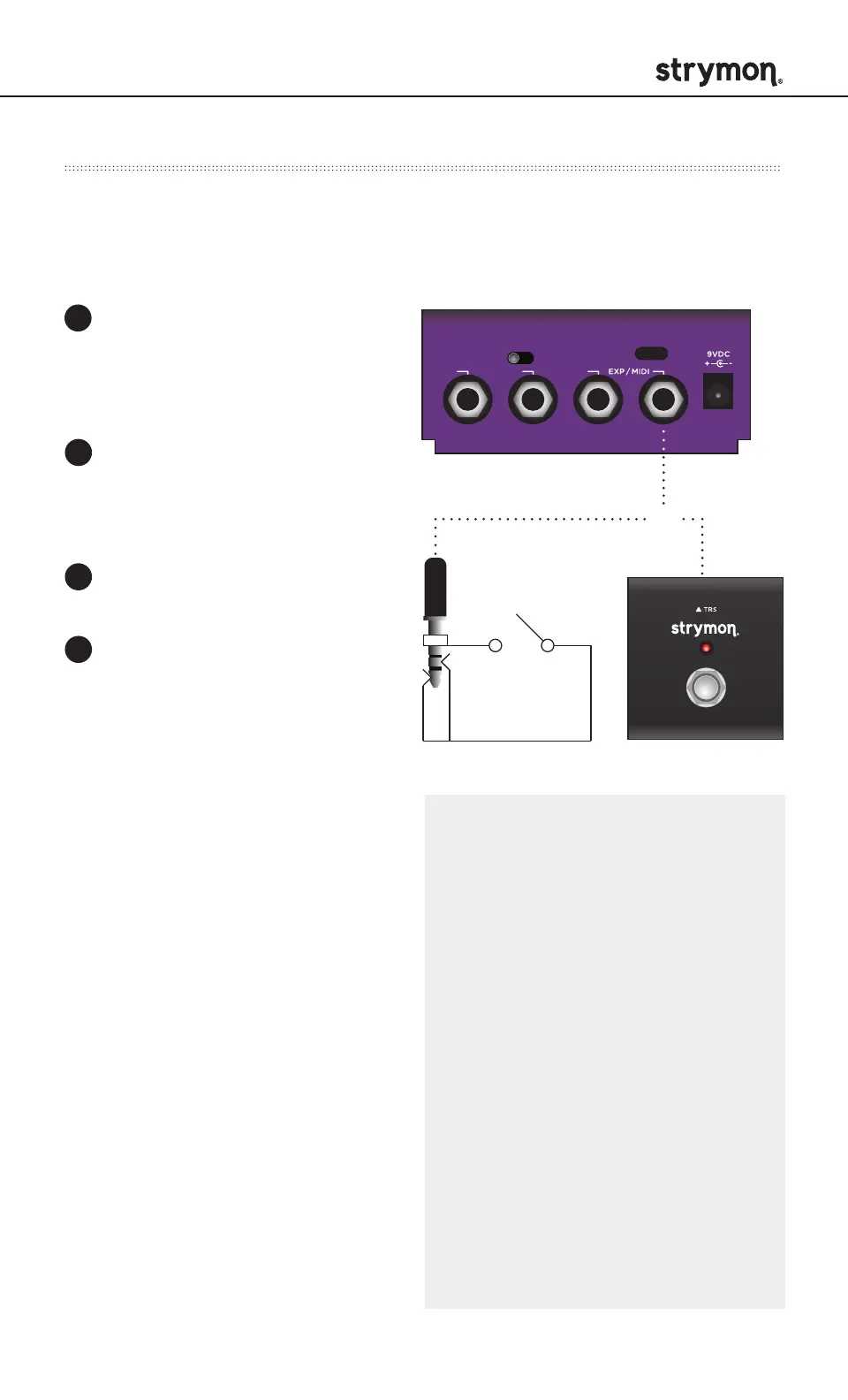
Connect MiniSwitch or other external latching footswitch with a TRS
cable to store and recall your favorite setting.
Step on the external footswitch
to toggle between your Favorite
setting and the current setting on
Zelzah.
Configure the EXP/MIDI
jack for Favorite mode.
(See page 15 for more info.)
Connect an external switch
with a TRS cable to the
EXP/MIDI jack.
Dial in your desired sound.
To save your sound as
the new Favorite setting,
press and hold the ON
(4STAGE) footswitch for
until the ON (4STAGE) LED
blinks BLUE. Press the ON
(4STAGE) footswitch again
to save the Favorite setting.
1
2
3
4
INPUT
MONO
IN OUT L OUT R
STEREO
USB
OR
COMPARE MODE
With the Favorite engaged, as
a knob or switch is adjusted,
the ON (4STAGE) LED flashes
GREEN when the current knob or
toggle switch position matches
the setting of the saved Favorite
setting.
NOTE: Along with the knobs
and toggle switches on the
face of the pedal, all Live
Edit settings and the bypass
state of 6-Stage and 4-Stage
are stored with the Favorite
setting. Power Up modes are
not stored with the Favorite
setting.
NOTE: Saving presets works
differently when using MIDI.
(See page 28 for more details.)
NOTE: The Favorite setting is
stored at MIDI program change
location 0.



 To Next Page