Zelzah - Multidimentional Phaser
pg 22
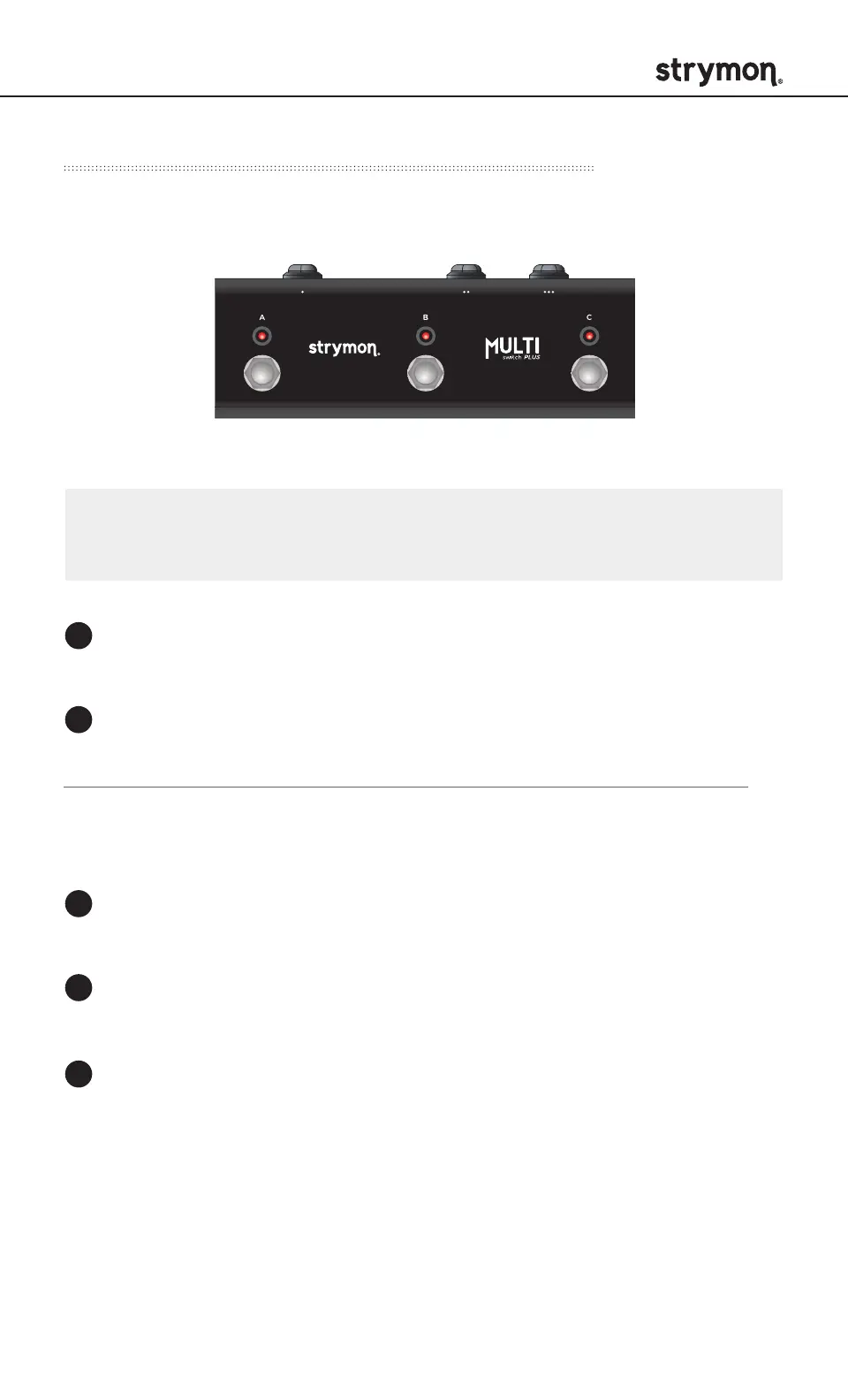
External Control – Using MultiSwitch Plus
Selecting and saving Zelzah presets using MultiSwitch Plus.
Step on a switch that is not illuminated to recall the
corresponding preset.
Step on an illuminated switch to bypass Zelzah.
Saving Zelzah presets with MultiSwitch Plus:
Dial in the sound that you would like to save as your preset
on Zelzah.
Press and hold the ON (4STAGE) footswitch on Zelzah until
the ON (4STAGE) LED blinks BLUE.
Press the A, B, or C footswitch on MultiSwitch Plus to save
the current state of the pedal to the desired location.
Preset 1 Preset 2 Preset 3
1
1
2
2
3
NOTE: Footswitches A, B, and C on MultiSwitch Plus correspond to
MIDI program changes 1, 2, and 3.



 To Next Page