Zelzah - Multidimentional Phaser
pg 7
Live Edit Functions – Signal Routing
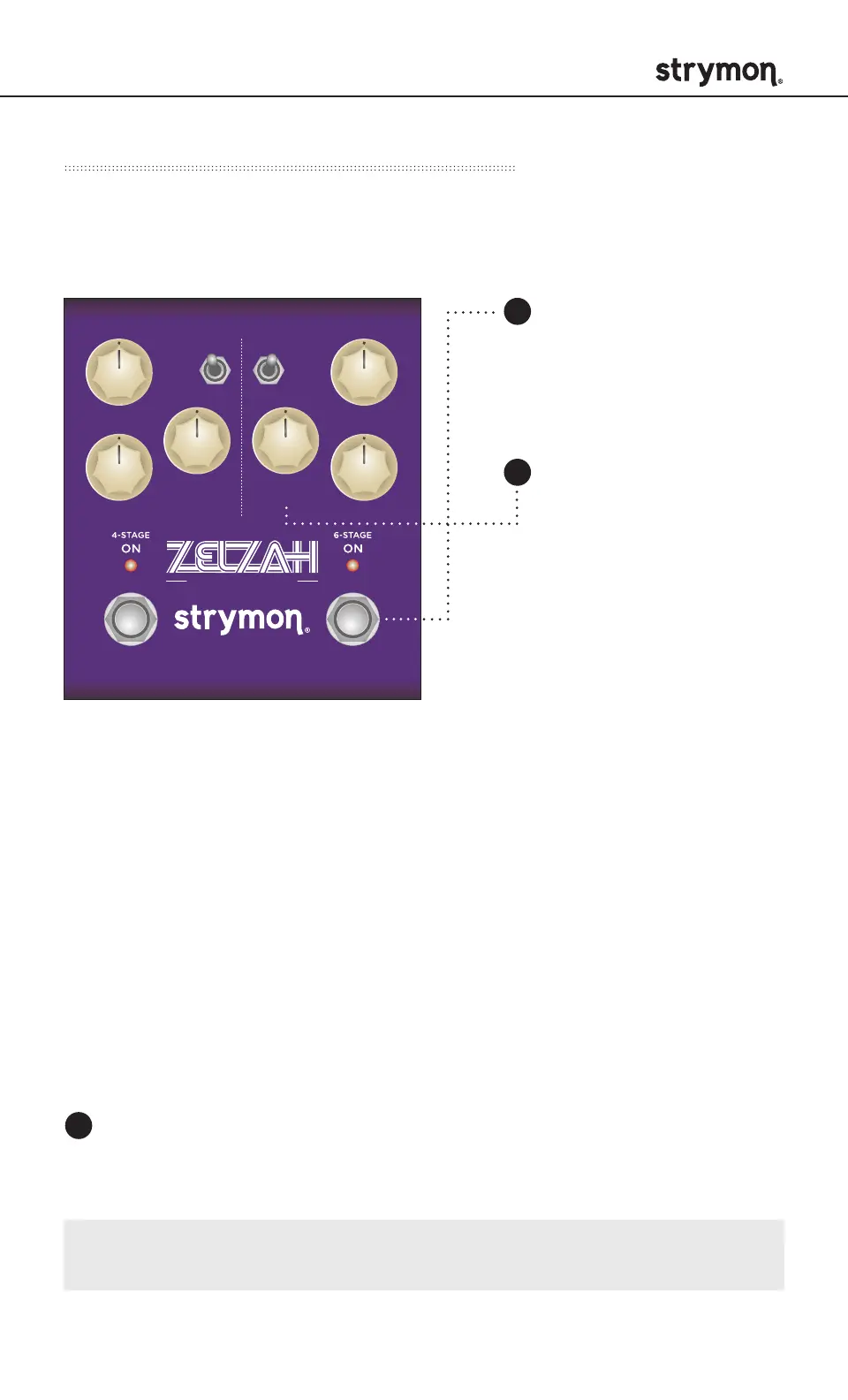
Sets the signal routing configuration of the 4-Stage and 6-Stage
sides of Zelzah.
SWEEP
phase time
RESONANCE
SPEED
DEPTH DEPTH
VOICEMIX
SPEED
multidimensional phaser
classic
barber
env
o
mild
strong
Press and hold the ON
(6-STAGE) footswitch.
Once both LEDs flash,
release the footswitch.
VOICE knob selections:
Series: GREEN (default) - Output of the 6-Stage phaser feeds into the
4-Stage phaser when both sides are engaged.
Parallel: BLUE - Output of both the 4-Stage and 6-Stage phasers are
mixed to the outputs while maintaining stereo independence of the
LEFT and RIGHT signals.
Split: RED - Sets both the 4-Stage and 6-Stage phasers as mono
effects that are sent to separate outputs. Output of the 4-Stage phaser
goes to OUT L, and output of the 6-Stage phaser goes to OUT R.
(For stereo output connections only.)
Turn the VOICE knob
to select the routing
option. The ON
(6-STAGE) LED will
change color to indicate
the current status as
the knob is turned.
Press either footswitch to exit and store the routing option.
1
2
3
NOTE: The Signal Routing is saved per Favorite setting or preset.



 To Next Page