Zelzah - Multidimentional Phaser
pg 11
Live Edit Functions – MIDI Clock Sync
Determine whether Zelzah’s LFOs will respond to MIDI Clock.
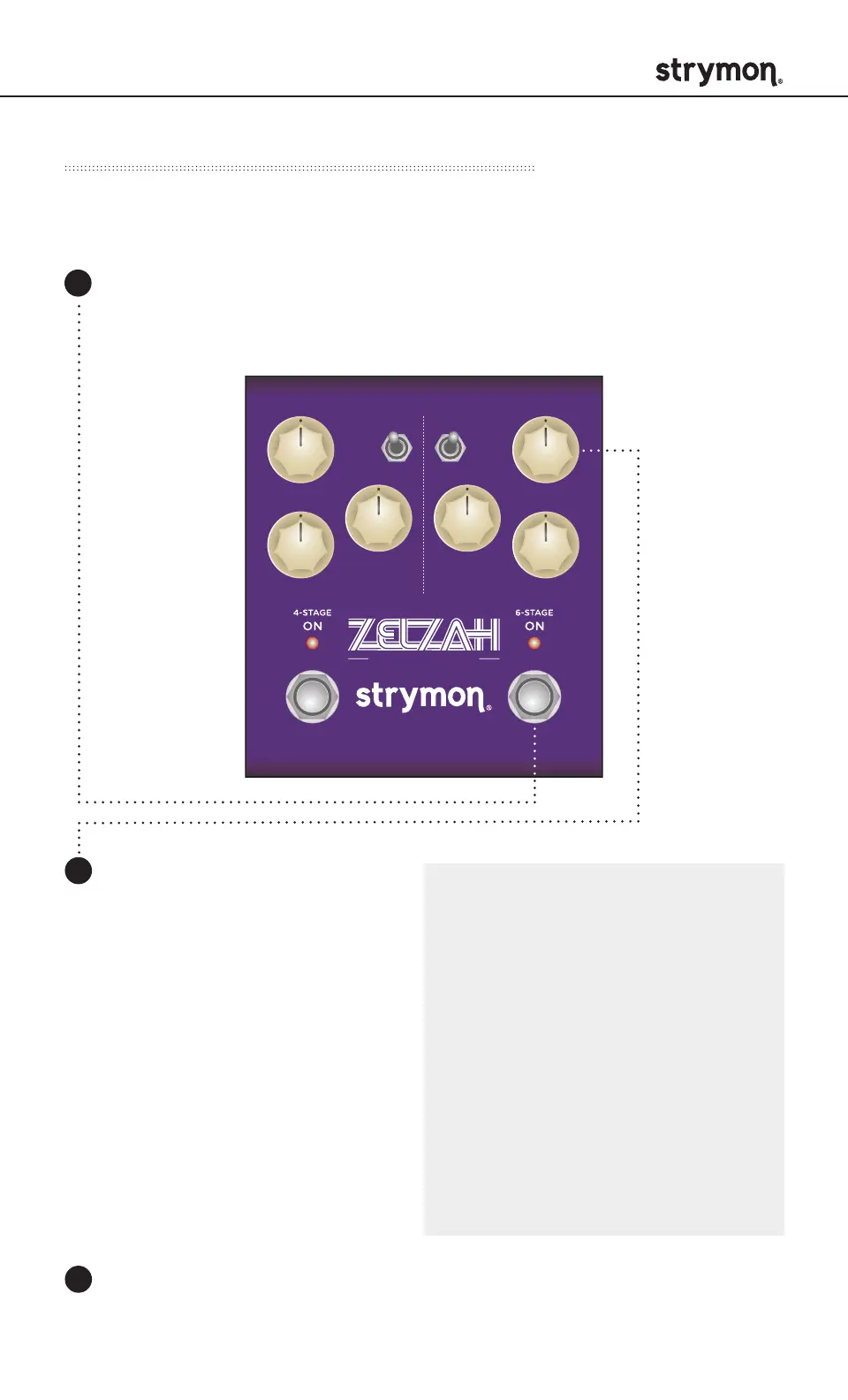
Press and hold the ON (6-STAGE) footswitch. Once both LEDs
flash, release the footswitch.
Turn the SPEED (6STAGE)
knob to sync Zelzah with
MIDI clock. Both LEDs will
momentarily change color to
indicate the current status as
the knob is turned.
Off: RED (default) - Zelzah
will not respond to MIDI
clock.
On: BLUE - Zelzah will
respond to MIDI clock.
Press either footswitch to exit and store the MIDI Clock settings.
1
2
3
SWEEP
phase time
RESONANCE
SPEED
DEPTH DEPTH
VOICEMIX
SPEED
multidimensional phaser
classic
barber
env
o
mild
strong
NOTE: The MIDI Clock setting
is saved per Favorite setting or
preset.
NOTE: When sync’d to MIDI
Clock, the SPEED knobs act
as a multiplier or divider of
the incoming clock tempo.
The sync’d SPEED mult/div
settings from left to right are:
x4, x3, x2, x1 at 12 o’clock
noon, 1/2, 1/3, 1/4.



 To Next Page