104
June 2013
Electrical Systems Operation & Diagnosis Module (602)
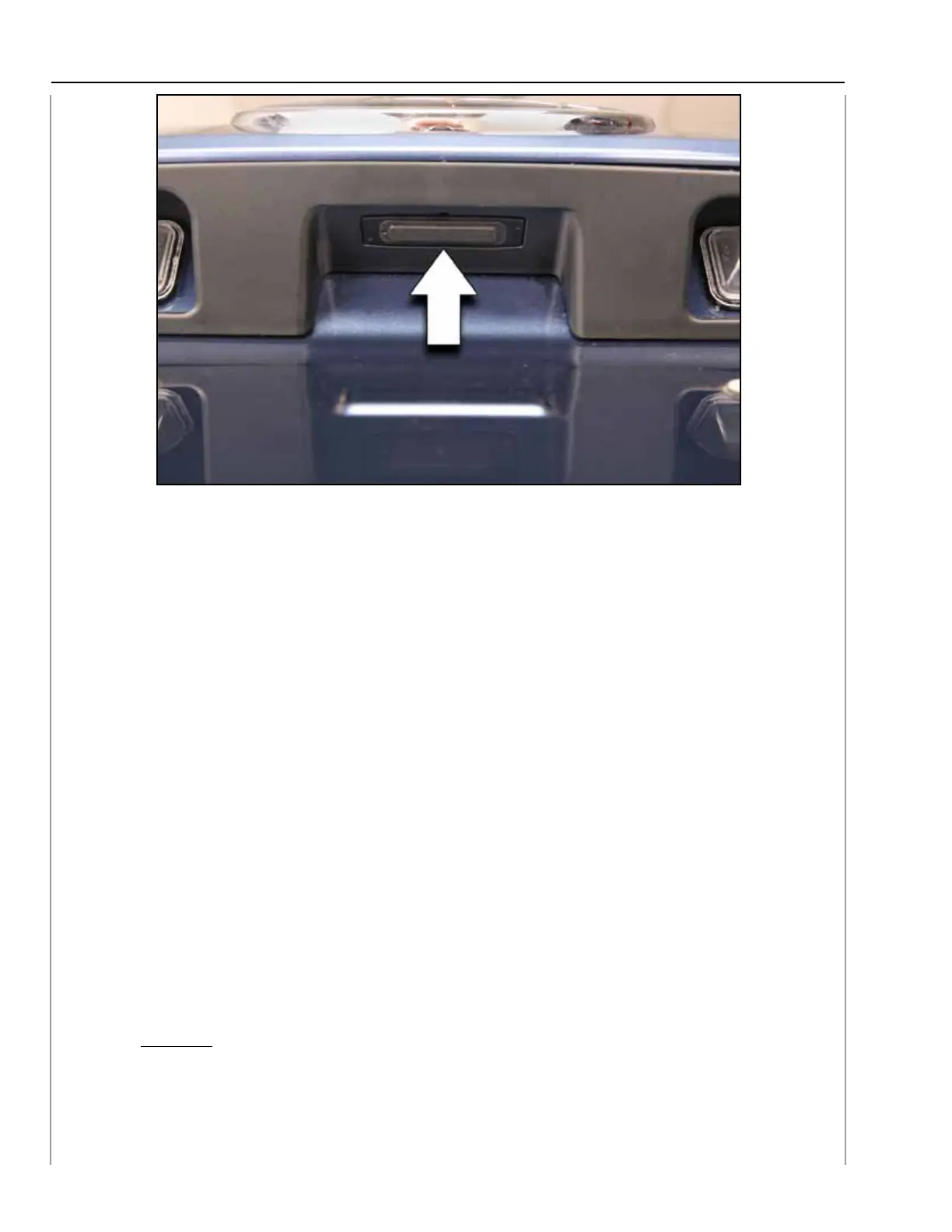
Gate Opener Switch
2. Set the PRG to manual mode by pushing the “Opener SW” on the gate for more than
0.8 seconds.
NOTE: Immediately open the PRG so that the auto close function does not engage.
3. Open the gate manually, until the position of your preference is reached and then push
and hold the “Gate Inner SW” for more than 3 seconds. A beep notifies you that a
memorized position has been set.
4. Push down the gate manually towards a position before the complete close point and
then wait until the gate closes completely through the auto closing function.
5. The “Memory Height SW” on the instrument panel must be kept in the on position
(lowest position) for the PRG to open only to the memorized position.
6. The Full open position of the PRG can be obtained by pushing the “Memory Height
SW” on the instrument panel to its highest (OFF) position and then pressing any of
the opener switches.
7. Manual mode can be activated by pushing the Opener SW on the gate for more than
0.8 seconds if the “Memory Height SW” is at its lowest setting (ON).
8. The memorized position is not erased if the PRG control unit power is removed. The
memory once set cannot be erased, only overwritten.
CAUTION:
DO NOT move the PRG manually if the PRG is opened to a memorized position.
Damage to the half stop pin or solenoid will occur.
214


 To Next Page
 Loading...