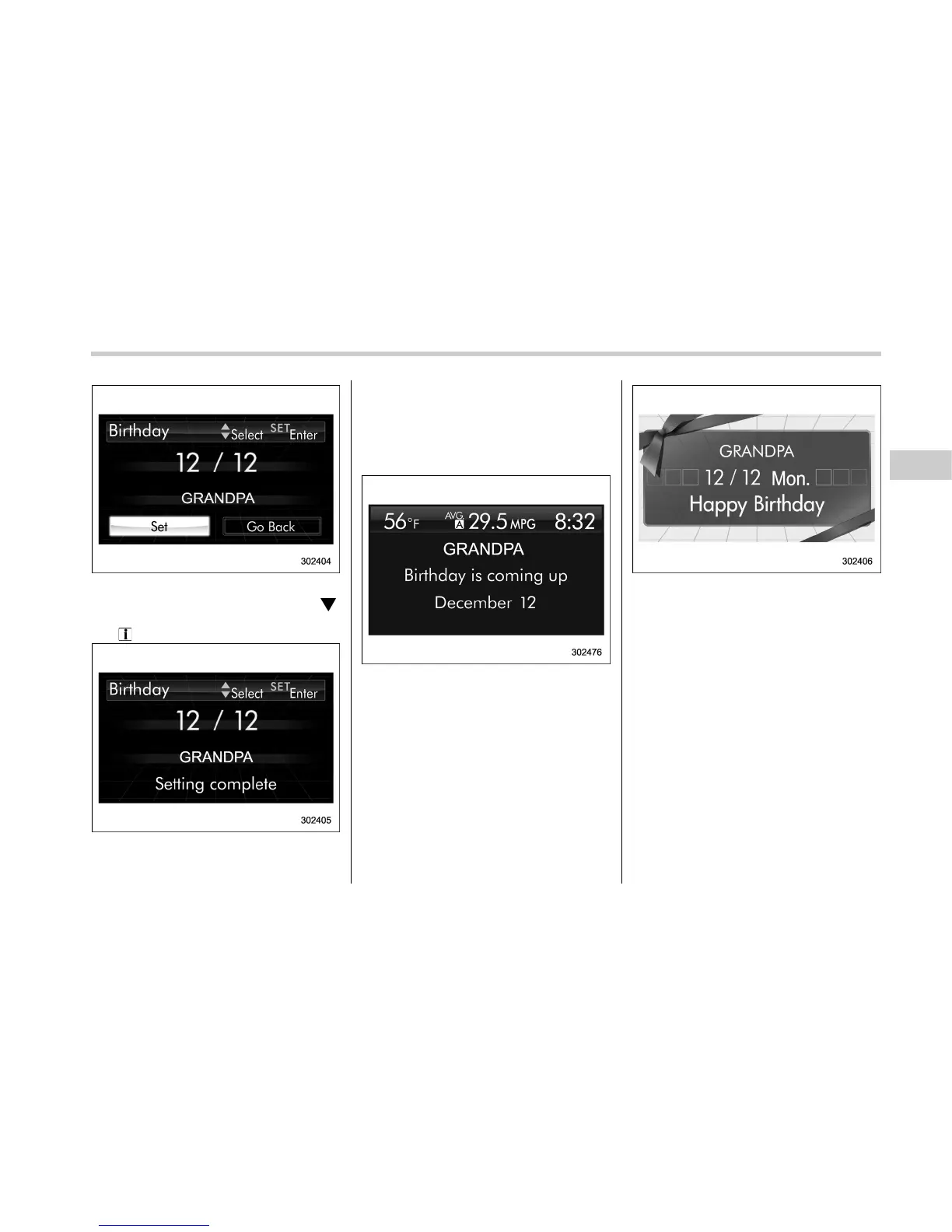
8. After entering the name by repeating
step 7, select “Set” by operating the “
”
switch and confirm the setting by pulling
the “
/SET” switch toward you.
9. The system will notify you that the
setting is complete.
If a birthday is approaching, the following
screen will be displayed accompanied by
a beep when the ignition switch has been
turned to the “ON ” position. This function
can be set to on or off. For details, refer to
“Bypass screen setting” F3-65.
From 1 to 7 days prior to the birthday
On a birthday (displayed in red)
NOTE
If “__” is selected for either the
“Month” or “Day” item instead of
numbers, the birthday notification will
be deactivated.
! Anniversary setting
1. Perform the preparation steps accord-
ing to “Preparation for date setting” F3-
50.
Instruments and controls/Multi function display
– CONTINUED –
3-53















 To Next Page