Black plate (207,1)
北米Model "A2440BE-A" EDITED: 2006/ 12/ 6
& Channel and category selec-
tion
S05AY04
! Channel selection
S05AY0401
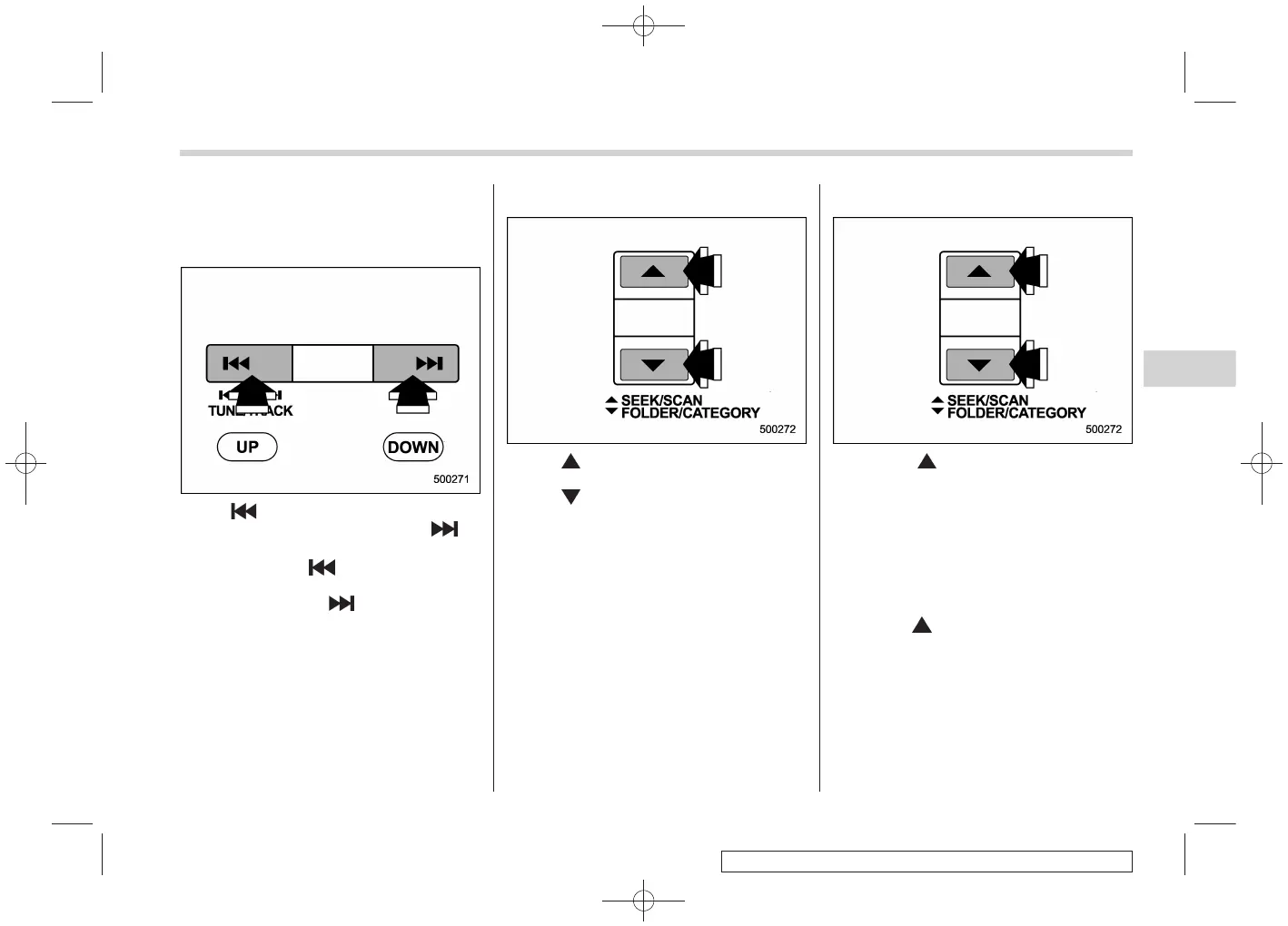
Press “ ” of the TUNE TRACK button to
select the next channel and press “
” of
the button to select the previous channel.
Keep pressing “
” ofthebuttonto
change to the next channel continuously
and keep pressing “
” of the button to
change to the previous channel continu-
ously.
! Category selection
S05AY0402
Press “ ” of the FOLDER/CATEGORY
button to select the next category and
press “
” of the button to select the
previous category.
! Channel scan
S05AY0403
Press the “ ” side of the SEEK/SCAN
button to change the radio to the SCAN
mode. In this mode, the r adio scans
through the channel until a station is
found. The radio will stop at the station
for five seconds while displaying the
channel number, after which scanning will
continue until the entire channel has been
scanned from the low end to the high end.
Press the “
” side of the button again to
cancel the SCAN mode and to stop on any
displayed channel.
Audio 5-13
– CONTINUED –
5














 To Next Page