Black plate (208,1)
北米Model "A2440BE-A" EDITED: 2006/ 12/ 6
5-14 Audio
& Channel preset
S05AY05
! How to preset channels
S05AY0501
1. Press the “SAT” button to select XM1,
XM2 and XM3 reception.
2. Press the SEEK/SCAN button or the
TUNE TRACK button to select the chan-
nel.
3. Press one of the preset buttons for
more than 1.5 seconds to store the
channel. If the button is pressed for less
than 1.5 seconds, the preceding selection
will remain in memory.
NOTE
If the connection between the radio and
battery is broken for any reason such
as vehicle maintenance or radio re-
moval, all channels stored in the preset
buttons are cleared. If this occurs, it is
necessary to reset the preset buttons.
! Selecting preset channels
S05AY0502
Presetting a channel with a preset button
allows you to select that channel in a
single operation. Up to six XM1, XM2 and
XM3 channels each may be preset.
& Display selection
S05AY06
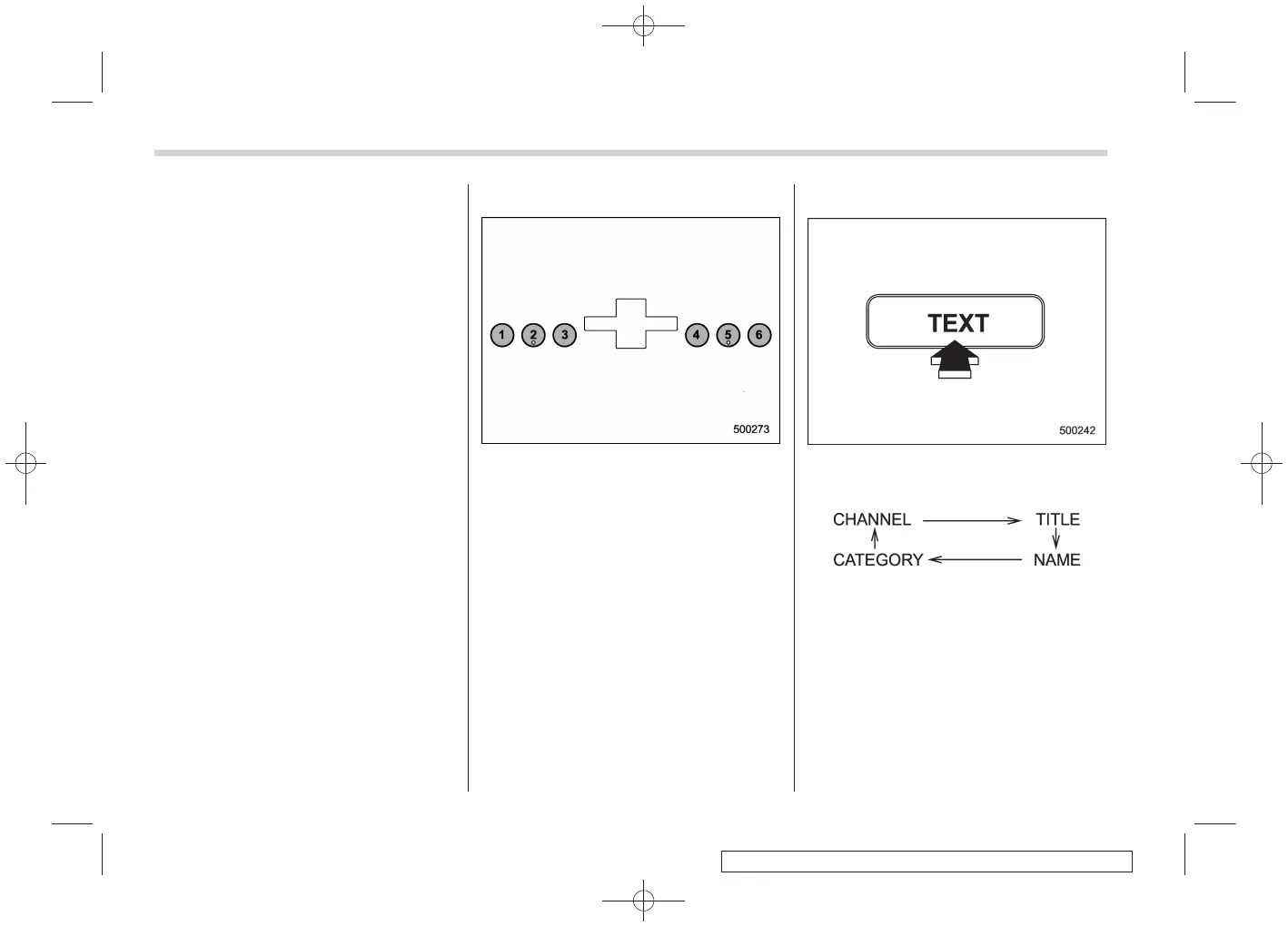
Press the “TEXT” button while receiving
the satellite radio to change the display as
follows:














 To Next Page