Black plate (211,1)
北米Model "A2440BE-A" EDITED: 2006/ 12/ 6
start playback of the discs, beginning with
the one inserted first.
If you fail to insert any disc during each 15
seconds interval, the full disc loading
mode will be canceled, and the player will
start playback of the disc inserted first.
& How to play back a CD
S05AV03
! When there is no CD inserted
S05AV0301
Insert a CD by referring to “s05av01How to
insert a CD (type A)” / “
s05av02How to insert a
CD(s) (type B)”.
When a CD is loaded, the player will start
playback of the CD, beginning with the
first track.
! When CD is in the player (type A)
S05AV0302
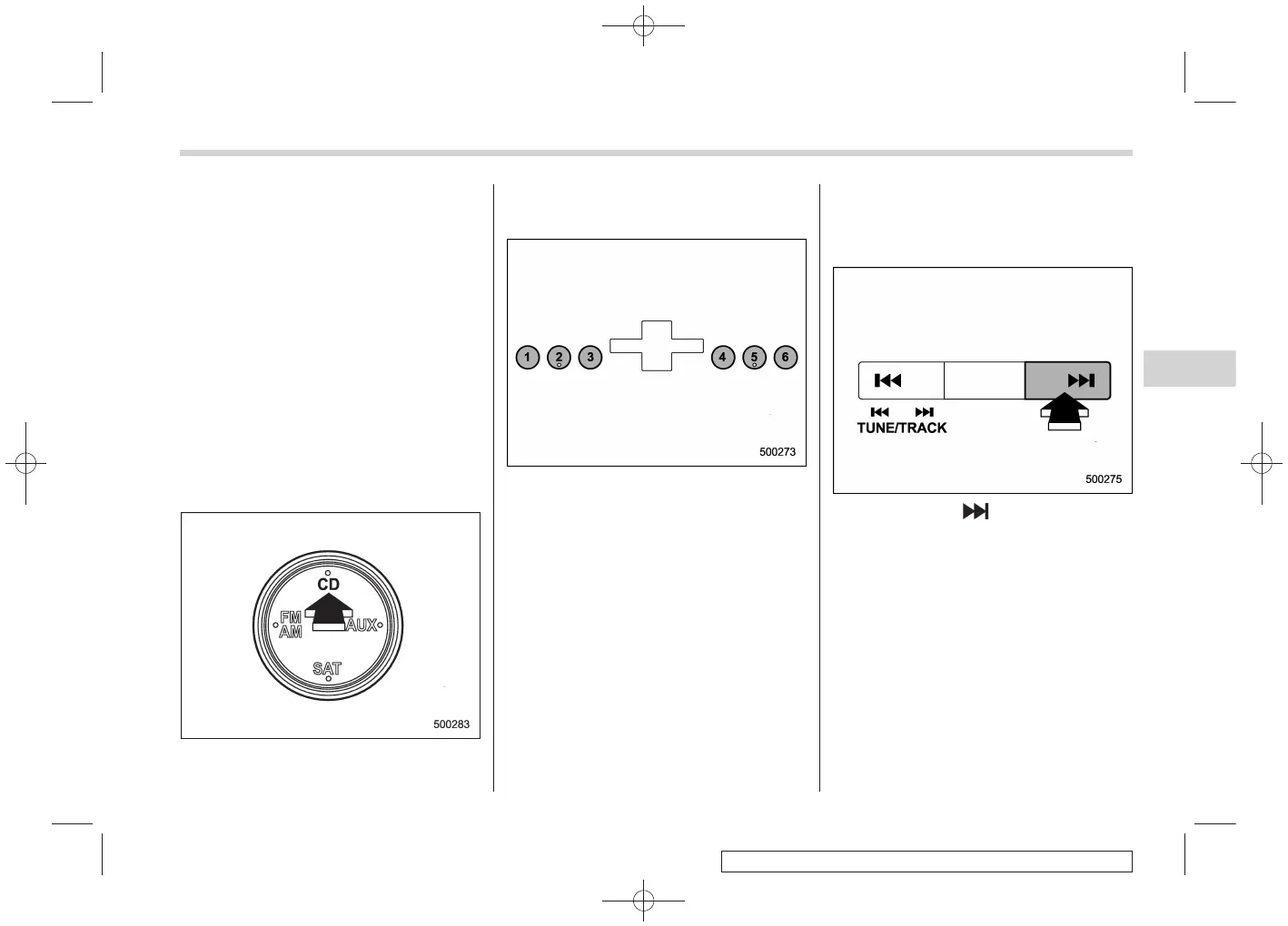
When the “CD” button is pressed, the
player will start playback.
! When there are CDs loaded (type B)
S05AV0303
Press a desired one of the disc select
buttons the disc number indicator of which
steadily lights up. The player will then start
playback of the selected CD, beginning
with the first track.
If a disc that the player cannot read has
been loaded, the player will display the
message “CHECK DISC”.
& To select a track from its
beginning
S05AV04
! Forward direction
S05AV0401
Briefly press the “ ” side of the TUNE/
TRACK button to skip to the beginning of
the next track/file (track). Each time the
button is pressed, the indicated track/file
(track) number will increase.
NOTE
In an MP3 or WMA folder, skipping past
the last track/file (track) will take you
back to the first track/file (track) in the
folder.
Audio 5-17
– CONTINUED –
5












 To Next Page