144 Sun Fire 280R Server Owner’s Guide • January 2001
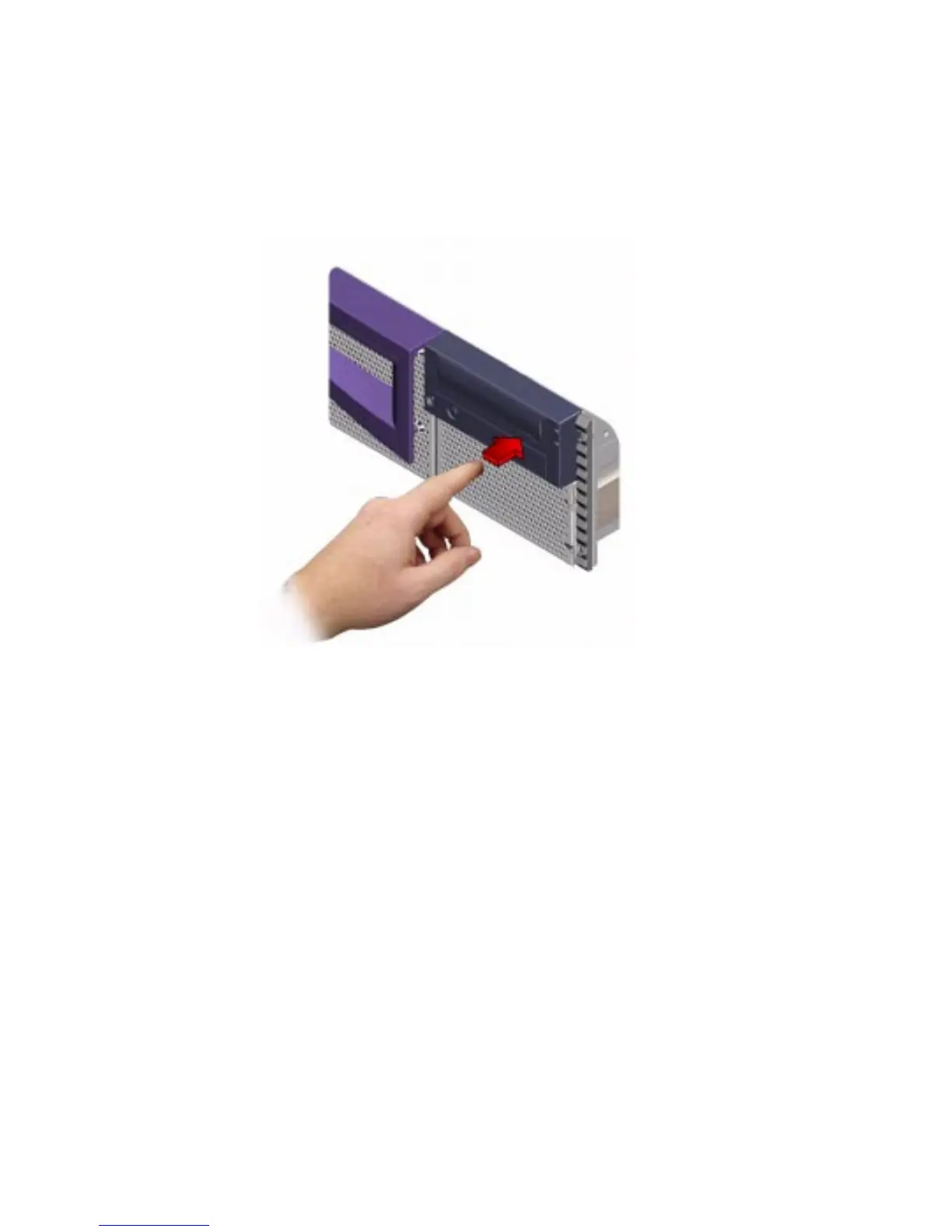
2. Press the Eject button on the front panel.
The drive ejects the DVD drive tray and you can remove the disc.
What Next
You can also eject a DVD or CD by using one of these methods:
■ With software commands; see “How to Eject a Digital Video Disc (DVD) With
Software Commands” on page 141
■ Using an emergency procedure; see “How to Eject a Digital Video Disc (DVD) in
an Emergency” on page 145













 To Next Page