42 Sun Fire 280R Server Owner’s Guide • January 2001
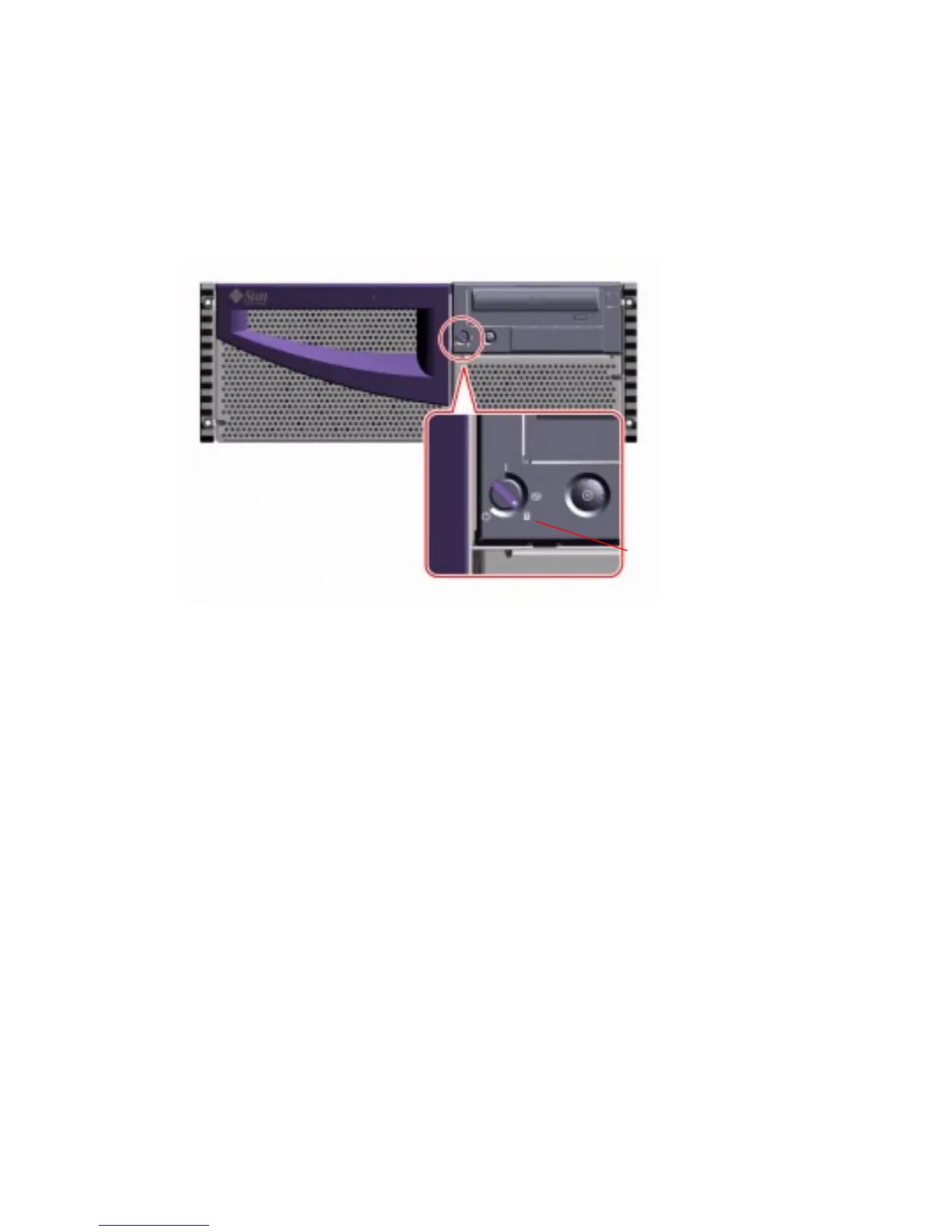
5. Turn the keyswitch to the Locked position.
The Locked position prevents accidentally powering-off the system. See “Keyswitch
Settings” on page 9 for information about each keyswitch setting.
6. Remove the key from the keyswitch, and keep it in a secure place.
Locked position













 To Next Page