Chapter 5 Replacing Field-Replaceable Units 5-23
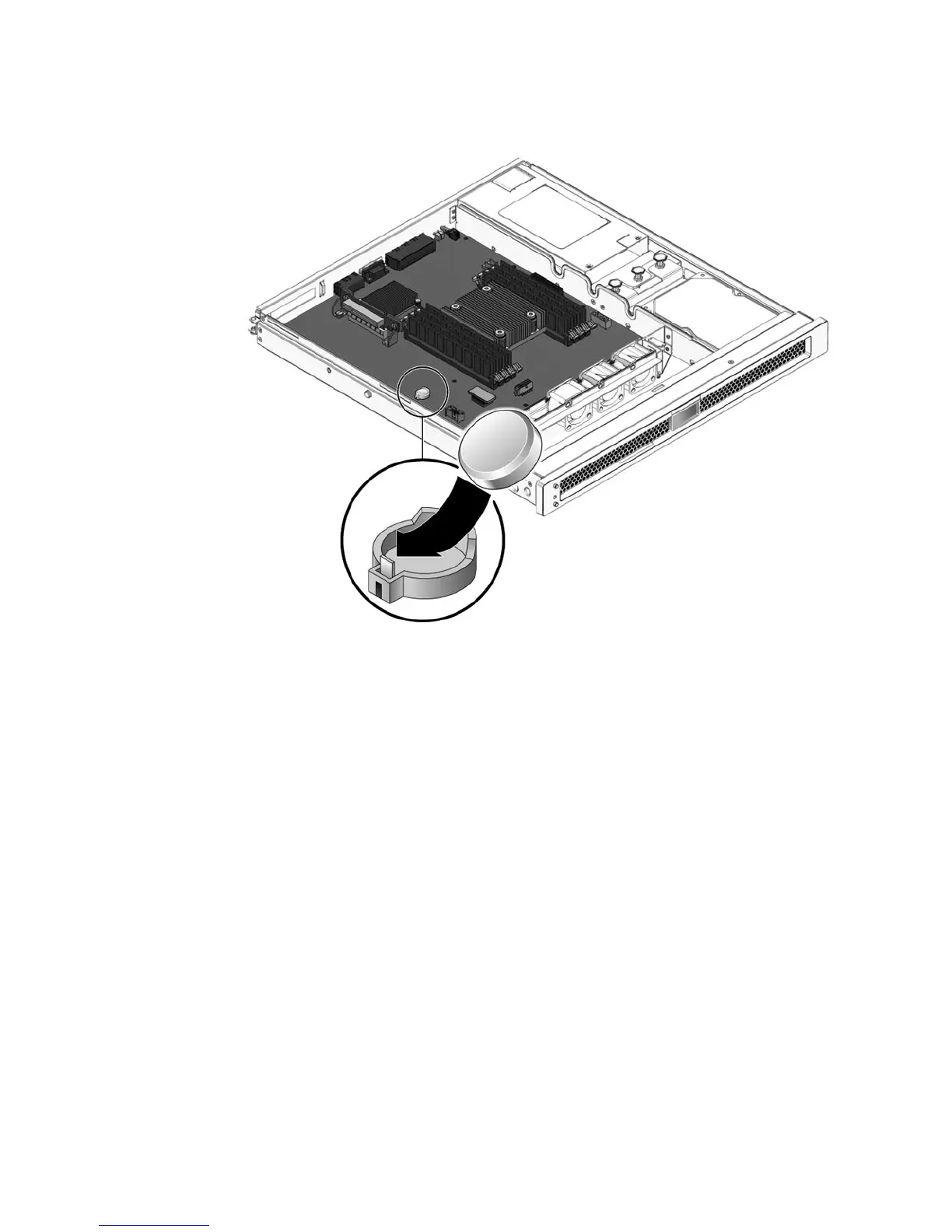
FIGURE 5-13 Installing the Clock Battery on the Motherboard
3. Perform the procedures described in Chapter 6.
4. Use the ALOM setdate command to set the day and time.
Use the setdate command before you power on the host system. For details about
this command, refer to the Advanced Lights Out Management (ALOM) CMT Guide.













 To Next Page