Chapter 5 Replacing Field-Replaceable Units 5-7
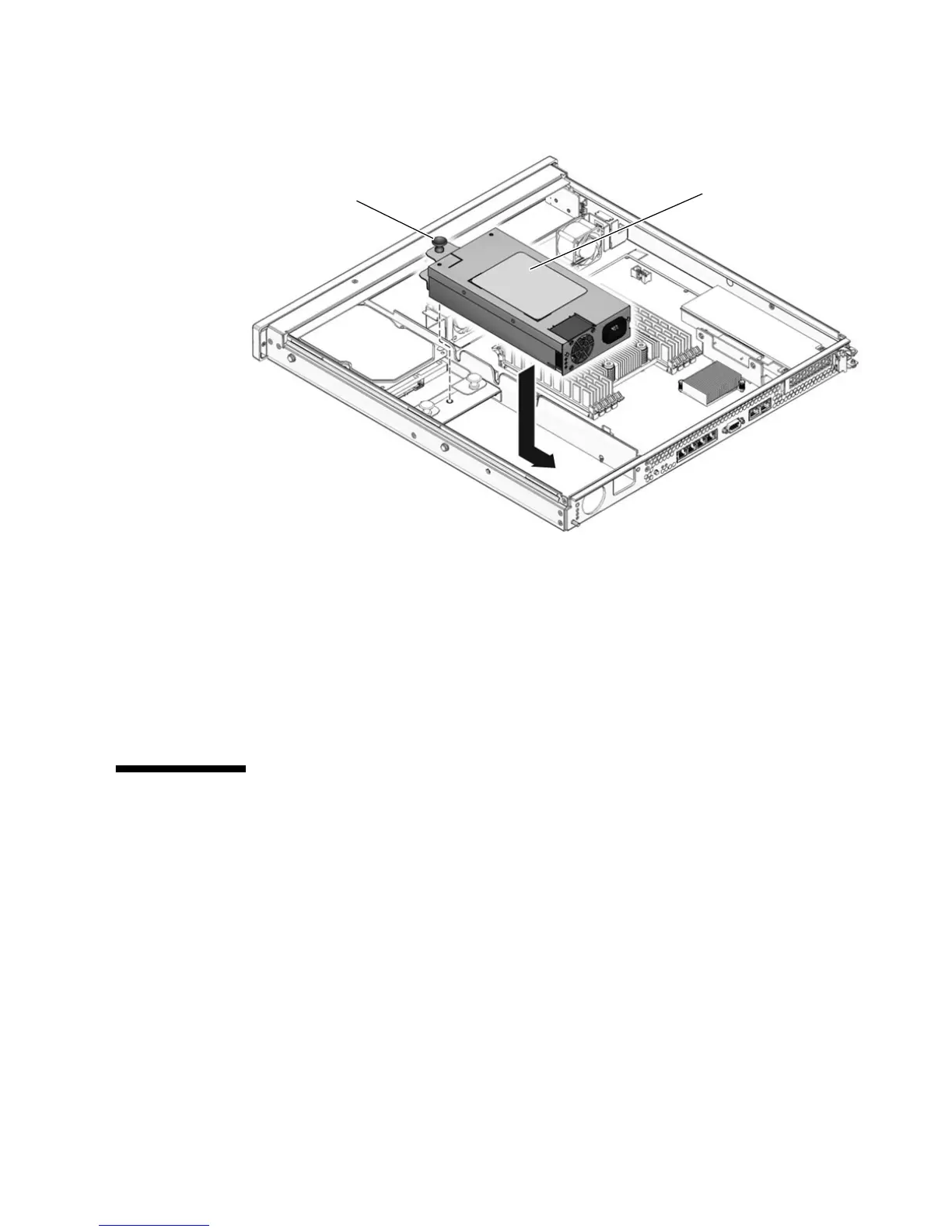
FIGURE 5-5 Installing the Power Supply
4. Redress the power cable through the midwall in the chassis and connect the cable
to the motherboard.
5. Perform the procedures described in Chapter 6.
6. At the sc> prompt, issue the showenvironment command to verify the status of
the power supply.
5.4 Replacing a Hard Drive
■ To remove a hard drive from a single-drive assembly, go to Section 5.4.1,
“Replacing a Hard Drive in a Single-Drive Assembly” on page 5-8.
■ To remove a hard drive from a dual-drive assembly, go to Section 5.4.2, “Replacing
a Hard Drive in a Dual-Drive Assembly” on page 5-10.
Power supply
Fastener













 To Next Page