5-6 Sun Fire T1000 Server Service Manual • January 2007
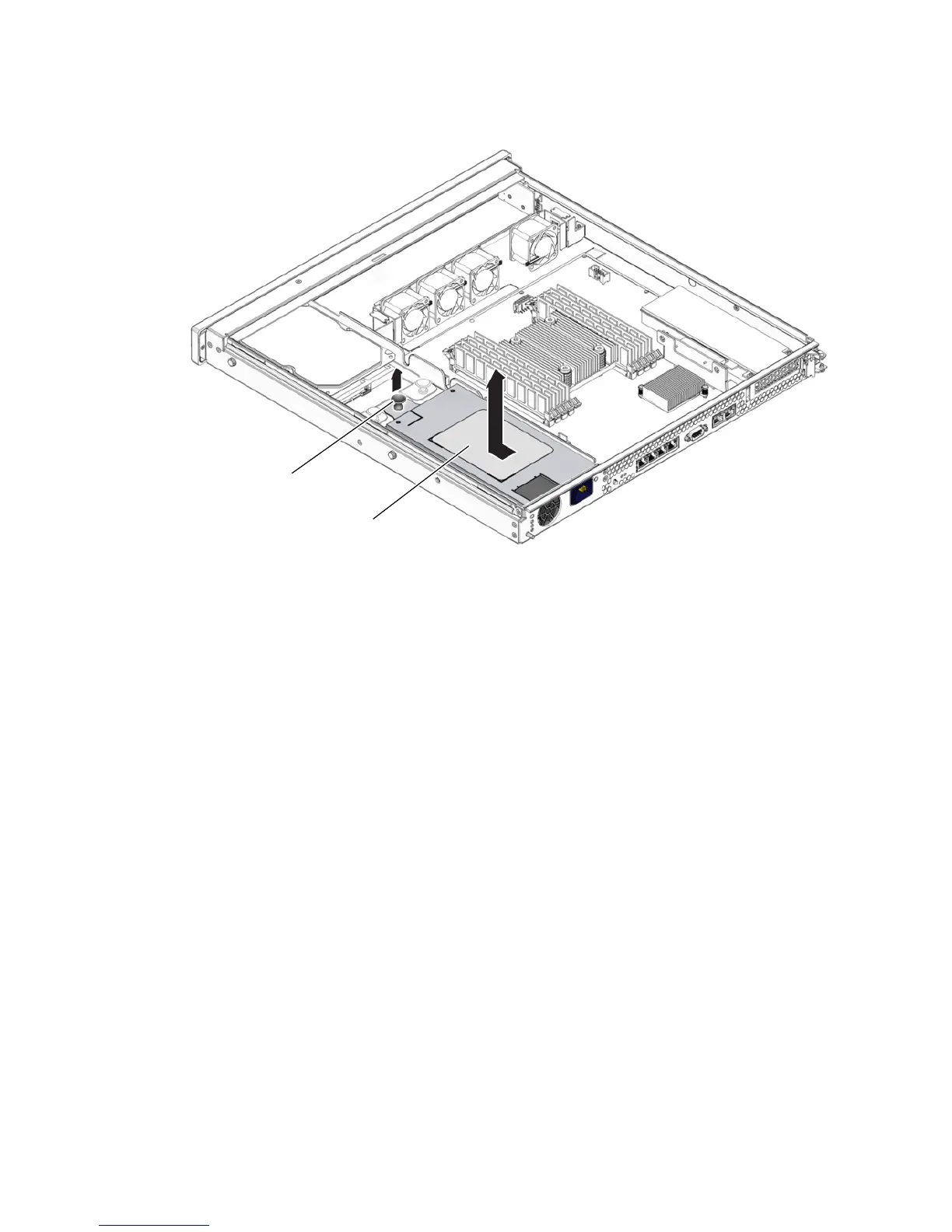
FIGURE 5-4 Removing the Power Supply
5.3.2 Installing the Power Supply
1. Unpack the replacement power supply.
2. Slide the power supply into the chassis and engage the two alignment pins in the
rear of the chassis that mate with the power supply.
3. Push the fastener down on the front of the power supply to lock it into place in
the chassis (
FIGURE 5-5).
Fastener
Power supply













 To Next Page