94 Sun Fire X4150, X4250 and X4450 Servers Windows Operating System Installation Guide • January 2009
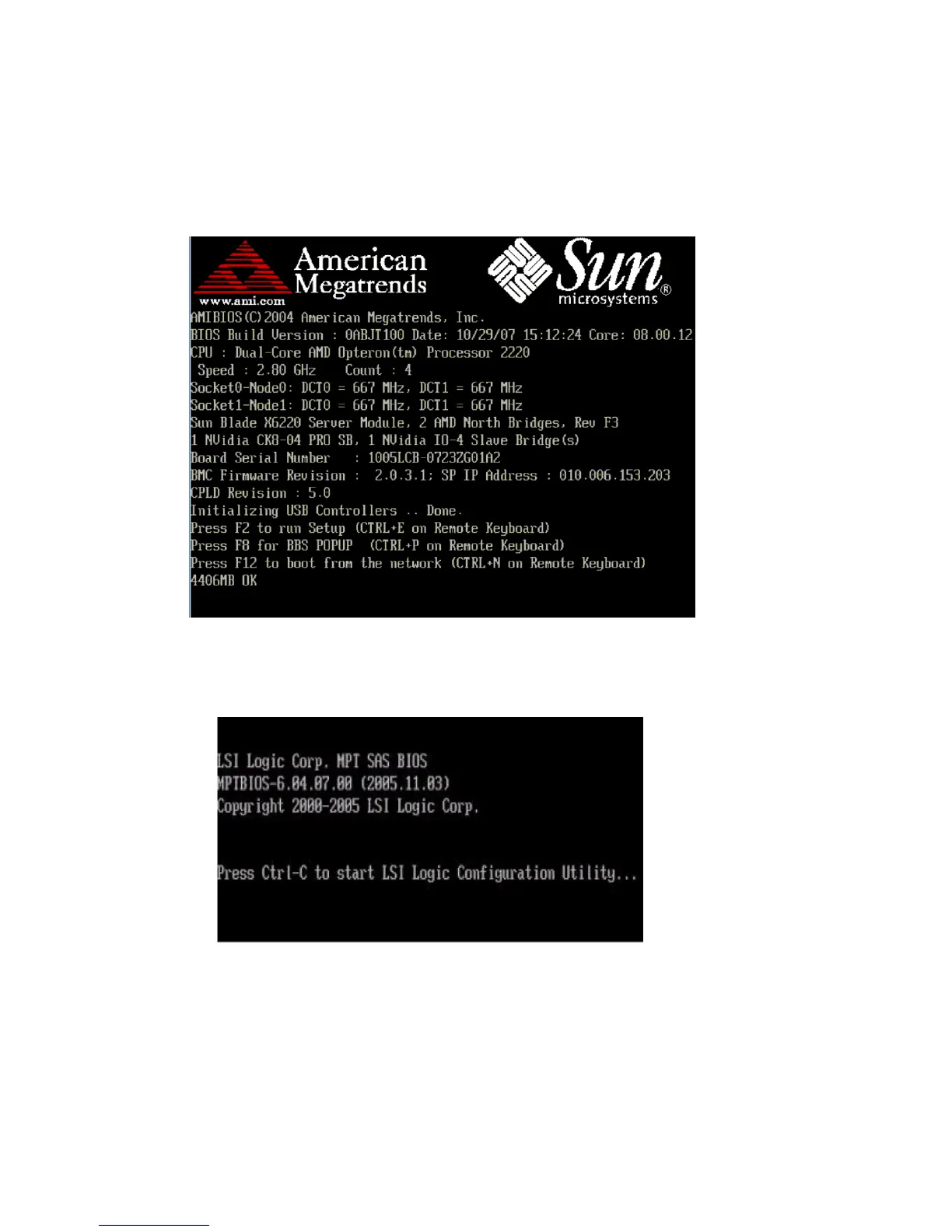
1. Power off your server and then power it back on. The BIOS screen appears.
Watch for the LSI Logic Corp. screen.
FIGURE C-1 Opening Screen of the Server BIOS
2. When the BIOS screen shows the LSI Logic Corp. message, press Ctrl+C to start
the LSI Logic Configuration Utility (see
FIGURE C-2).
FIGURE C-2 BIOS Screen Showing LSI Logic Corp. Message
3. Follow the on-screen instructions to create a mirrored RAID.
You can choose between RAID 1 (two mirrored disks with an optional hot spare)
or RAID 1E (three or more mirrored disks with one or two hot spares).
4. Exit the LSI RAID configuration utility.
Watch for the LSI
Logic prompt to
press Ctrl+C.














 To Next Page