50 Sun Fire X4150, X4250 and X4450 Servers Windows Operating System Installation Guide • January 2009
▼ To Update the Server-Specific Drivers Using the
Installation Wizard
1. Insert the Tools and Drivers CD/DVD into the server’s CD/DVD drive. The CD
will autostart.
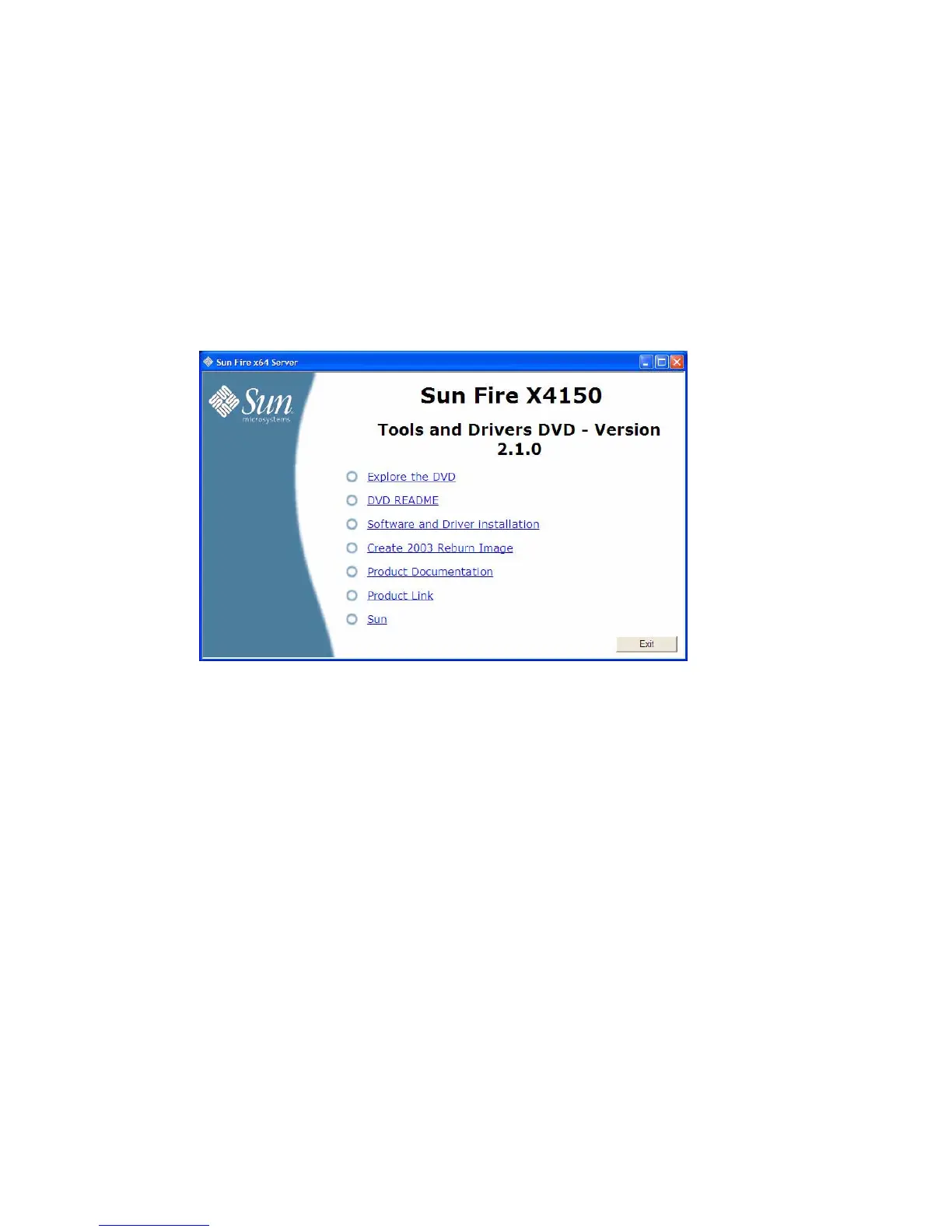
The Tools and Drivers main menu displays.
FIGURE 8-1 Sun Fire X4150 Tools and Drivers Main Menu Example
2. At the main menu, click Software and Driver Installation.
The Driver Installation/Update screen displays.














 To Next Page