Chapter 4 Prepare for Mass Storage Driver Delivery 19
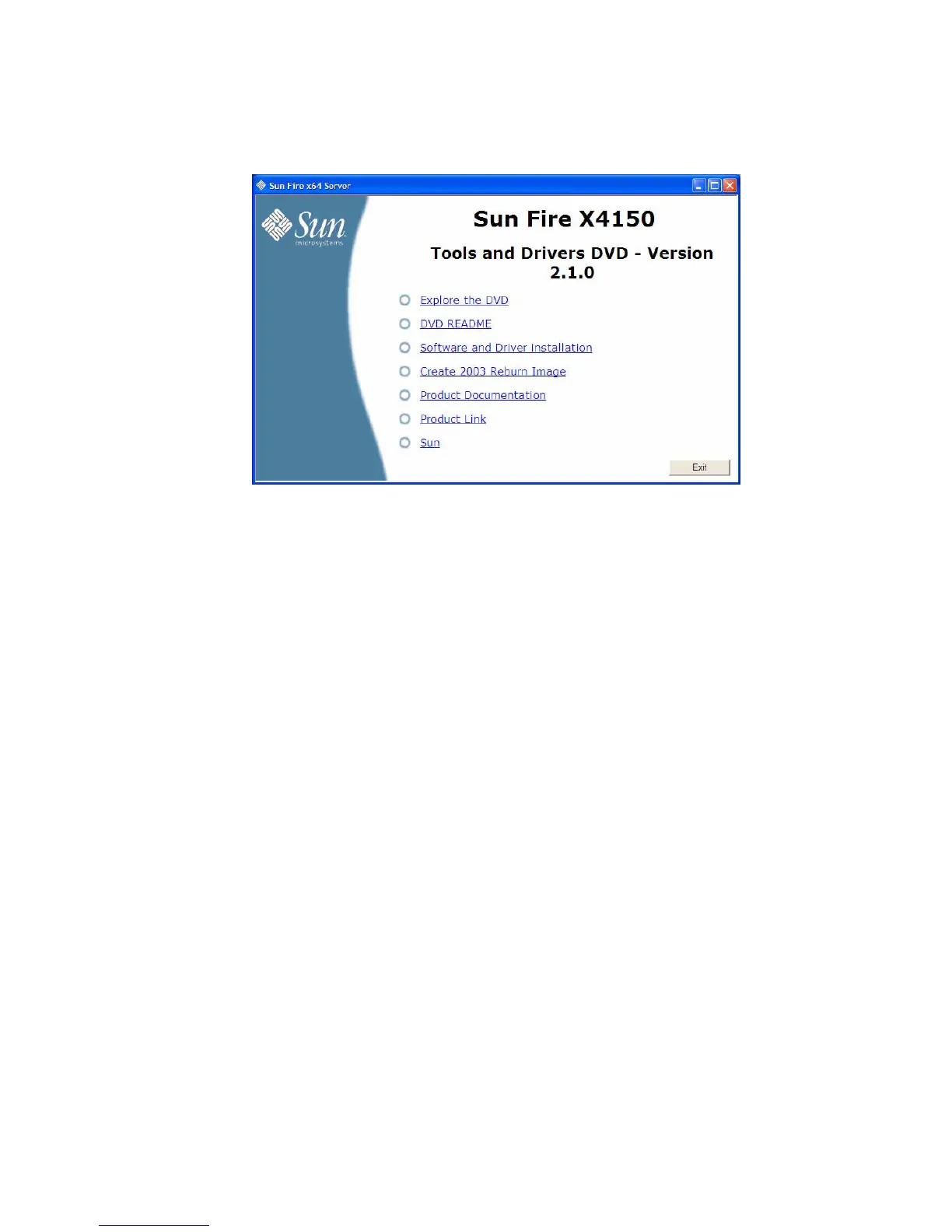
FIGURE 4-1 Sun Fire X4150 Tools and Drivers Main Menu Example
2. Click the Create 2003 Reburn Image option.
The Create 2003 Reburn wizard begins. Follow the on-screen instructions to create
the Windows Server 2003 reburn installation CD.
3. After you create the CD, do one of the following:
■ If you are installing Windows remotely, proceed to Chapter 5 to setup your
remote console.
■ To begin installing Windows Server 2003 using the CD you have just created,
proceed to Chapter 6.
▼ To Create a Reburn Windows Server 2003 Media
CD Manually on a Windows System
1. Create a temporary folder on the Windows system with at least 1.2 GB of space,
as follows:
c:\reburn
2. Insert the Sun Fire Server Tools and Drivers CD/DVD into the system’s
CD/DVD drive. If the CD autostarts, click the Exit button at the main menu.
3. Using Windows explorer, navigate to the appropriate Tools and Drivers
CD/DVD reburn folder:
cdromdrive:\utilities\reburn\2003reburn_W2K
Where cdromdrive is the drive letter of the CD/DVD drive containing the Tools
and Drivers CD/DVD.














 To Next Page