30 Sun Fire X4150, X4250 and X4450 Servers Windows Operating System Installation Guide • January 2009
Note – For systems using Firefox and Mozilla web browsers, the Java RTE must be
version 1.6 or later.
The web browser downloads the embedded remote control application
automatically, and the Remote Console screen appears. If the remote console does
not appear, it might be blocked by web browser security controls. Reduce security
configuration to allow the remote console to display.
The remote console application supports the redirection of the following types of
devices:
■ Video display – the server’s video output is automatically displayed on the
local console screen.
■ Keyboard and mouse devices – Standard keyboards, mouse, and other pointing
devices. Keyboard and mouse redirection is enabled by default.
■ Storage devices – CD/DVD drives, Flash, DVD-ROM or floppy drives, hard
drives, NFS. or ISO files.
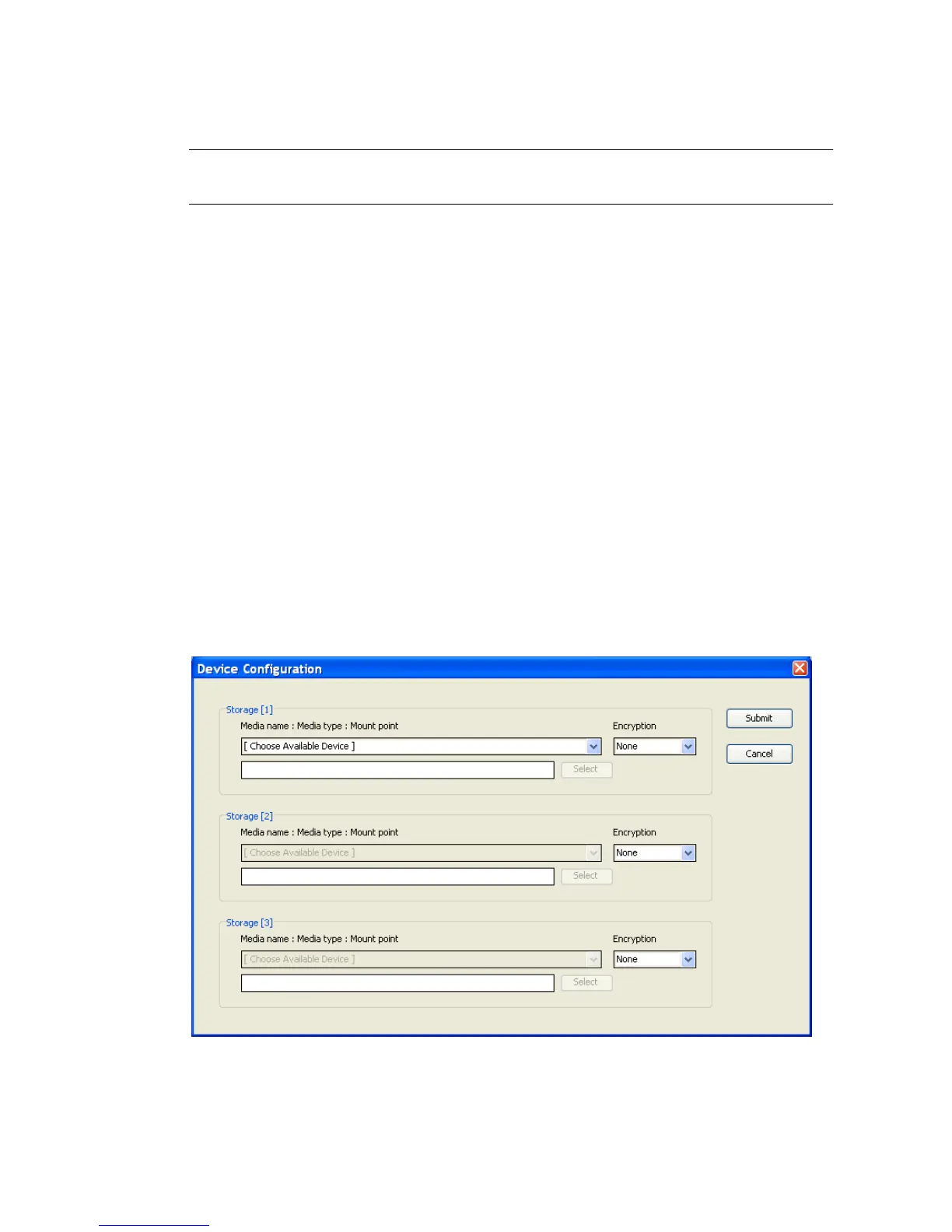
10. Select Storage from the menu bar and click Mount Device.
The Device Configuration Window displays. This enables the corresponding local
storage device to connect to the remote server as though it were a storage device
attached directly to that remote server.
FIGURE 5-9 Device Configuration Window














 To Next Page