Chapter 8 Update the Critical Server-Specific Drivers 55
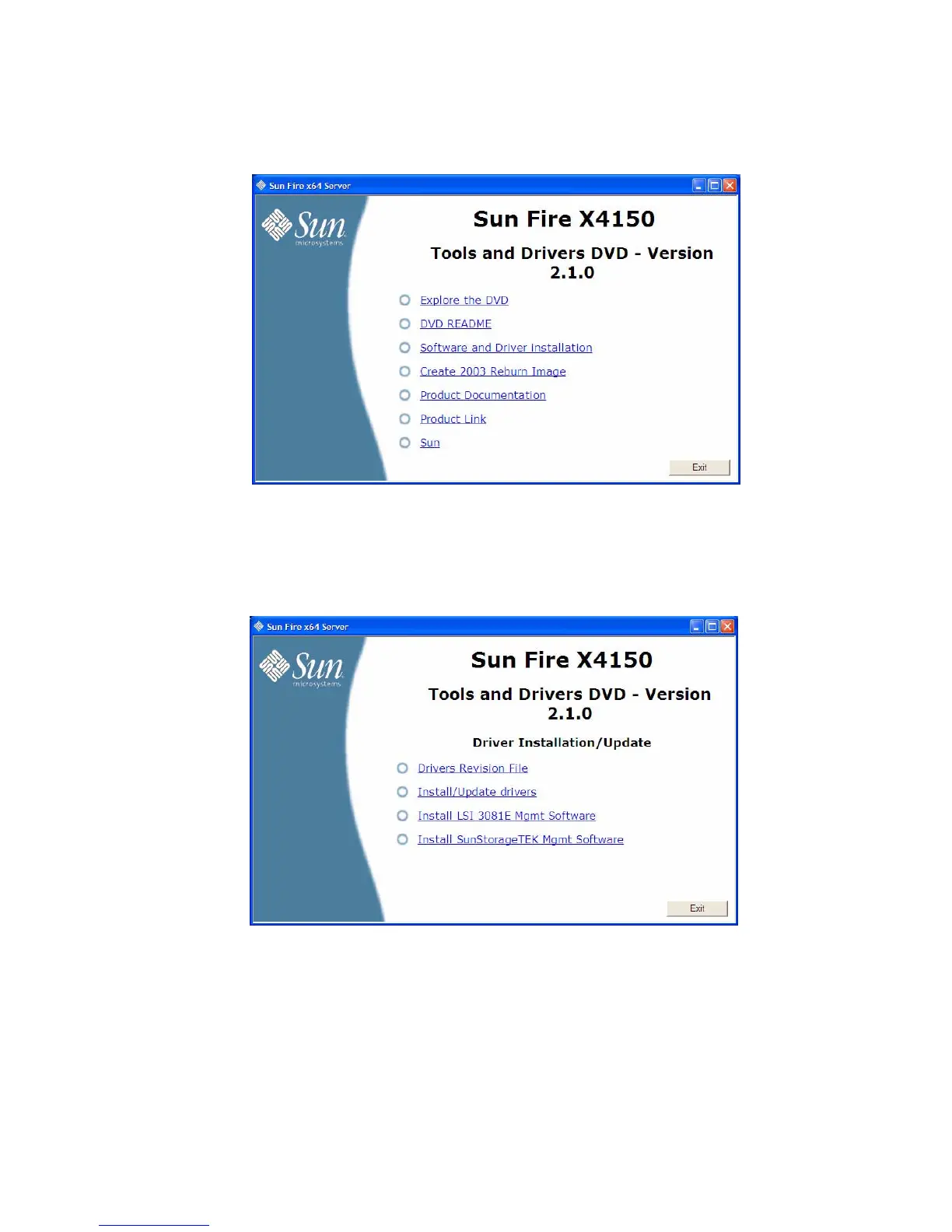
FIGURE 8-3 Sun Fire X4150 Tools and Drivers Main Menu Example
2. At the main menu, click Software and Driver Installation.
The Driver Installation/Update screen displays.
FIGURE 8-4 Sun Fire X4150 Driver Installation/Update Page Example
3. Do one of the following:
■ If you have an LSI 3081E-S RAID controller, click Install LSI 3081E Mgmt
Software.
–or–














 To Next Page