Page 48
880 SERIES
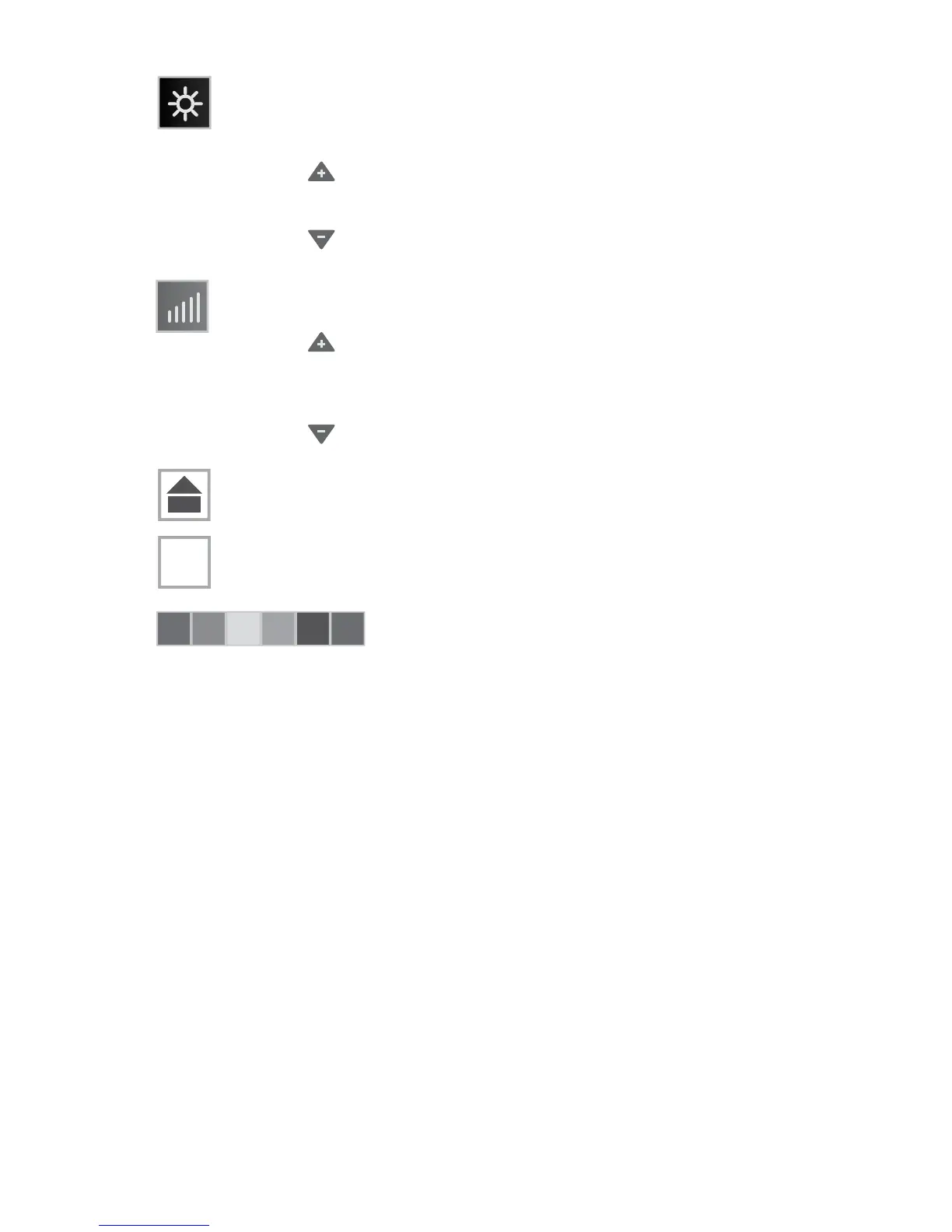
= Intensity Control Button: Press to activate and adjust the
intensity of the lights. This will only work with the solid color
option. The range is from 0 to 5. To turn off the lights, the
intensity level must be decreased to 0.
• Tap to raise the intensity of the lights to the maximum
level of 5. The intensity levels are as follows: 5 = 100%,
4 = 80%, 3 = 60%, 2 = 40% and 1 = 20%, 0 = 0%.
• Tap to lower the intensity of the lights to the minimum
level of 0.
= Speed Control Button (Increase): Controls the blending
speed for the lights.
• Tap to increase the blending speed, of the colors, to the
maximum speed of 5. The speed settings are as follows:
5 = every 5 secs, 4 = every 10 secs, 3 = every 15 secs,
2 = every 30 secs and 1 = every 60 secs.
• Tap to decrease the blending speed, of the colors, to
the minimum speed of 0.
= Home Button: Tap to go back to the Home Menu.
= Invert Button: Tap to invert the display image.
= Color Selector: Tap a color to select a
single color.
A
A



 To Next Page