Page 47
880 SERIES
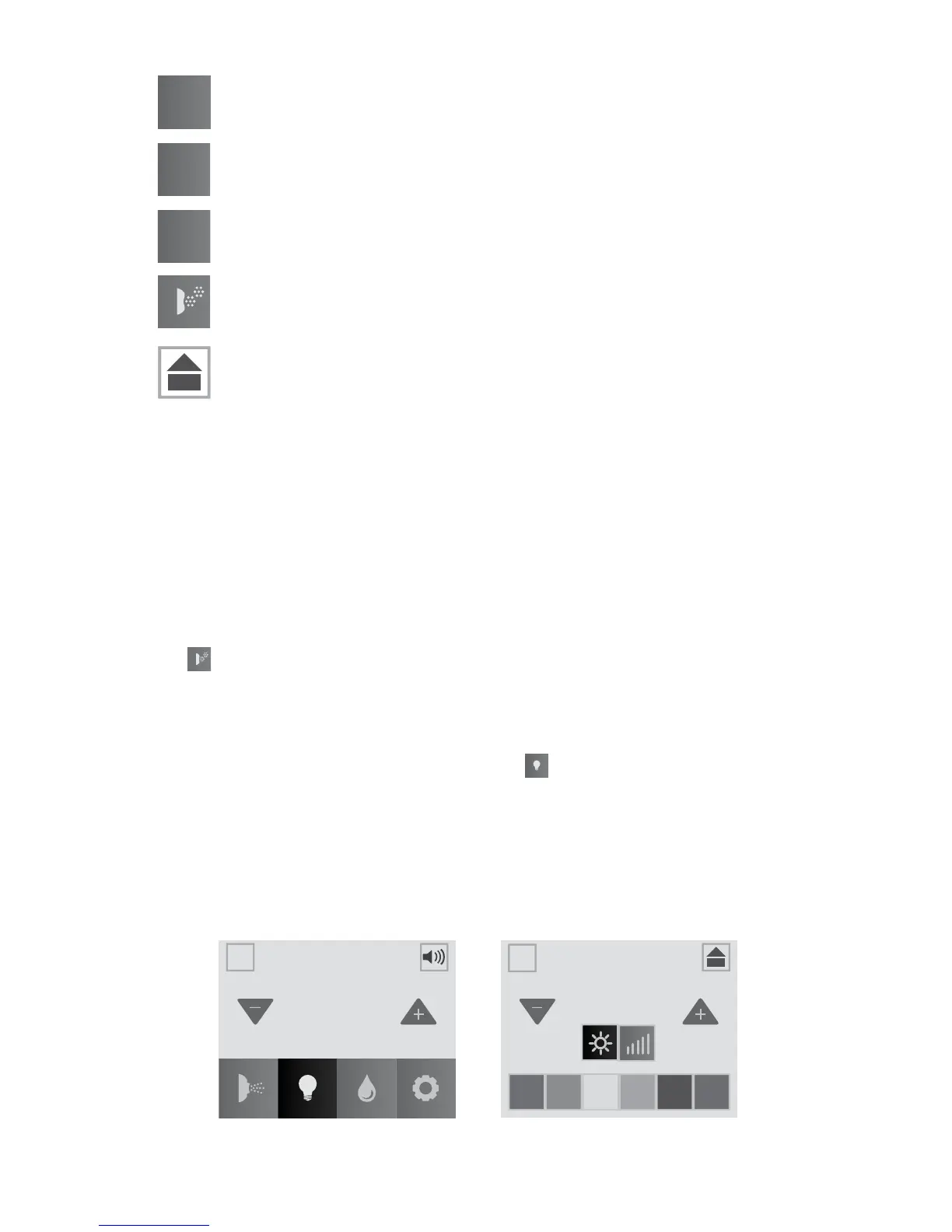
= Jets Pump 1 Button
= Jets Pump 2 Button (If applicable)
= Jets Pump 3 Button (If applicable)
= Blower Button
= Home Button: Tap to go back to the Home Menu.
A. Jets Pumps
1. Tap the Jets 1 button to turn the pump on and off.
2. Tap the Jets 2 button to turn the pump on and off.
3. Tap the Jets 3 button to turn the pump on and off.
Note: Anytime a pump has been manually turned on, it will automati-
cally turn off after approximately 20 minutes. If at this time you desire
more jet operation you may simply turn the pump(s) back on.
B. Air Injection
Tap to turn the blower on and off. The air blower forces air through the
injectors and Focus-Relief Jets. The blower automatically turns off after
20 minutes.
11.2 Lights Menu
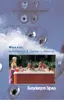
From the Home Menu, (Figure 11.2a), tap to enter the Light
submenus. The LCD screen will display the Light Submenu (Figure
11.2b). From this menu you can control the hot tub lighting. When you
enter the submenu the lights will turn on, if not on already, in a color-
blending mode.
Note: The lights automatically turn off after 2 hours. They can be reacti-
vated if needed.
1
2
3
LIGHTS
5
bright
speed
102
°
A
A
A
A
12:42PM
Figure 11.2a
Figure 11.2b



 To Next Page