Page 56
880 SERIES
12.2 Programming the Primary Filter
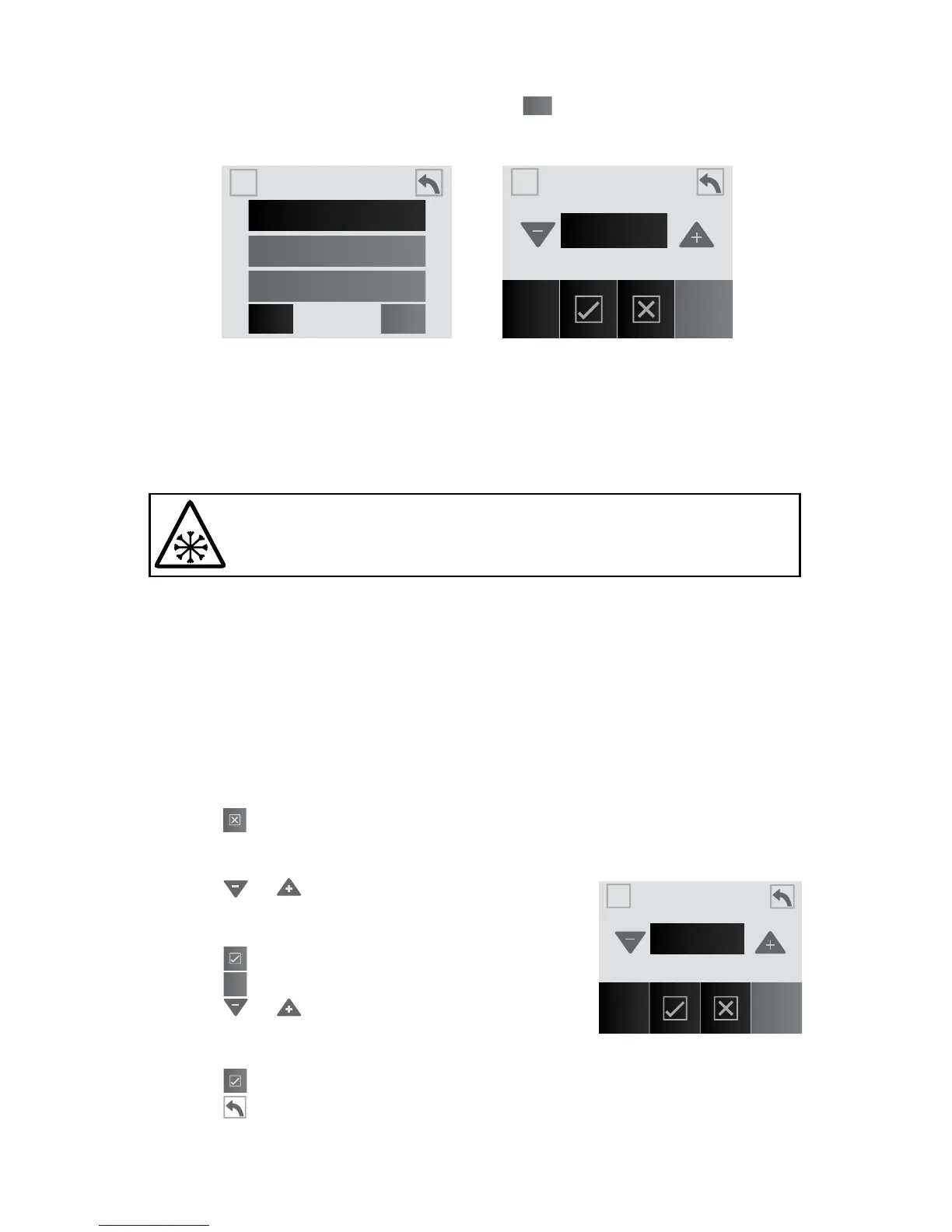
To access the “Primary Filter” feature, tap
1
from the Heat and Filter
menu, Figure 12.2a, to enter the “Primary Filter” programming, Figure
12.2.b.
During a primary ltration, the circulation pump, CLEARRAY and ozone
unit (if applicable) are activated. The factory default cycle starts at 12:00
AM and last for 8 hours. If you elect to keep this setting, then you can
skip this section.
In extreme bitter cold weather, where freezing can occur,
we recommend you program the circulation pump to run 24
hours. Refer to the “Winterizing” section on page 72.
Any time the circulation pump runs outside of a program cycle, e.g. for
heating, that run time will be deducted from the next primary lter cycle.
For example, the primary lter cycle is set to 8 hours every 24 hours but
the circulation pump comes on for 2 hours to heat the water after the
cycle has nished. The next primary lter cycle will only be for 6 hours
not 8 hours.
A. To change the default cycle:
When you enter the menu, certain icons will be highlighted, Figure 12.2c.
Note: If is pressed, in the middle of programming, it will clear the
changes made and revert to the prior programmed settings. This fea-
ture can be used to make corrections.
1. Tap or to change the hour in 1-hour
increments. To switch from “AM” to “PM” you
must round a 12-Hour period.
2. Tap to accept and save the change.
3. Tap
End
to program the end time for the cycle.
4. Tap or to change the hour in 1-hour
increments. To switch from “AM” to “PM” you
must round a 12-Hour period.
5. Tap to accept and save the change.
6. Tap
to return to the Heat and Filter Menu. Tap again to return to
the Settings Menu.
Figure 12.2a
Figure 12.2b
Heat & Filter
Auto
Economy
Day
1
2Filter
Primary Filter
PM
Start End
A
A
A
A
8:00
Figure 12.2c
Primary Filter
PM
Start End
A
A
8:00



 To Next Page