SunFounder PiCrawler Kit
After the program is running, you can activate PiCrawler through D-Pad.
How it works?
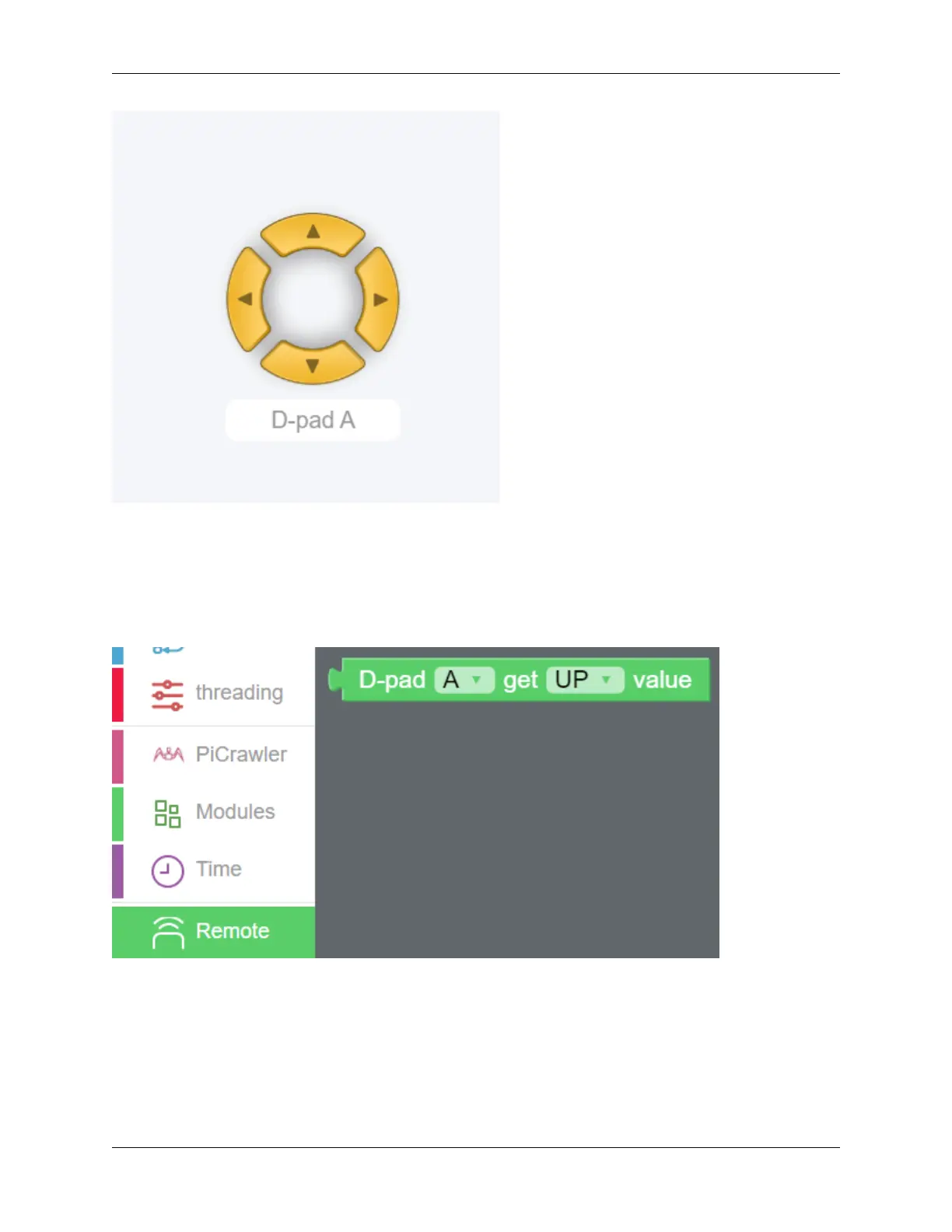
After dragging out the widget on the Remote Control interface, a category named Remote will appear in the block
categories column of the programming interface.
Here we add the D-Pad widget, so the D-Pad get value block appears here.
D-Pad can be regarded as a four-in-one button. You can choose which button to read in the second groove of the block.
When the button is pressed, the value is “1”; when the button is not pressed, the value is “0”.
4.5. Remote Control 97



 To Next Page