14
BUTTONPANELS
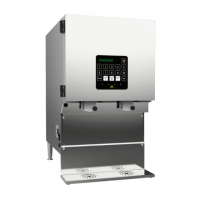
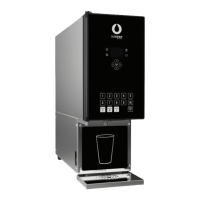
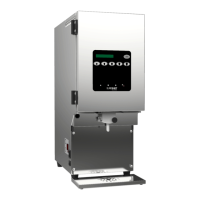
SureShotDispensingSystems®dispensersprovideproductwhenselectionbuttonsonthefront
doorofthedispenserarepushed.
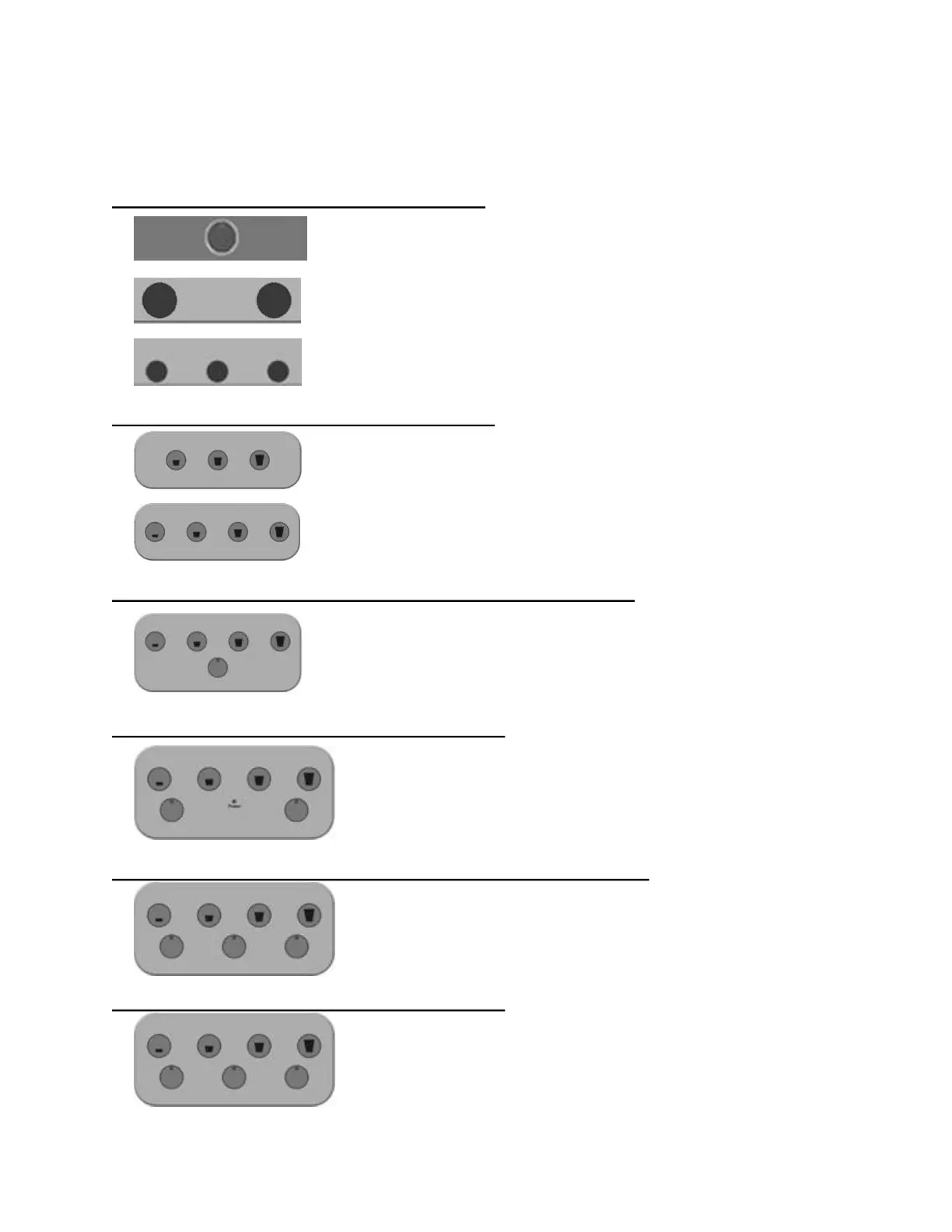
PortionControlledSelfServeDis pensers:
Pushbuttontodeliver1 productinspecifiedsize
Pushbuttontodeliver2 productsinspecifiedsize
Pushbuttontodeliveru pto3products,e.g.
wholemilk,cream,skimmilk
PortionControlledDispensers–1product:
Pushbuttontodispenseoneof3sizes:
small medium large
Pushbuttontodispenseoneof4sizes:
small medium large extralarge
PortionControlledDispensers–1productDualVolumes:
Pushbuttonstodispenseoneof4sizes:
1. TopRow:smallmediumlargeextralarge
ORPushbuttonstodispenseoneof4othersizes
1. Bottombutton,then
2. TopRow:smallmediumlargeextralarge
PortionControlledDispensers–2products:
1. BottomRow:SelectProducttobedispensed,e.g.whole
milk,cream
2. TopRow:small,medium,large,extralarge
PortionControlledDispensers–2products–DualVolumes:
1. BottomRow:SelectProducttobedispensed,e.g.whole
milk,cream
2. OPTIONALBottomCenterButtonfor4othersizes
3. TopRow:small,medium,large,extralarge
PortionControlledDispensers–3products:
1. BottomRow:SelectProducttobedispensed,e.g.whole
milk,skimmilk,cream
2. TopRow:small,medium,large,extralarge


 To Next Page
 Loading...