12
3. REMOTE MODE
Before starting any command with the Scan, regardless of the communication protocol chosen, the robot must
check that the “Remote Mode” is activated.
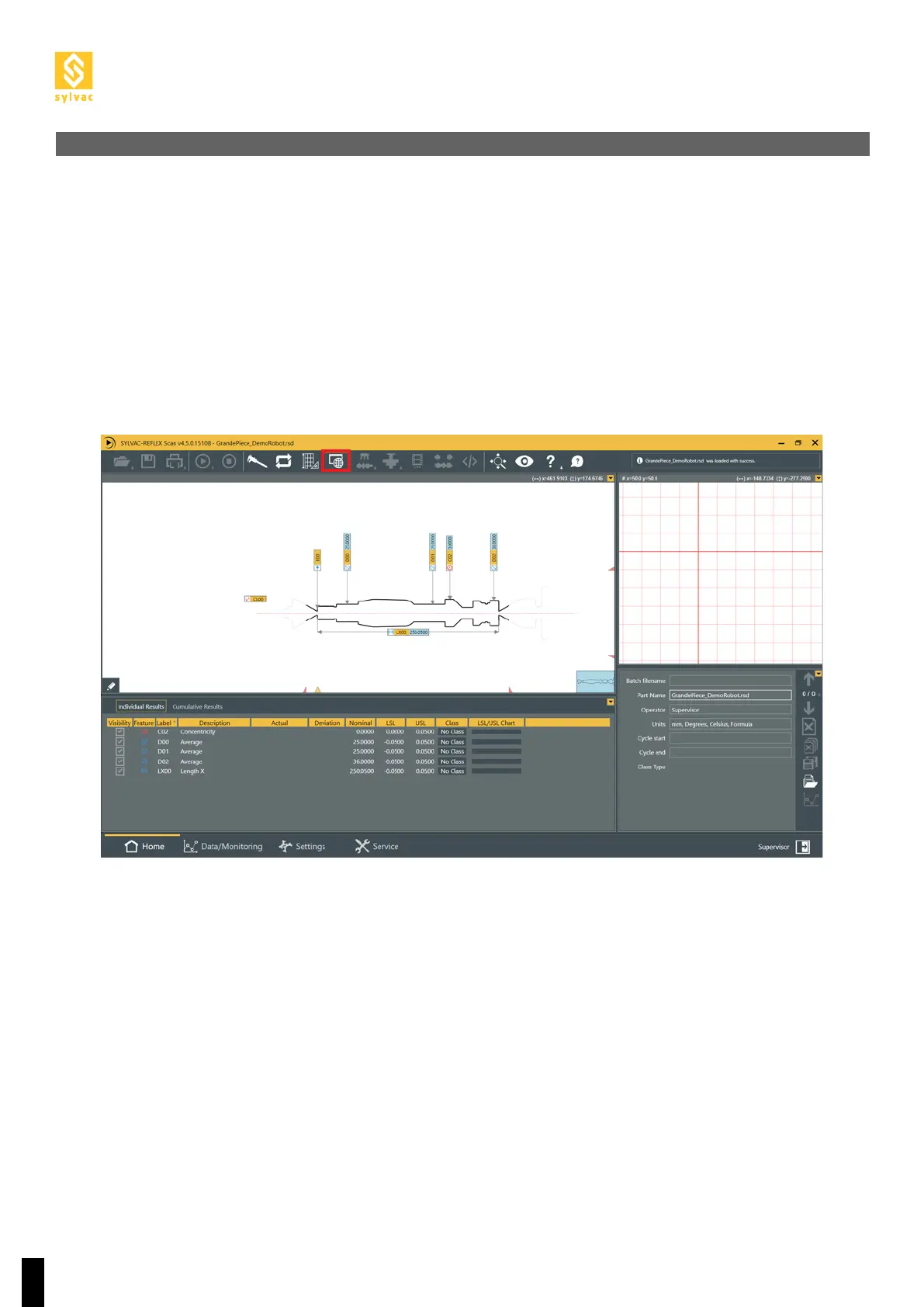
To activate the remote mode, go to the ReflexScan main screen (Home) and click the Remote Mode button.
The robot can also choose to send the “Remote Lock” command to lock ReflexScan in the remote control
mode.
3.1 Location of the Remote Mode button



 To Next Page