27
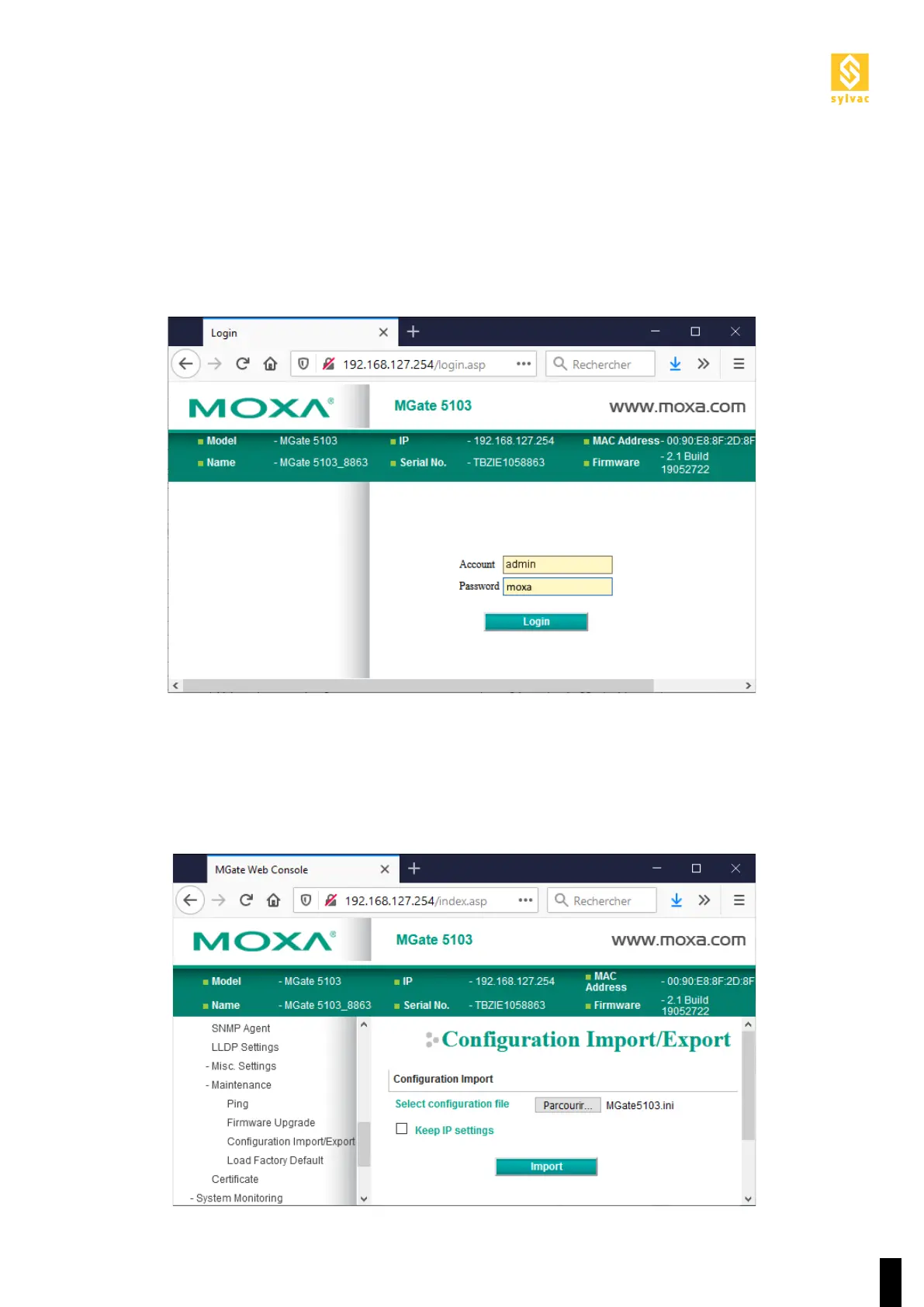
The gateway is configured via its web portal.
To set the gateway into ‘configuration’ mode, you must first switch it off, ensuring to disconnect all its Ethernet
cables. You must then wait about ten seconds for the ‘beep’ when the power is restored before reconnecting the
network cable between the gateway and the Scan computer.
The ‘MGate5103.ini’ configuration file can be loaded to the gateway via the menu shown below.
8.2. Gateway configuration



 To Next Page