13
4. PROGRAM MAPPING
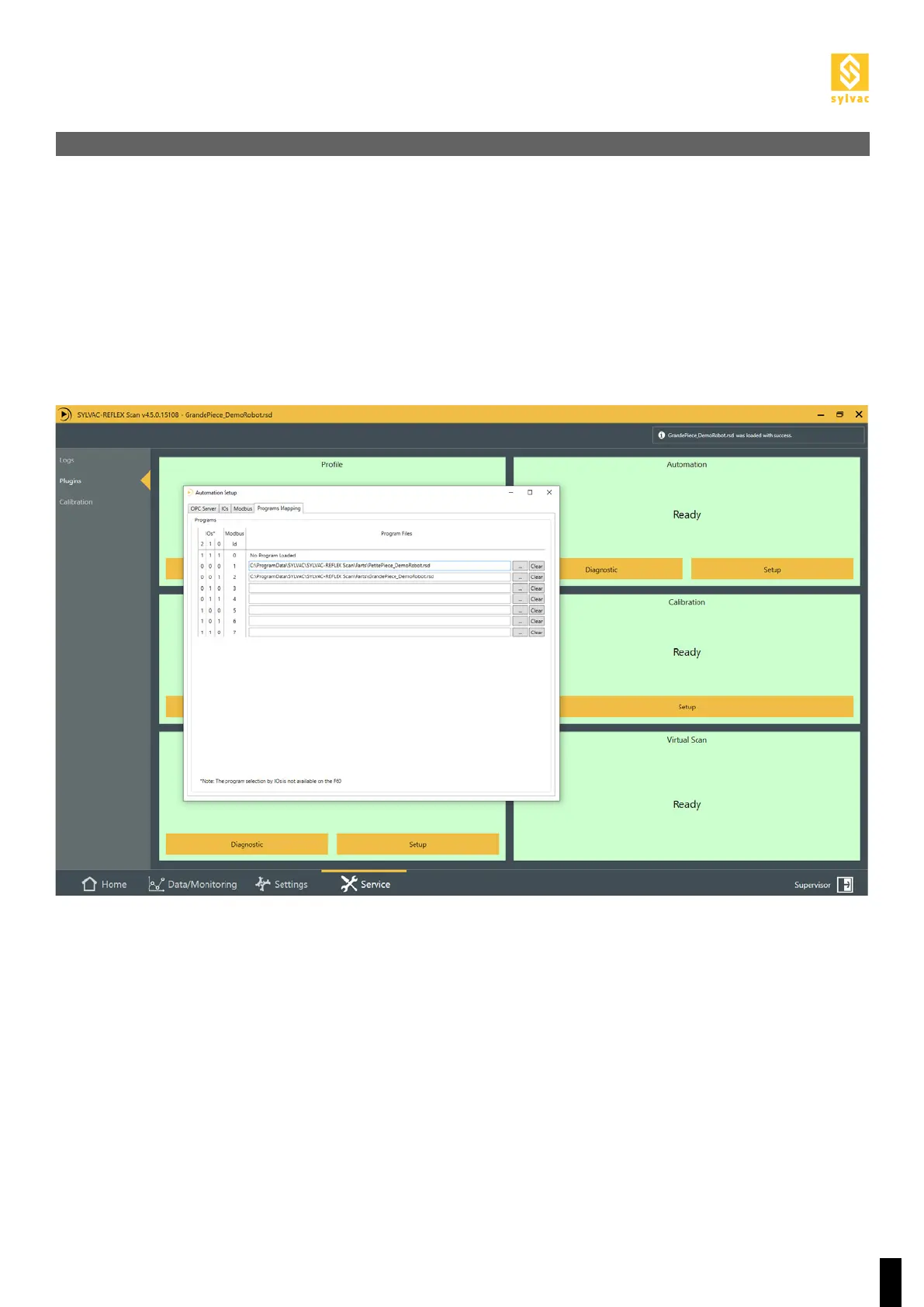
To be able to load programs from I/Os or Modbus, you have to assign them in the Setup of the «Automation»
plugin using the “Service->Plugin->Automation->Setup” menu, then in the “Programs Mapping” tab.
For the I/Os, each program can be assigned to a 3-bit binary code, allowing up to 7 programs, with code 111
indicating no active program.
For Modbus, each program can be assigned to an identifier from 1 to 7, with 0 indicating no active program.



 To Next Page