5
All occurrences of the word robot can be replaced by the word Automation where appropriate.
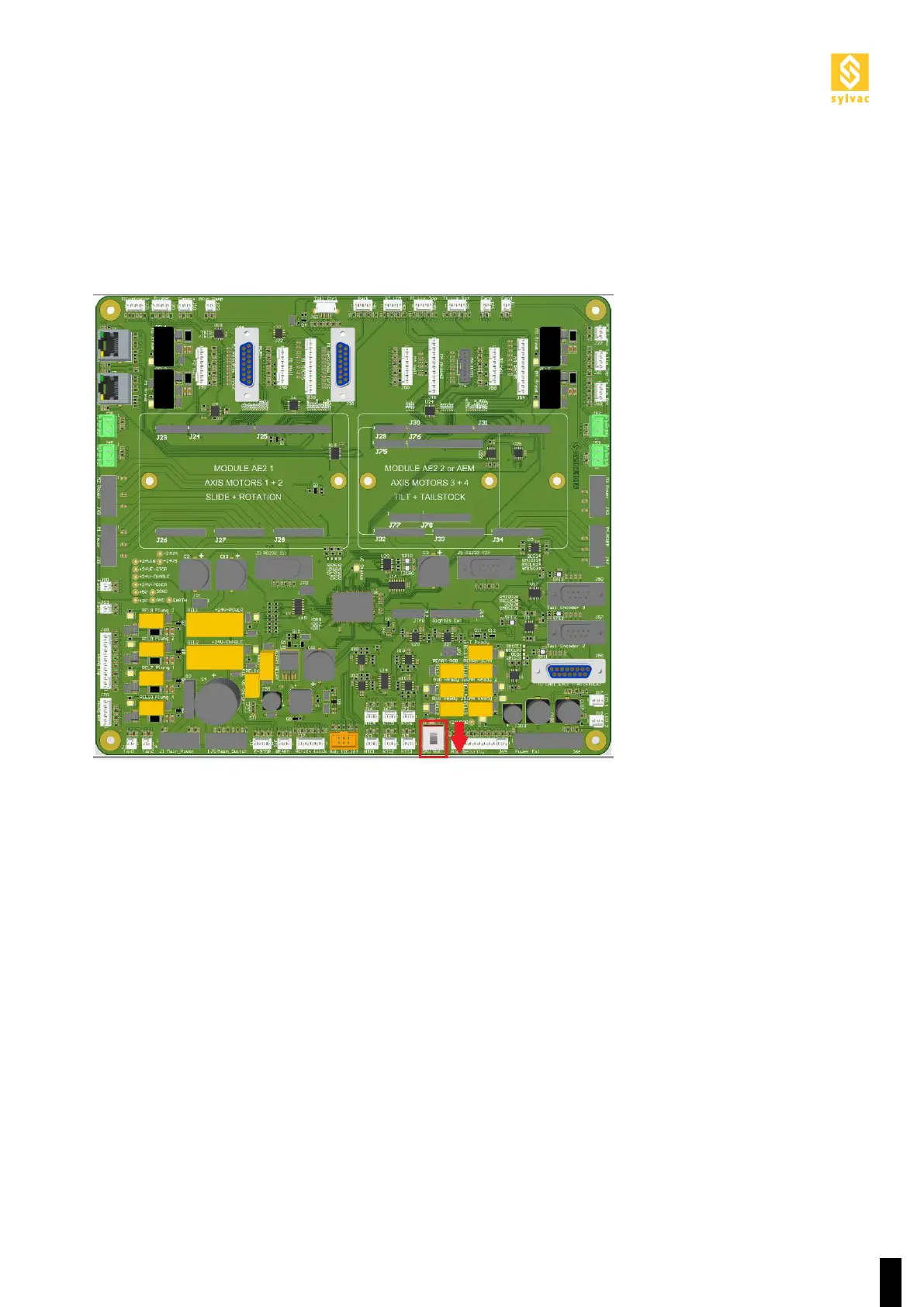
To use the machine in robot mode, move down the No Rob switch on the machine’s motherboard. This requires
removing the back cover of the machine.
2.2 Activating the robot mode
Now the Scan S25 is in fault mode, you must connect a robot to its D-SUB safety connector and carry out the
operations described in Section 2.5.



 To Next Page