Deployment Solution 204
Securing Deployment Solution
Domain Join Accounts
These accounts provide the privileges required to join computers to a domain during
configuration. You need a separate account for each domain in which you manage
computers.
Grant the rights recommended in the following table:
After these accounts are created in Active Directory, complete the following procedure to
add them using the Deployment Console.
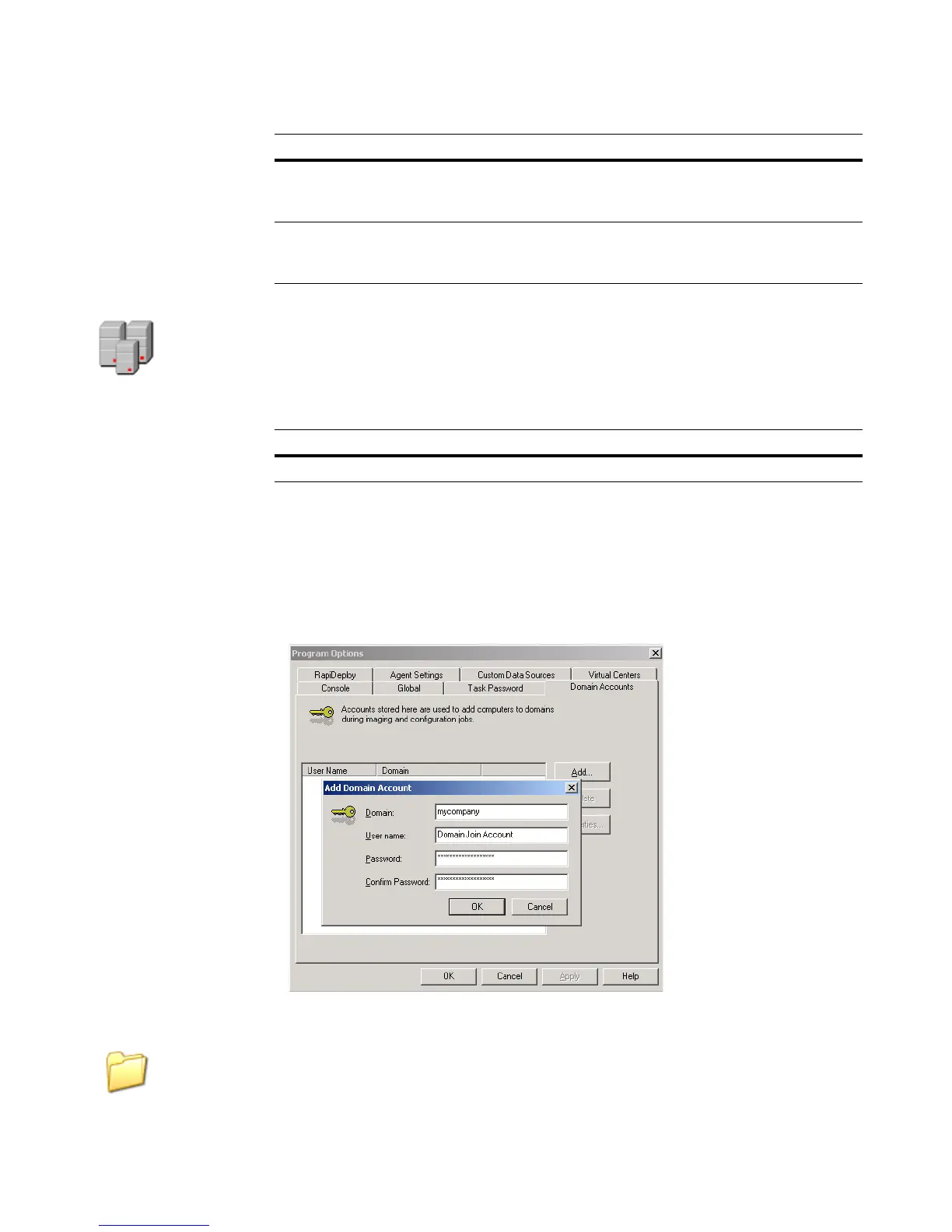
To add domain join accounts
1. In the Deployment Console, click Tools > Options > Domain Accounts.
2. Provide the accounts you created:
Deployment Share Read/Write Account
This account provides read/write access to the Deployment Share. This account is used
to access files in the automation environment, and optionally in some tasks if it is more
File System This account requires full control of your Deployment
Share, and does not require administrative privileges on
the computer hosting your Deployment Share.
Database This account requires the db_owner role on your
Deployment Database. See Part 3: Database Security
(page 207) for more information.
Rights Description
Domain Grant privileges to add computer to domain.
Rights Description




 To Next Page