Deployment Solution 31
Post-Installation Configuration
5. Click OK and verify that the change was successful.
Step 4: Configure Your Deployment System
The majority of tasks you perform in your Deployment System use the Deployment
Console.
To open the Deployment Console
1. Click Start > Programs > Altiris > Deployment Solution > Console.
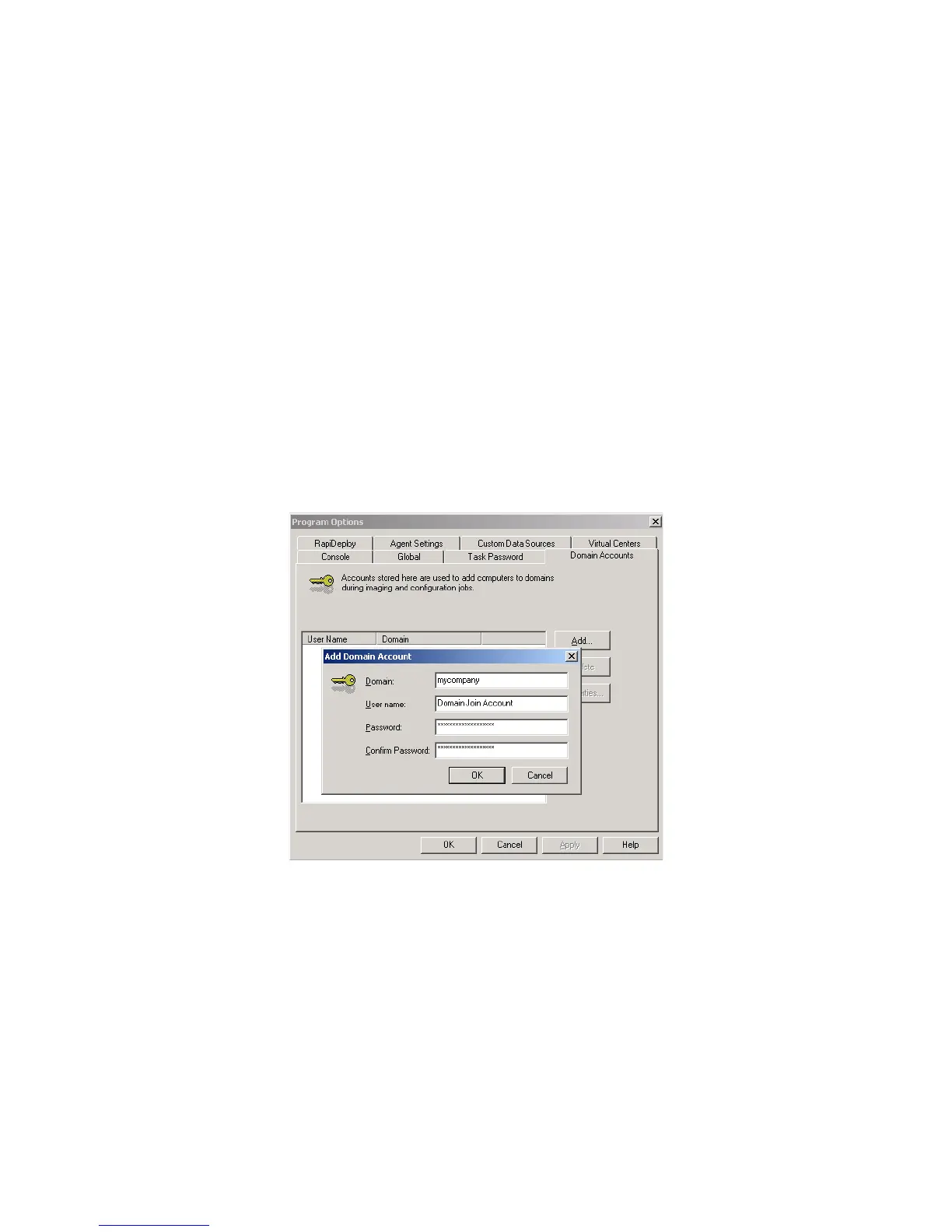
Add Your Domain Join Accounts
If you are using accounts to join computers to a domain you need to provide the account
credentials.
To add domain join accounts
1. In the Deployment Console, click Tools > Options > Domain Accounts.
2. Provide the accounts you created in Step 2: Create Domain Join and Deployment
Share Accounts (page 29).
Enable Security and Add Administrators
By default, the Deployment Console can be used on your Deployment Server by any
user who possesses rights to log in and run applications. This works well in situations
where you already have policies in place to control server access, and you have a group
of administrators who will have full access to deployment functionality.
If you want to provide more granular access to configuration options, jobs, and
computers, you can enable security.
To enable security
You must add at least one user or group to enable security.




 To Next Page